LinkedIn Pulse: How to Publish Articles in 2026
Learn how to publish LinkedIn Pulse articles, optimize for SEO and engagement, and use long-form content to build authority and attract inbound leads.

LinkedIn Pulse was LinkedIn's original publishing platform that gave professionals a blog-style way to share expertise. While the separate Pulse app was discontinued in 2017, the functionality lives on as LinkedIn's native article publishing feature—a powerful but underutilized tool for building authority.
Key Takeaways
- LinkedIn Pulse is now simply "Articles"—the name changed but the functionality remains within LinkedIn's publishing tools
- Articles can be up to 125,000 characters vs 3,000 for regular posts, allowing deep-dive content
- Articles are SEO-indexed by Google, creating discoverability beyond LinkedIn's feed
- Newsletters (built on the article infrastructure) send notifications to subscribers, dramatically increasing reach
What Is LinkedIn Pulse in 2026?
According to Waalaxy's guide, LinkedIn Pulse was originally a standalone news aggregation app launched in 2013 and acquired by LinkedIn. In 2017, LinkedIn phased out the separate app but absorbed its functionality into the main platform.
Want to Generate Consistent Inbound Leads from LinkedIn?
Get our complete LinkedIn Lead Generation Playbook used by B2B professionals to attract decision-makers without cold outreach.
No spam. Just proven strategies for B2B lead generation.
Today, "LinkedIn Pulse" refers to LinkedIn's native article publishing feature. When you click "Write article" on your homepage, you're using what was formerly Pulse—now simply called LinkedIn Articles.
Key Differences: Articles vs Posts
| Feature | LinkedIn Posts | LinkedIn Articles |
|---|---|---|
| Character Limit | 3,000 characters | 125,000 characters |
| Media Support | Images, documents, video | Full rich media + formatting |
| SEO Indexing | Limited | Full Google indexing |
| Shelf Life | 24-48 hours | Evergreen, searchable |
| Notifications | Feed only | Can trigger notifications via newsletters |
| Formatting | Basic | Full HTML-style formatting |
How to Publish a LinkedIn Article
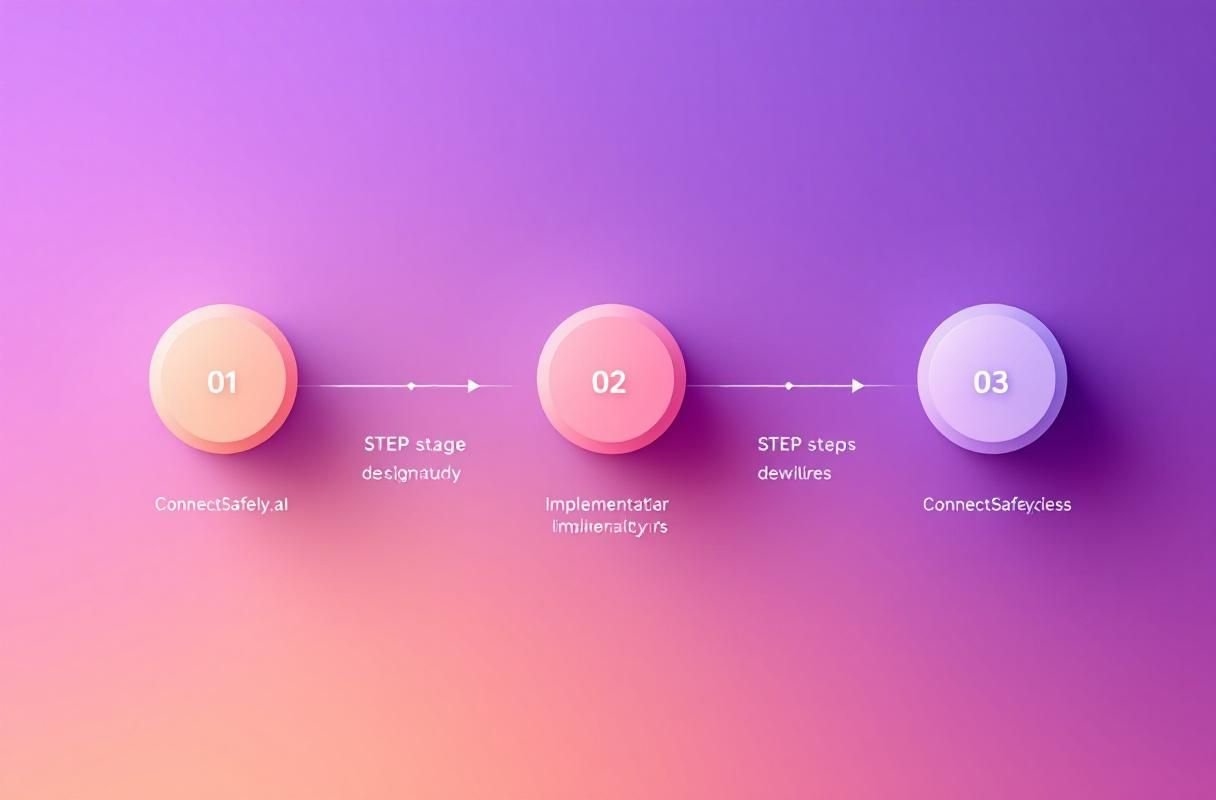
Publishing an article takes just a few minutes:
Step-by-Step Process
- Go to your LinkedIn homepage
- Click "Write article" under the post creation area (you may need to click "More" first)
- Add a headline (appears in search results)
- Write your content using the rich text editor
- Add images, videos, and formatting as needed
- Select up to 3 topic tags to help categorization
- Click "Publish"
Your article immediately appears on your profile and in connections' feeds. It also becomes indexable by Google within days.
Optimal Article Structure
According to HubSpot's publishing guide:
Headline: Clear, keyword-rich, compelling
Introduction: Hook + problem identification (100-150 words)
Body: 3-5 main sections with subheadings
Supporting media: 2-4 images throughout
Conclusion: Summary + call-to-action
Author bio: Brief expertise statement
Best Practices for LinkedIn Articles
1. Optimize for Search
Unlike regular posts, LinkedIn articles rank in Google search results. According to Neil Patel's analysis:
- Include target keywords in headline, first paragraph, and subheadings
- Use descriptive alt text for images
- Create evergreen content that remains relevant over time
- Link to your articles from other content to build authority
2. Choose the Right Length
OctopusCRM research recommends:
- Minimum: 700-1,000 words for credibility
- Optimal: 1,000-2,000 words for comprehensive coverage
- Maximum practical: 2,500 words before reader fatigue
The key is matching length to topic complexity—don't pad content artificially.
3. Publish at Strategic Times
According to Digital Coach:
- Best days: Tuesday through Thursday
- Best times: 8-10 AM or 5-7 PM in your audience's timezone
- Consistency: Weekly publishing builds momentum
4. Add Visual Elements
Articles with images receive significantly more engagement:
- Header image: Professional, relevant to topic
- Inline images: Break up text every 300-400 words
- Infographics: Summarize key data points
- Screenshots: Add credibility for tutorials
5. Leverage Topic Tags
You can add up to 3 tags when publishing. Choose tags that:
- Match your target audience's interests
- Have active follower communities
- Align with your content strategy
LinkedIn Articles vs LinkedIn Newsletters
While articles are powerful, LinkedIn Newsletters (which require Creator Mode) offer additional benefits:
| Feature | Articles | Newsletters |
|---|---|---|
| Subscriber Notifications | No | Yes—all subscribers notified |
| Subscription System | No | Yes—people can subscribe |
| Analytics | Basic | Enhanced subscriber data |
| Accessibility | Anyone | Requires Creator Mode |
| Recurring Format | Ad hoc | Series-based |
Recommendation: If you're publishing regularly, convert to a Newsletter format. The subscriber notification alone dramatically increases readership.
Content Ideas for LinkedIn Articles
Authority-Building Topics
- Industry trend analysis with your perspective
- Comprehensive how-to guides
- Original research or data analysis
- Career lessons and professional development
- Thought leadership on industry changes
Content That Performs Well
According to Dripify's guide:
- "Ultimate Guide" posts covering topics comprehensively
- Contrarian takes challenging conventional wisdom
- Personal stories with professional lessons
- Data-driven analysis with visual charts
- Predictions about industry futures
Topics to Avoid
- Overly promotional content about your services
- Generic advice available everywhere
- Topics outside your expertise area
- Controversial political/social commentary (unless relevant to your industry)
Measuring Article Performance
Key Metrics to Track
- Views: Total article opens
- Likes/Reactions: Engagement signal
- Comments: Discussion generated
- Shares: Amplification by readers
- Profile visits: Article-to-profile conversion
- Connection requests: Inbound interest generated
What Good Performance Looks Like
According to LiProspect:
| Metric | Average | Good | Excellent |
|---|---|---|---|
| Views (per article) | 200-500 | 500-2,000 | 2,000+ |
| Engagement rate | 1-2% | 3-5% | 5%+ |
| Comments | 5-10 | 15-30 | 30+ |
Common LinkedIn Article Mistakes
Publishing Infrequently
Sporadic publishing prevents momentum building. Even monthly consistency outperforms random posting.
Ignoring SEO Fundamentals
Articles are Google-indexed—treating them like casual posts wastes their search potential. Include keywords strategically.
No Call-to-Action
Every article should guide readers toward next steps:
- Subscribe to your newsletter
- Connect with you on LinkedIn
- Visit your website
- Comment with their perspective
Copying Blog Posts Directly
LinkedIn's audience expects native content. Repurposing blog content works, but adapt it for LinkedIn's professional context and add platform-specific value.
Integrating Articles Into Your LinkedIn Strategy
The Content Pyramid Approach
- Monthly article (cornerstone content)
- Weekly posts (promoting and expanding on article themes)
- Daily engagement (commenting, responding, building visibility)
Cross-Promotion Strategy
- Share article excerpts as regular posts
- Link to articles from comments on related discussions
- Feature your best articles on your profile
- Include article links in outreach messages when relevant
Driving Inbound Leads
Quality articles attract inbound leads by:
- Demonstrating expertise in your field
- Ranking for keywords your prospects search
- Building trust before any sales conversation
- Creating shareable assets that expand reach
How ConnectSafely.ai Supports Article Visibility
Publishing great articles is step one. Building visibility requires consistent engagement:
- Comment strategy that drives discussions on your articles
- Profile optimization ensuring article readers see your best content
- Engagement timing amplifying articles in their critical first hours
- Audience building growing connections who want your content
Frequently Asked Questions
Is LinkedIn Pulse the same as LinkedIn Articles?
Yes. "LinkedIn Pulse" was the original name for LinkedIn's publishing platform. After discontinuing the standalone Pulse app in 2017, LinkedIn integrated the functionality into the main platform as "Articles." The features are identical.
How long should a LinkedIn article be?
Optimal length is 1,000-2,000 words for comprehensive coverage. Minimum recommended length is 700 words for credibility. LinkedIn allows up to 125,000 characters, but reader engagement typically drops beyond 2,500 words.
Do LinkedIn articles show up on Google?
Yes. Unlike regular LinkedIn posts, articles are indexed by Google and can rank in search results. This makes SEO optimization important—include target keywords in headlines, subheadings, and throughout the content.
What's better: LinkedIn posts or articles?
Each serves different purposes. Posts (3,000 character limit) are better for regular engagement and feed presence. Articles (125,000 character limit) are better for comprehensive topics, SEO, and establishing deep expertise. A balanced strategy uses both.
How often should I publish LinkedIn articles?
Minimum recommended frequency is monthly for consistency. Weekly publishing builds stronger momentum. Quality matters more than frequency—one excellent article monthly outperforms mediocre weekly posts.
Can I edit a LinkedIn article after publishing?
Yes. You can edit published articles at any time by clicking the three dots menu on the article and selecting "Edit." Changes take effect immediately, though Google may take days to re-index updated content.
Ready to build authority through strategic content? Start your free trial and see how engagement amplifies your LinkedIn presence.
Leveraging LinkedIn Articles for Thought Leadership: Beyond Visibility
To truly harness the power of LinkedIn Articles for thought leadership, it's essential to move beyond mere visibility and focus on building a cohesive narrative that showcases your expertise. This involves creating a content strategy that weaves together multiple articles, each addressing a specific aspect of your niche, to demonstrate your depth of knowledge. A key aspect often overlooked is the importance of consistency in publishing. Regularly posting high-quality, engaging content helps to maintain a strong presence and keeps your audience engaged. However, it's also crucial to balance frequency with quality, ensuring that each article contributes meaningfully to your overall narrative. For instance, if you're aiming to establish yourself as a thought leader in digital marketing, your articles might cover topics such as the evolution of SEO, the impact of social media on brand awareness, and the future of content marketing. By doing so, you create a body of work that not only showcases your expertise but also provides valuable insights to your audience, positioning you as a go-to authority in your field.
Myth vs Reality: The True Impact of LinkedIn Articles on SEO
There's a common misconception that LinkedIn Articles have a negligible impact on SEO, with many believing that Google doesn't index these articles as thoroughly as other content. However, this myth doesn't hold up under scrutiny. In reality, LinkedIn Articles are indeed indexed by Google, and when optimized correctly, they can significantly improve your visibility in search engine results. The key lies in understanding how to optimize your articles for SEO. This includes using relevant keywords in your headline and throughout the content, ensuring your article is well-structured and easy to read, and including internal and external links to enhance credibility and provide additional value to readers. Moreover, because LinkedIn Articles can be up to 125,000 characters, they offer a unique opportunity to create comprehensive, long-form content that can outperform shorter blog posts in search engine rankings. By leveraging this capability and focusing on quality, you can harness the SEO potential of LinkedIn Articles to expand your reach beyond the LinkedIn platform.
Advanced Article Optimization Techniques for Maximum Engagement
For experienced marketers and thought leaders, simply publishing high-quality content is not enough; the goal is to maximize engagement and ensure that your articles resonate with your target audience. One advanced technique involves leveraging LinkedIn's newsletter feature, which allows you to send notifications to subscribers whenever you publish a new article. This not only increases the visibility of your content but also encourages engagement by prompting subscribers to read and interact with your latest work. Another strategy is to utilize LinkedIn's built-in analytics to understand how your audience is interacting with your content. By analyzing engagement metrics, such as views, likes, and comments, you can refine your content strategy, identifying topics and formats that resonate most with your audience. Furthermore, incorporating interactive elements, such as polls or questions, into your articles can significantly boost engagement, fostering a sense of community and encouraging readers to participate in discussions related to your content.
Navigating the Gray Areas: When Common Advice on LinkedIn Articles Backfires
While there's a plethora of advice available on how to optimize and leverage LinkedIn Articles, not all strategies are universally applicable, and some can even backfire depending on your specific context and goals. For instance, the common advice to keep articles concise and focused on a single key message can be detrimental if you're targeting a niche audience that values in-depth analysis and comprehensive insights. Similarly, the recommendation to post frequently can lead to burnout and a decrease in content quality if not managed carefully. It's essential to understand these nuances and be willing to challenge conventional wisdom when it doesn't align with your audience's needs or your brand's unique voice. By embracing an experimental approach and continuously assessing the effectiveness of your strategies, you can navigate the gray areas and develop a tailored approach to LinkedIn Article publishing that resonates with your audience and supports your thought leadership goals.
Edge Cases in LinkedIn Article Publishing: Strategies for Uncommon Scenarios
Every professional faces unique challenges and opportunities when it comes to publishing on LinkedIn, and understanding how to navigate edge cases can significantly enhance your strategy. For example, if you're transitioning between industries or roles, your LinkedIn Article strategy might need to adapt to reflect your new focus and audience. This could involve repurposing existing content, creating a series of articles that bridge your old and new areas of expertise, or even leveraging LinkedIn's article feature to tell the story of your career transition and the lessons you've learned. Another edge case is dealing with negative feedback or criticism in the comments section of your articles. Here, transparency and openness are key, as responding thoughtfully to criticism can not only mitigate potential damage but also demonstrate your commitment to dialogue and your willingness to learn and grow. By developing strategies for these uncommon scenarios, you can ensure that your LinkedIn Article publishing efforts remain resilient and effective, even in the face of unexpected challenges.
See How It Works
Watch how people get more LinkedIn leads with ConnectSafely




Related Articles