LinkedIn HubSpot Integration: Complete CRM Setup Guide 2026
Connect LinkedIn to HubSpot CRM with native integration, Sales Navigator sync, and Lead Gen Forms. Step-by-step setup guide with automation workflows.


Your LinkedIn leads are scattered across browser tabs while your HubSpot CRM sits empty. Every manual copy-paste costs you time—and warm prospects go cold while you're doing data entry. According to HubSpot's integration directory, connecting these platforms can save sales teams 5+ hours weekly.
Key Takeaways
- Native integration exists between HubSpot and LinkedIn Sales Navigator for Enterprise accounts
- LinkedIn Lead Gen Forms sync automatically to HubSpot via native connection or Zapier
- Browser extensions like Surfe enable one-click profile imports for any HubSpot tier
- Sales teams using integrated workflows see 23% higher contact rates and 40% faster lead response
Why Integrate LinkedIn with HubSpot?
LinkedIn is the primary platform for B2B prospecting—over 80% of B2B leads generated through social media come from LinkedIn. HubSpot is where those leads become deals. Without integration, you're operating two disconnected systems.
Want to Generate Consistent Inbound Leads from LinkedIn?
Get our complete LinkedIn Lead Generation Playbook used by B2B professionals to attract decision-makers without cold outreach.
No spam. Just proven strategies for B2B lead generation.
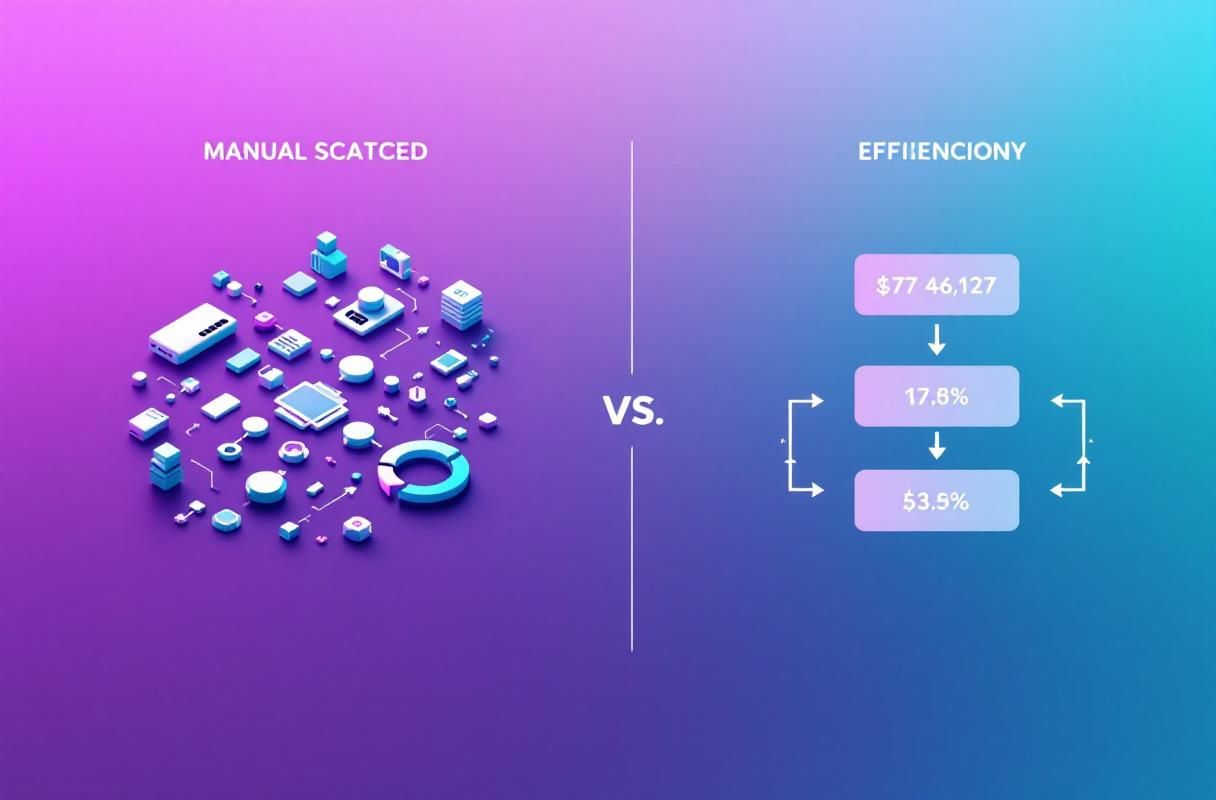
The Cost of Manual Data Entry
| Problem | Business Impact |
|---|---|
| Copy-paste errors | Wrong emails, lost opportunities |
| Delayed follow-up | Prospects go cold in 5 minutes |
| Incomplete profiles | Missing context for personalization |
| Duplicate contacts | Messy CRM, confused reps |
According to Salesforce research, reps spend only 28% of their time actually selling. Manual CRM updates are a major culprit.
HubSpot LinkedIn Integration Options
Option 1: Native LinkedIn Sales Navigator Integration
HubSpot offers a native integration with LinkedIn Sales Navigator that embeds prospect data directly into contact records.
Requirements:
- HubSpot Sales Hub Professional or Enterprise
- LinkedIn Sales Navigator Advanced or Advanced Plus
- Admin access to both platforms
What You Get:
| Feature | Capability |
|---|---|
| InMail from HubSpot | Send LinkedIn messages without switching tabs |
| Profile insights | See LinkedIn data on HubSpot contact records |
| Related leads | Discover connections at target companies |
| Activity sync | Log LinkedIn interactions in HubSpot timeline |
Setup Process:
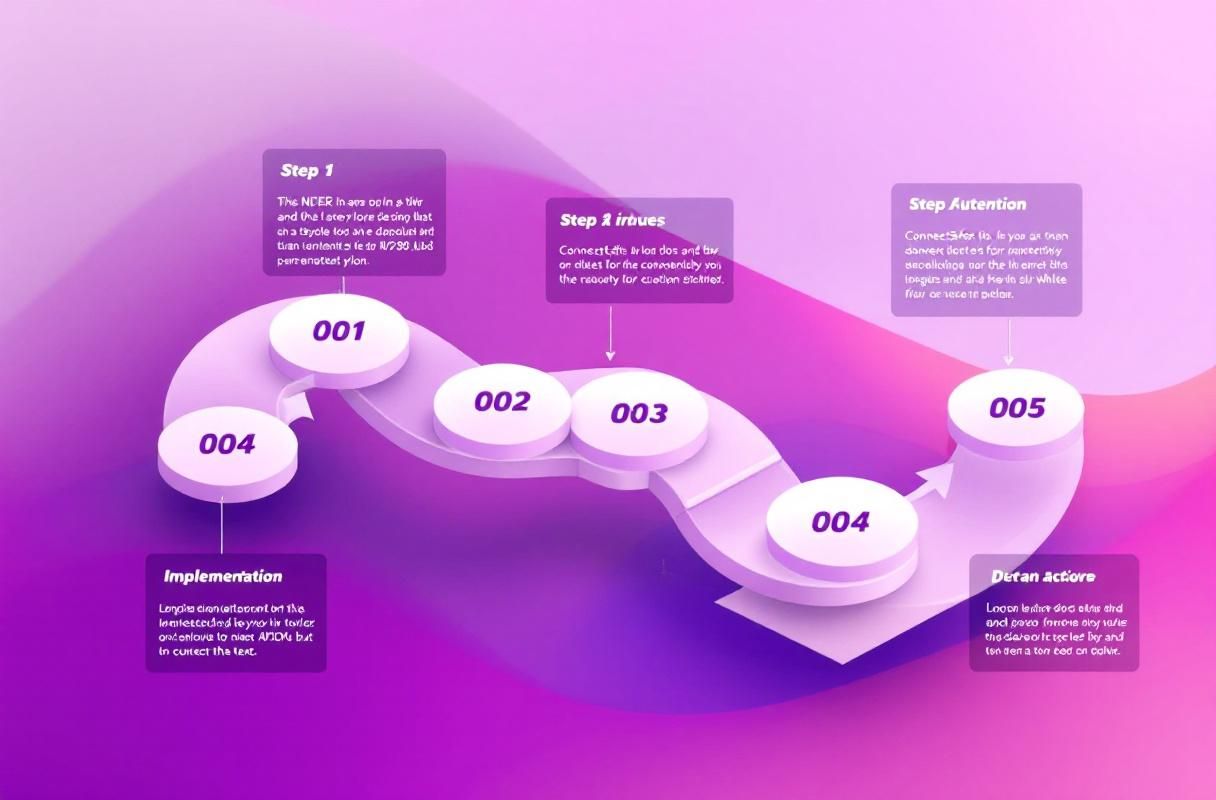
- Navigate to HubSpot Settings → Integrations → Connected Apps
- Search for "LinkedIn Sales Navigator"
- Click Connect and authorize with LinkedIn admin credentials
- Map your user seats (each rep needs both licenses)
- Configure sync preferences for contacts and companies
Option 2: LinkedIn Lead Gen Forms Integration
LinkedIn Lead Gen Forms capture prospect information with auto-filled data from their profiles. According to LinkedIn's documentation, these forms achieve 2-5x higher conversion rates than landing pages.
Native HubSpot Connection:
- In HubSpot, go to Marketing → Ads
- Connect your LinkedIn Ads account
- Create a new ad campaign with Lead Gen objective
- Select HubSpot form to map field data
- Leads auto-populate in HubSpot with full attribution
Zapier Alternative (for any HubSpot tier):
If you don't have Marketing Hub Professional, use Zapier to connect:
- Create new Zap: LinkedIn Lead Gen Forms → HubSpot
- Select trigger: "New Lead"
- Select action: "Create Contact" in HubSpot
- Map form fields to HubSpot contact properties
- Add secondary action: Create deal or enroll in workflow
Option 3: Browser Extensions
Browser extensions work with any HubSpot tier and don't require Sales Navigator.
Surfe (formerly Leadjet)
Surfe adds a HubSpot sidebar to LinkedIn profiles:
- One-click contact creation from any profile
- View HubSpot data while browsing LinkedIn
- Sync LinkedIn messages to contact timeline
- Find verified emails for contacts
Pricing: Free plan for 50 contacts/month; paid plans from $29/month
HubSpot Sales Extension
The HubSpot Sales Chrome extension doesn't directly integrate with LinkedIn but adds tracking to Gmail and Outlook emails sent to LinkedIn contacts.
What Most Guides Get Wrong About LinkedIn CRM Integration
Myth 1: "You need Sales Navigator for any integration"
False. Browser extensions like Surfe work with free LinkedIn accounts. Lead Gen Forms integrate without Sales Navigator. The native embed feature requires Sales Navigator, but it's not the only option.
Myth 2: "Integration replaces prospecting strategy"
Wrong. Integration streamlines data flow—it doesn't generate leads. You still need a LinkedIn inbound strategy that attracts prospects to you. Tools without strategy produce organized lists of people who won't respond.
Myth 3: "More data sync means better results"
Not necessarily. Syncing everything creates noise. Configure selective sync: import high-intent actions (Lead Gen Form submissions, InMail replies) automatically, but review bulk imports manually.
Step-by-Step: Connect LinkedIn Lead Gen Forms to HubSpot
This method works for any HubSpot tier and provides the highest-quality leads.
Step 1: Create LinkedIn Lead Gen Campaign
- Log into LinkedIn Campaign Manager
- Click "Create Campaign" → Select "Lead Generation" objective
- Define your target audience using LinkedIn's filters
- Create ad creative with compelling offer
- Build Lead Gen Form with relevant fields
Step 2: Connect to HubSpot
If you have Marketing Hub Professional:
- In HubSpot, go to Marketing → Ads → Connect account
- Select LinkedIn and authorize
- Your Lead Gen Forms will automatically sync
If using Zapier:
- Create account at Zapier
- New Zap → LinkedIn Lead Gen Forms trigger
- Select your form and campaign
- Action: HubSpot → Create Contact
- Map fields: Email, First Name, Last Name, Company, Title
- Add step: Create Deal (optional)
- Add step: Enroll in Workflow (optional)
Step 3: Set Up HubSpot Workflows
Automate follow-up based on lead source:
- Go to Automation → Workflows → Create workflow
- Trigger: Contact property "Lead Source" contains "LinkedIn"
- Action 1: Send immediate email (within 5 minutes)
- Action 2: Create task for sales rep
- Action 3: Add to sequence if no reply in 3 days
Why LinkedIn Inbound Authority Beats Manual Outreach
Integration tools are only as good as the leads they process. Sending connection requests to scraped lists fills your HubSpot with uninterested contacts.
The ConnectSafely inbound approach flips this: build authority through content and engagement so prospects come to you. When someone submits your Lead Gen Form because they've seen your expertise, they're already 80% qualified.
According to HubSpot's marketing statistics, inbound leads cost 61% less than outbound leads—and close at higher rates.
Inbound integration workflow:
- Prospect sees your LinkedIn content
- Engages with comments/shares
- Downloads your lead magnet via Lead Gen Form
- Auto-syncs to HubSpot with engagement history
- Sales rep reaches out with context
This creates conversations, not cold pitches.
Getting Started
- Choose your integration method based on HubSpot tier and budget
- Set up Lead Gen Forms for your highest-value content offers
- Build inbound authority so forms attract qualified prospects
- Configure workflows to respond within minutes, not hours
Start your ConnectSafely free trial to build the LinkedIn authority that makes every integration worth having.
Frequently Asked Questions
Does HubSpot integrate with LinkedIn natively?
Yes, HubSpot offers native integration with LinkedIn Sales Navigator for Sales Hub Professional and Enterprise users. This embeds LinkedIn data directly into contact records and enables InMail from HubSpot. For Lead Gen Forms, Marketing Hub Professional includes native sync. Other tiers can use Zapier or browser extensions like Surfe.
How do I sync LinkedIn leads to HubSpot automatically?
Use LinkedIn Lead Gen Forms with HubSpot's native ads integration (Marketing Hub Professional) or connect via Zapier. For manual profile imports, browser extensions like Surfe enable one-click contact creation while browsing LinkedIn.
Is LinkedIn Sales Navigator required for HubSpot integration?
No. Sales Navigator is required only for the native embed feature that shows LinkedIn data on HubSpot contact records. Lead Gen Forms integration, browser extensions, and Zapier workflows work without Sales Navigator.
What's the best LinkedIn HubSpot integration for small teams?
For small teams without Sales Navigator, use Surfe's free plan (50 contacts/month) for manual imports and Zapier for Lead Gen Form automation. This combination provides solid integration without enterprise pricing.
Can I track LinkedIn activity in HubSpot?
With Sales Navigator integration, LinkedIn InMail and connection requests are logged in HubSpot timeline. For broader tracking, use UTM parameters on LinkedIn content links to attribute website visits and form submissions to LinkedIn source.
Ready to generate LinkedIn leads worth integrating? Start your free trial and build the inbound authority that fills your HubSpot with qualified prospects.
Edge Cases in LinkedIn HubSpot Integration: Handling Duplicate Contacts and Merging Profiles
One of the most significant challenges in integrating LinkedIn with HubSpot is handling duplicate contacts. When you connect your LinkedIn account to HubSpot, it's not uncommon for duplicate contacts to appear, especially if you have multiple sources of contact information. For instance, if you have a contact who is connected to you on LinkedIn and also has a record in your HubSpot CRM, the integration may create a duplicate contact. To mitigate this, you can use HubSpot's built-in duplicate detection feature, which allows you to merge profiles and eliminate duplicates. However, this feature is not foolproof, and you may need to manually review and merge contacts to ensure data accuracy. Another edge case is handling contacts who have multiple LinkedIn profiles, such as a personal and professional profile. In this scenario, you'll need to decide which profile to prioritize and ensure that the correct information is synced to HubSpot. By understanding these edge cases and taking steps to address them, you can ensure a seamless integration and maintain data integrity.
Myth vs Reality: Debunking Common Misconceptions about LinkedIn HubSpot Integration
There are several common misconceptions about integrating LinkedIn with HubSpot that can lead to confusion and frustration. One of the most prevalent myths is that the integration is a set-it-and-forget-it solution. In reality, the integration requires ongoing maintenance and monitoring to ensure that data is syncing correctly and that duplicate contacts are not being created. Another myth is that the integration is only useful for sales teams. While sales teams can certainly benefit from the integration, it's also valuable for marketing and customer success teams, who can use the data and insights to inform their strategies and improve customer engagement. Finally, some people believe that the integration is only suitable for large enterprises. However, businesses of all sizes can benefit from the integration, as long as they have a clear understanding of their goals and objectives. By separating fact from fiction, you can make informed decisions about how to use the integration to drive business results.
Advanced-Level: Using LinkedIn HubSpot Integration to Create Custom Workflows and Automation
For advanced users, the LinkedIn HubSpot integration offers a range of possibilities for creating custom workflows and automation. By using HubSpot's workflow tool, you can create complex workflows that automate tasks such as lead assignment, follow-up emails, and data enrichment. For example, you can create a workflow that assigns leads to sales reps based on their location and industry, or that sends follow-up emails to leads who have engaged with your content on LinkedIn. You can also use the integration to automate data enrichment, such as updating contact records with fresh data from LinkedIn. To take it to the next level, you can use HubSpot's API to create custom integrations with other tools and platforms, such as Salesforce or Marketo. By leveraging the power of automation, you can streamline your workflows, reduce manual errors, and free up more time to focus on high-value activities such as strategy and customer engagement.
The Hidden Costs of Not Integrating LinkedIn with HubSpot: Opportunity Costs and Lost Productivity
While the benefits of integrating LinkedIn with HubSpot are well-documented, the costs of not integrating the two platforms are often overlooked. One of the most significant hidden costs is opportunity cost. By not integrating the two platforms, you may be missing out on valuable leads and sales opportunities. For example, if you're not syncing your LinkedIn leads with HubSpot, you may be losing track of potential customers who are engaging with your content on LinkedIn. Another hidden cost is lost productivity. By not automating tasks such as data entry and follow-up emails, you're wasting valuable time and resources that could be better spent on high-value activities such as strategy and customer engagement. Furthermore, the lack of integration can lead to data silos, where valuable information is trapped in one platform and not accessible to other teams. By understanding the hidden costs of not integrating LinkedIn with HubSpot, you can make a stronger case for investing in the integration and reap the benefits of a more streamlined and efficient workflow.
It Depends: When to Use Native Integration vs Zapier vs Browser Extensions for LinkedIn HubSpot Integration
When it comes to integrating LinkedIn with HubSpot, there are several options available, including native integration, Zapier, and browser extensions. The choice of which option to use depends on your specific needs and requirements. For example, if you have a HubSpot Sales Hub Professional or Enterprise account, you may want to use the native integration, which offers a range of features such as InMail from HubSpot and profile insights. On the other hand, if you're using a lower-tier HubSpot plan, you may want to use Zapier, which offers a range of pre-built integrations and workflows. Browser extensions such as Surfe are also a viable option, especially if you're looking for a simple and easy-to-use solution. However, it's worth noting that each option has its own limitations and drawbacks. For instance, the native integration may require admin access to both platforms, while Zapier may require additional setup and configuration. By understanding the pros and cons of each option, you can make an informed decision about which one is best for your business.
See How It Works
Watch how people get more LinkedIn leads with ConnectSafely




Related Articles