LinkedIn Post Types: Complete Guide to Every Format in 2026
Master every LinkedIn post type: text, images, carousels, videos, polls, newsletters, and documents. Learn which format drives the most engagement for you.

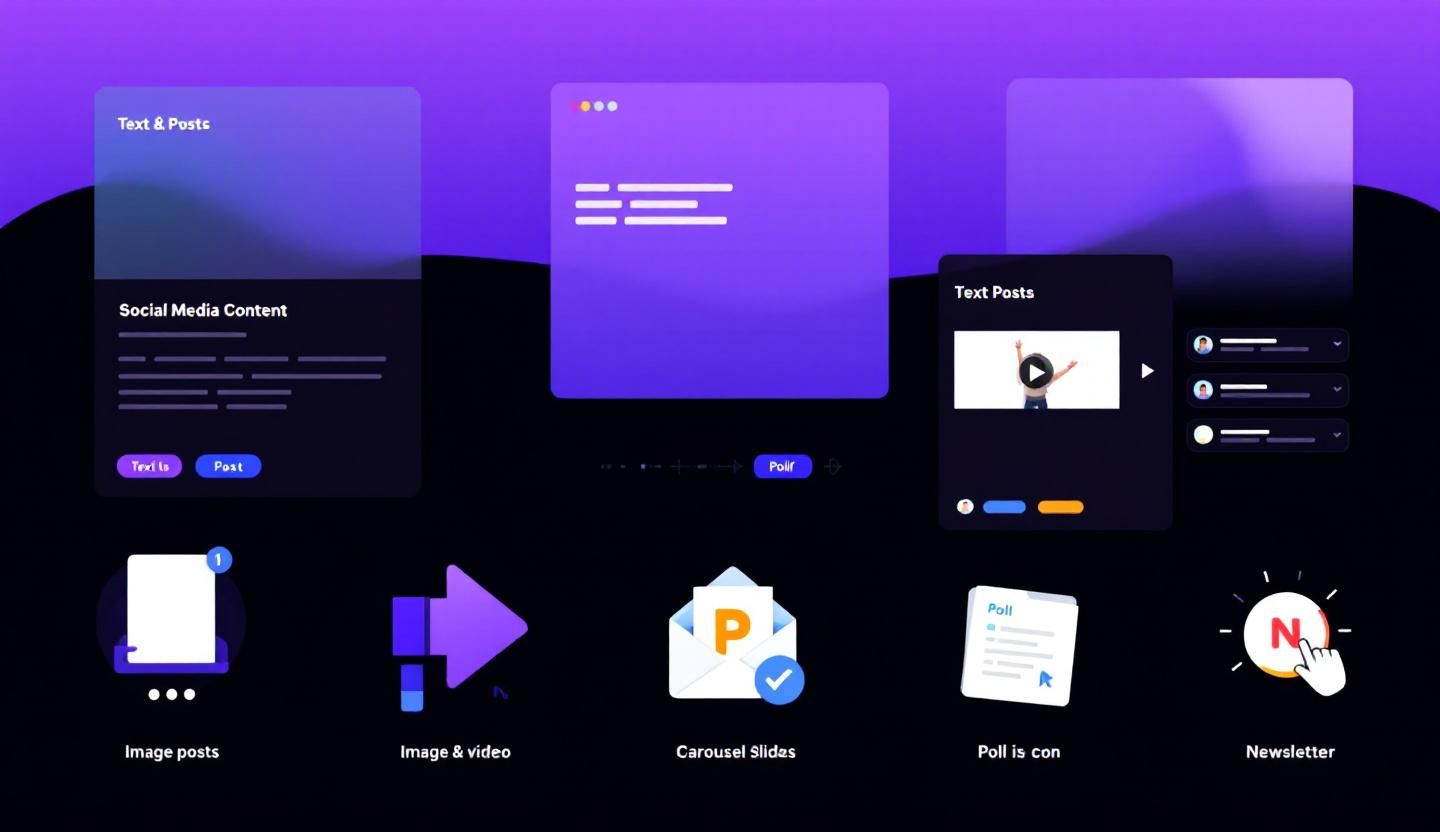
LinkedIn supports more content formats than most professionals realize. Each post type serves a different purpose — from starting conversations with text posts to building subscriber lists with newsletters. Choosing the right format for your message can significantly impact reach and engagement.
This guide breaks down every LinkedIn post type available in 2026, with format specifications, engagement benchmarks, and practical advice on when to use each one.
Want to Generate Consistent Inbound Leads from LinkedIn?
Get our complete LinkedIn Lead Generation Playbook used by B2B professionals to attract decision-makers without cold outreach.
No spam. Just proven strategies for B2B lead generation.
Key Takeaways
- Text-only posts consistently drive the highest engagement relative to effort because they feel conversational and the algorithm favors them for dwell time.
- Carousel (document) posts generate the most saves and shares because they deliver high-value information in a swipeable format.
- Native video outperforms linked video — uploading directly to LinkedIn gets significantly more reach than sharing YouTube or Vimeo links.
- Polls drive engagement volume but not depth — useful for research and visibility, less useful for building authority.
- The format matters less than the value — a compelling text post will outperform a polished carousel with weak content every time.
- Mix formats strategically — use 3-4 different post types per week to keep your audience engaged and test what resonates.
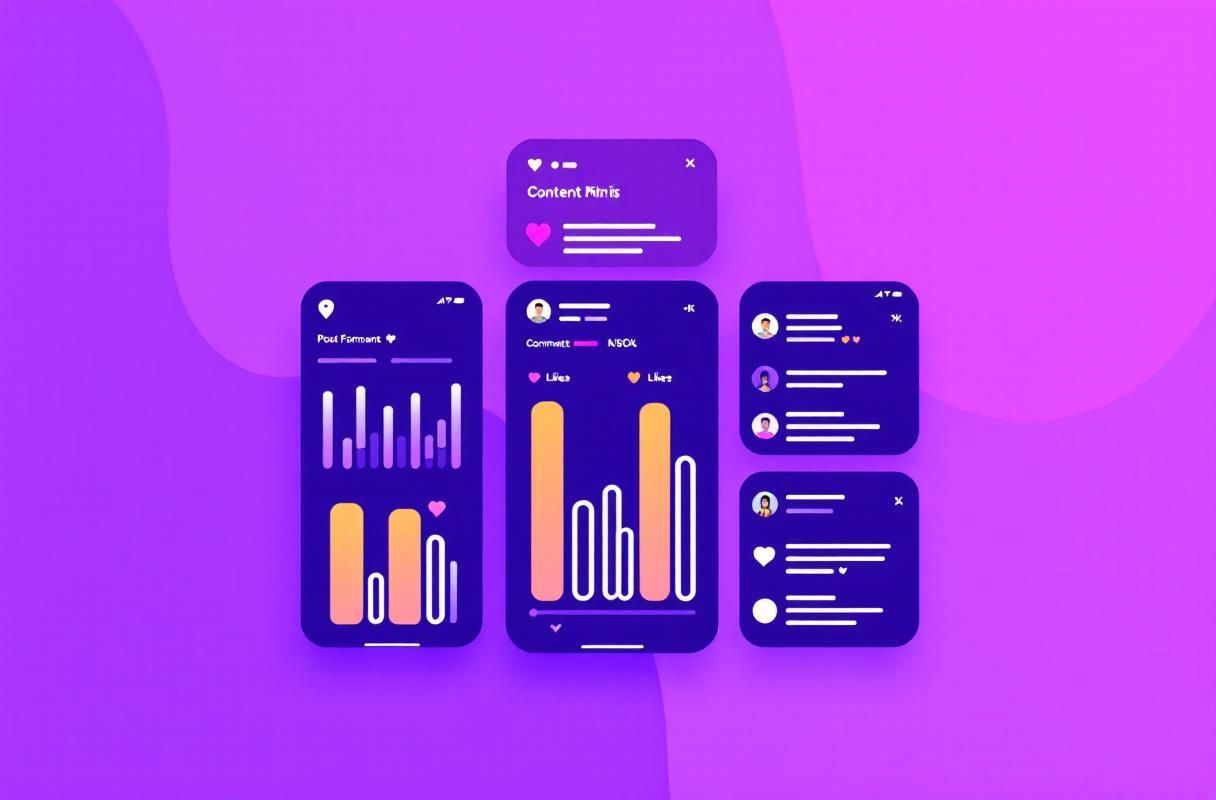
Complete LinkedIn Post Types Overview
1. Text-Only Posts
Text posts are the simplest format and often the most effective. They appear as pure text in the feed without any media attachments.
Specifications:
- Character limit: 3,000 characters
- First 210 characters visible before "see more"
- No media required
Best for: Hot takes, personal stories, industry opinions, frameworks, lessons learned, and conversation starters.
Optimization tips:
- Front-load your hook in the first two lines — this determines whether people click "see more"
- Use line breaks and white space for readability
- End with a question or call to engage
- Avoid external links in text posts (LinkedIn deprioritizes posts with outbound links)
2. Single Image Posts
A text post paired with one image. The image appears below the text in the feed.
Specifications:
- Recommended image size: 1200 x 1200px (square) or 1200 x 628px (landscape)
- Supported formats: JPG, PNG, GIF
- Maximum file size: 10MB
Best for: Infographics, quote graphics, data visualizations, screenshots, and behind-the-scenes photos.
Optimization tips:
- Use images that stop the scroll — bold colors, clear text, and simple compositions
- Include alt text for accessibility and SEO
- Pair with a strong text hook that complements (not repeats) the image content
3. Multi-Image Posts (Photo Galleries)
Posts with 2-9 images displayed in a gallery layout.
Specifications:
- Up to 9 images per post
- Same size recommendations as single image
- Gallery displays in grid format (2-up for 2 images, collage for 3+)
Best for: Event recaps, before/after comparisons, team introductions, product showcases, and visual storytelling.
Optimization tips:
- Use exactly 3-4 images for optimal feed display
- Ensure the first image is the strongest — it gets the most visibility
- Tell a visual story that encourages swiping through all images
4. Carousel (Document) Posts
PDF or PowerPoint files uploaded as swipeable slide decks. This is one of LinkedIn's highest-engagement formats.
Specifications:
- Upload as PDF, PPT, or PPTX
- Up to 300 slides (practical limit: 8-15 slides)
- Recommended slide size: 1080 x 1080px (square) or 1080 x 1350px (portrait)
- Maximum file size: 100MB
Best for: Tutorials, frameworks, step-by-step guides, listicles, educational content, and repurposed blog content.
Optimization tips:
- Design the first slide as a cover that hooks viewers — treat it like a book cover
- Keep text large and readable on mobile (minimum 24pt font)
- Include a CTA on the final slide (follow, comment, visit profile)
- Aim for 8-12 slides — enough to deliver value without losing attention
- See our complete carousel guide for detailed design tips
5. Native Video Posts
Video uploaded directly to LinkedIn. Native video receives significantly more reach than linked video from external platforms.
Specifications:
- Duration: 3 seconds to 10 minutes (15 minutes for some accounts)
- Recommended resolution: 1080 x 1080px (square) or 1080 x 1920px (vertical)
- Supported formats: MP4, MOV
- Maximum file size: 5GB
- Captions: auto-generated (can be edited)
Best for: Talking-head insights, quick tutorials, product demos, event highlights, and behind-the-scenes content.
Optimization tips:
- Hook viewers in the first 3 seconds — most viewers decide to watch or scroll immediately
- Keep videos under 90 seconds for maximum completion rates
- Always include captions — most LinkedIn users browse with sound off
- Vertical video (9:16) performs well on mobile feeds
- Upload natively to LinkedIn — never paste YouTube links as your primary format
6. LinkedIn Live
Real-time video broadcasting to your network and followers.
Specifications:
- Requires LinkedIn Live access (available to most accounts with 150+ followers)
- No time limit
- Requires third-party streaming tool (StreamYard, Restream, OBS)
- Attendees can react and comment in real-time
Best for: Q&A sessions, product launches, interviews, panel discussions, and community events.
Optimization tips:
- Promote your live event 3-7 days in advance using LinkedIn Events
- Start 2-3 minutes before the scheduled time to allow viewers to join
- Engage with comments in real-time — this boosts visibility and retention
- Repurpose the recording as a regular video post afterward
7. Polls
Interactive polls with 2-4 answer options that run for 1 day, 3 days, 1 week, or 2 weeks.
Specifications:
- 2-4 answer options
- 30 characters per option
- Duration: 1 day, 3 days, 1 week, or 2 weeks
- Up to 3,000 characters for accompanying text
Best for: Audience research, conversation starters, industry benchmarking, and increasing engagement metrics.
Optimization tips:
- Make answer options genuinely interesting — avoid obvious choices
- Use the text caption to provide context and ask people to explain their vote in comments
- Share results and insights after the poll closes — this creates a follow-up content piece
- Limit polls to once per week to avoid poll fatigue
8. Articles (Long-Form Content)
LinkedIn's built-in blogging platform for publishing long-form articles.
Specifications:
- No character limit (practically 100,000+ characters)
- Supports images, embedded video, and basic formatting
- Indexed by Google for SEO
- Published under "Articles" tab on your profile
Best for: In-depth guides, thought leadership, industry analysis, and SEO-driven content.
Optimization tips:
- Use a compelling headline and featured image
- Structure with H2 and H3 headings for scannability
- Include a clear author bio and CTA at the end
- Promote your article with a regular post — articles do not automatically appear in the feed as prominently as regular posts
9. Newsletters
Recurring content series that followers can subscribe to. Subscribers receive email and in-app notifications for each edition.
Specifications:
- Requires turning on Creator Mode (or meeting eligibility criteria)
- Same editor as LinkedIn Articles
- Subscribers get push notifications and email alerts
- Published on a regular schedule (weekly, biweekly, or monthly)
Best for: Building a subscriber base, establishing thought leadership, maintaining consistent audience contact, and creating a content asset.
Optimization tips:
- Choose a specific, niche topic for your newsletter — broad topics attract fewer subscribers
- Publish on a consistent schedule — subscribers expect regularity
- Promote each edition with a companion feed post
- Include actionable takeaways in every edition
10. Events
Virtual or in-person event listings that appear in the feed and allow RSVPs.
Specifications:
- Supports online (LinkedIn Live, external link) and in-person events
- RSVP tracking with attendee lists
- Event page with description, speakers, and schedule
- Attendees get reminder notifications
Best for: Webinars, workshops, meetups, product launches, and community events.
11. Celebration Posts
Pre-formatted posts for milestones like work anniversaries, new positions, and project completions.
Specifications:
- Template-based with customizable text
- Categories include: work anniversary, new position, new project, birthday, and more
- Automatically tagged with a celebration banner
Best for: Humanizing your professional presence and generating engagement from your network.
Post Type Comparison Table
| Post Type | Character Limit | Engagement Level | Best For | Effort Level |
|---|---|---|---|---|
| Text-only | 3,000 | High | Opinions, stories, hooks | Low |
| Single Image | 3,000 + image | Medium-High | Infographics, data visuals | Medium |
| Multi-Image | 3,000 + 9 images | Medium | Event recaps, showcases | Medium |
| Carousel/Doc | 3,000 + PDF | Very High | Tutorials, frameworks | High |
| Native Video | 3,000 + video | High | Tutorials, talking head | High |
| LinkedIn Live | N/A | Very High | Q&A, interviews, panels | Very High |
| Polls | 3,000 + poll | High (volume) | Research, conversation | Low |
| Articles | Unlimited | Medium | SEO, deep dives | Very High |
| Newsletters | Unlimited | High (subscribers) | Audience building | Very High |
| Events | N/A | Medium | Webinars, meetups | Medium |
| Celebration | Template | Low-Medium | Milestones | Very Low |
What Most Guides Get Wrong About Post Types
Most guides rank post types by engagement and tell you to only use the top-performing format. This is bad advice for two reasons.
First, LinkedIn's algorithm rewards variety. Accounts that use multiple formats get broader distribution than accounts that post the same format repeatedly. If you only post carousels, LinkedIn will eventually show them to fewer people.
Second, engagement metrics do not equal business results. A poll might get 500 votes but zero leads. A text post with 50 likes might generate three inbound conversations with qualified prospects. The post type that works best is the one that drives meaningful interactions with your target audience.
When we tested content format variety across ConnectSafely user accounts, professionals who used 3-4 different formats per week saw higher overall engagement than those who stuck to one format — even when that single format was carousels.
How to Choose the Right Post Type
Match your post type to your goal:
- Brand awareness: Text posts, carousels, and native video for maximum reach
- Lead generation: Text posts with engagement hooks, carousels with actionable frameworks
- Audience building: Newsletters and LinkedIn Live for subscriber growth
- Authority building: Articles, carousels, and video for demonstrating expertise
- Community engagement: Polls, celebration posts, and events for interaction
The best LinkedIn content strategy combines multiple formats. Post 3-5 times per week using different types to keep your audience engaged and test what resonates with your specific audience.
Beyond Content: Converting Engagement Into Leads
Creating great content is step one. The missing piece for most professionals is converting that engagement into actual business conversations. A post that gets 100 comments is worthless if you never respond to or engage with those commenters.
ConnectSafely bridges this gap by helping you engage authentically with people who interact with your content and your prospects' content. Instead of just publishing and hoping, you build relationships through consistent, genuine engagement that leads to inbound opportunities.
Frequently Asked Questions
What is the best LinkedIn post type for engagement?
Text-only posts and carousel (document) posts consistently drive the highest engagement on LinkedIn. Text posts generate comments and conversations, while carousels generate saves and shares. The best approach is mixing both formats throughout your week.
How many characters can a LinkedIn post be?
LinkedIn posts have a 3,000-character limit for regular feed posts. LinkedIn Articles have no practical character limit. The first 210 characters appear before the "see more" truncation, making your opening hook critical.
Do LinkedIn carousel posts get more reach?
Carousel posts (uploaded as PDFs) typically receive higher reach than static image posts because they increase dwell time — LinkedIn rewards content that keeps people on the platform longer. However, a strong text post can outperform a weak carousel.
Should I post videos on LinkedIn?
Yes, but upload them natively to LinkedIn rather than sharing YouTube links. Native video receives significantly more reach in the algorithm. Keep videos under 90 seconds, include captions, and hook viewers in the first 3 seconds.
How often should I use polls on LinkedIn?
Limit polls to once per week. While polls generate high engagement numbers, overusing them can annoy your audience and the algorithm may reduce distribution. Always pair a poll with context in the caption and follow up with a results post.
What post types does LinkedIn's algorithm prefer?
LinkedIn's algorithm does not publicly favor specific post types, but content that generates dwell time (carousels, video), conversation (text posts with questions), and saves tends to perform best. The algorithm rewards engagement velocity — how quickly your post receives interactions after publishing.
Leveraging LinkedIn Post Formats for Crisis Communications
In times of crisis, choosing the right LinkedIn post format can be crucial for managing reputation, communicating with stakeholders, and mitigating potential fallout. While most guides focus on using LinkedIn for promotional or engagement-driven content, the platform can also be a powerful tool for crisis communications. For instance, a text-only post can be effective for issuing a rapid response or apology, as it allows for a straightforward and personal message. On the other hand, a carousel post can be used to provide more detailed information, such as FAQs, updates, or explanations, in a clear and easily digestible format. However, it's essential to consider the tone and audience when selecting a post format during a crisis. A video post, for example, may come across as insensitive or overly produced if not executed carefully. Ultimately, the key to successful crisis communications on LinkedIn is to be transparent, empathetic, and genuine in your messaging, regardless of the post format you choose.
The Intersection of LinkedIn Post Formats and Employee Advocacy
Employee advocacy is a critical component of any successful LinkedIn marketing strategy, and post formats play a significant role in encouraging and enabling employee engagement. While many companies focus on creating polished, corporate content, employee-generated content can be a game-changer for building authenticity and reach. By leveraging post formats like text-only posts, single image posts, or even polls, employees can share their personal perspectives, experiences, and insights, providing a unique window into the company culture and values. Moreover, employee-generated content can help to humanize the brand, making it more relatable and accessible to potential customers and partners. However, it's crucial to establish clear guidelines and training for employees to ensure that their posts align with the company's overall messaging and branding. Additionally, companies should consider incentivizing employee engagement, such as through recognition programs or rewards, to encourage a culture of advocacy and sharing.
Myth vs Reality: Debunking Common Misconceptions About LinkedIn Post Formats
One of the most common misconceptions about LinkedIn post formats is that video content is always the most engaging. While video can be an effective way to capture attention and convey complex information, it's not always the best choice for every audience or message. In fact, text-only posts can be just as engaging, if not more so, when done well. Another myth is that LinkedIn's algorithm favors posts with large amounts of engagement, such as likes and comments. While engagement is certainly important, the algorithm also takes into account factors like dwell time, click-through rates, and content quality. Furthermore, many marketers believe that LinkedIn post formats are limited to the standard options, such as text, image, and video. However, the platform also offers more innovative formats, such as live streaming, podcasts, and even augmented reality experiences, which can help to differentiate your content and stand out in a crowded feed.
Advanced LinkedIn Post Format Strategies for B2B Marketers
For experienced B2B marketers, LinkedIn post formats offer a range of advanced strategies for targeting, engaging, and converting high-value audiences. One such strategy is to use LinkedIn's native document feature to create interactive, swipeable content, such as eBooks, whitepapers, or case studies. By leveraging this format, marketers can provide valuable, in-depth information to their target audience, while also generating leads and driving conversions. Another advanced strategy is to use LinkedIn's video post format to create personalized, account-based marketing (ABM) content. By using video to address specific pain points, challenges, or interests of key accounts, marketers can build trust, establish thought leadership, and ultimately drive revenue. Additionally, marketers can use LinkedIn's polling feature to conduct market research, gather feedback, and even generate leads, by asking targeted questions and providing incentives for participation.
The Dark Side of LinkedIn Post Formats: When Common Advice Backfires
While LinkedIn post formats can be a powerful tool for marketing and engagement, there are also situations where common advice can backfire. For instance, using too many hashtags can come across as spammy or desperate, rather than helpful or informative. Similarly, posting too frequently can lead to audience fatigue, decreased engagement, and even account penalties. Additionally, using LinkedIn's native features, such as polls or quizzes, can sometimes be seen as gimmicky or unprofessional, particularly in B2B industries where credibility and trust are paramount. Furthermore, relying too heavily on automation tools or scheduling software can result in content that feels robotic, impersonal, or out of touch with the audience. Ultimately, the key to success with LinkedIn post formats is to understand the nuances of the platform, the preferences of your audience, and the potential pitfalls of common advice, in order to create content that resonates, engages, and drives real results.
See How It Works
Watch how people get more LinkedIn leads with ConnectSafely




Related Articles