Best Skrapp Alternative 2026: LinkedIn Inbound First
Best Skrapp alternative in 2026? ConnectSafely.ai. Inbound closes 14.6% vs 1.7% outbound, from USD $10/month, zero ban risk. Build authority, skip email scraping.

Research methodology: Every pricing claim, feature, and limitation in this comparison was independently verified in July 2026 from vendor pricing pages, Trustpilot, G2, AppSumo, and Product Hunt. Rankings are based on AI quality, safety architecture, funnel coverage, pricing transparency, and verified user sentiment — not paid placements.
Updated July 2026 — Researched against Skrapp's vendor pricing/site, G2, Capterra, and HubSpot's marketing statistics. Reviewed by the ConnectSafely.ai editorial team.
The best Skrapp alternative in 2026 is ConnectSafely.ai — and the difference is one of strategy, not features. Skrapp is a B2B email finder: a Chrome extension that surfaces work emails from LinkedIn and Sales Navigator, verifies them, and exports clean lists to CSV or your CRM. That machinery is useful, but a verified email is only an address — it isn't demand. HubSpot reports inbound leads close at roughly 14.6% versus just 1.7% for outbound — and that gap is built on trust, not on how many emails you can scrape in a day. ConnectSafely.ai helps you build genuine inbound authority on LinkedIn so qualified buyers come to you. To see where it fits in your stack, start with the best LinkedIn automation tools guide.
Want to Generate Consistent Inbound Leads from LinkedIn?
Get our complete LinkedIn Lead Generation Playbook used by B2B professionals to attract decision-makers without cold outreach.
No spam. Just proven strategies for B2B lead generation.
This is not a claim that Skrapp is a bad product. It's a claim that scraping thousands of emails to cold-chase strangers is the lowest-converting, highest-risk way to build a pipeline on LinkedIn.
Key Takeaways
- Skrapp pricing (2026): Widely reported tiers are Free (roughly 50–100 credits/month, single user), Starter $49/mo (1,000 credits, 2 users), Seeker $99/mo (5,000 credits, 5 users), Enterprise $199/mo (20,000 credits, 8 users), and Global $299/mo (50,000 credits, 15 users). Sources vary on free-plan credits and some directories still use older "Professional" naming, so confirm current terms directly with the vendor.
- What it does: Skrapp finds and verifies professional B2B emails — a Chrome extension that pulls work emails from LinkedIn profiles and Sales Navigator, bulk email finder, an email verifier, and CSV/CRM export.
- Skrapp's genuine strengths: A fast, easy Chrome extension, transparent credit-based pricing, decent match accuracy for the price, and solid email verification. It carries respectable ratings — roughly 4.4/5 on both G2 and Capterra.
- The core issue: Skrapp optimizes for email volume and cold outreach — a motion that converts near 1.7% and, when used to scrape LinkedIn and Sales Navigator, runs against LinkedIn's terms of service.
- The math favors authority: 14.6% close on inbound vs 1.7% outbound means one buyer who already trusts you beats a hundred scraped emails that never asked to hear from you.
- ConnectSafely.ai starts from USD $10/month with zero ban risk, helping you build the authority that makes qualified buyers come to you.
What Is Skrapp?
Skrapp (skrapp.io) is a B2B email-finding tool aimed at sales teams, SDRs, recruiters, agencies, and founders who want contact data for outreach. You browse a LinkedIn profile or a Sales Navigator list, the Chrome extension surfaces the work email, Skrapp verifies it, and you export the enriched list to CSV or your CRM to feed cold email campaigns.
Its core features include:
- LinkedIn email extraction — a Chrome extension that surfaces verified work emails directly on LinkedIn and Sales Navigator profiles with a single click.
- Email finder — search by name and company, or in bulk, to return professional email addresses.
- Email verifier — check deliverability so bounces stay low and sender reputation is protected.
- Sales Navigator export — enrich saved lists and search results with emails and company data, then export to CSV or Excel.
- CRM sync — push enriched contacts into your outreach and CRM workflow.
Skrapp Pricing
Skrapp uses transparent, credit-based pricing where one credit is roughly one email find or verification, and unused credits typically roll over. The table below reflects widely reported 2026 figures — confirm live terms before you buy.
| Plan | Monthly | Credits | Users |
|---|---|---|---|
| Free | $0 | ~50–100 (reports vary) | 1 |
| Starter | $49 | 1,000 | 2 |
| Seeker | $99 | 5,000 | 5 |
| Enterprise | $199 | 20,000 | 8 |
| Global | $299 | 50,000 | 15 |
Pricing checked against Skrapp's pricing page, G2, and Capterra, July 2026. Sources disagree on exact free-plan credits, some list prices reflect annual billing (roughly a 25% discount), and older directories still use a "Professional" tier name. Any specific figure you see should be confirmed directly with the vendor before you buy.
Where Skrapp Is Genuinely Better
Credit where it's due. If your motion is high-volume email finding and you accept the risk, Skrapp does that job well.
- Fast Chrome extension: Surfacing a work email directly on a LinkedIn profile with one click is genuinely convenient — reviewers consistently call it the standout feature.
- Transparent, affordable pricing: Unlike quote-gated enrichment platforms, Skrapp publishes clear credit tiers and only charges for deliverable emails, which makes cost predictable for lean teams.
- Solid verification for the price: Reviewers on G2 and Capterra (both ~4.4/5) praise the ease of use and the email verifier that helps keep bounce rates and sender reputation in check.
If your entire plan is to collect as many emails as fast as possible, Skrapp is a capable finder. The question is whether more scraped emails build the trust that B2B buyers actually act on — and what that scraping does to your account.
Why You Need a Skrapp Alternative
Problem 1: Cold-Chasing Scraped Emails Has a Structural Conversion Ceiling
A scraped, verified email is the definition of a cold, one-way motion. Outbound closes near 1.7% while inbound closes near 14.6% — and that gap doesn't shrink because you found 2,000 verified emails instead of 200. You're pouring effort into the lowest-converting layer of B2B demand, then measuring success by list size rather than by pipeline.
Problem 2: Scraping LinkedIn Emails Puts Your Account and Compliance at Risk
This is the part most reviews gloss over. Skrapp's core workflow pulls emails from LinkedIn and Sales Navigator — a motion that runs directly against LinkedIn's User Agreement, which prohibits automated data collection and scraping. Reviewers themselves note that extracting data through Sales Navigator is not sanctioned by LinkedIn and can lead to account restriction. On top of the ToS risk, harvesting personal work emails and cold-emailing them carries real GDPR exposure — under EU rules a work email is personal data, and processing it for unsolicited outreach without a lawful basis is a genuine liability, not a technicality.
Problem 3: A Verified Email Doesn't Build a Relationship
Skrapp pushes contact data out to people who never asked to hear from you. A tool can confirm an address is deliverable, but it can't make a prospect see you as the expert or start a genuine two-way conversation. In 2026, B2B buyers research the person behind the outreach on LinkedIn — and a cold email to a scraped address signals "spam," not "authority." Compare the approaches:
| Factor | Cold Email Scraping (Skrapp) | Inbound Authority (ConnectSafely.ai) |
|---|---|---|
| Starting trust | Low (you're a scraped, cold contact) | Built through real engagement |
| Typical close rate | Outbound-like (~1.7%) | Inbound-like (~14.6%) |
| Account & data risk | Scraping + GDPR (ToS risk) | Zero ban risk |
| What you're paying for | Email volume | Demand and authority |
| Compounding over time | No (each list starts cold) | Yes (authority compounds) |
Skrapp vs Other Tools vs ConnectSafely.ai
| Feature | Skrapp | Other Email Finders | ConnectSafely.ai |
|---|---|---|---|
| Core job | Find + verify emails to cold-chase | Scrape + enrich for outreach | Build LinkedIn inbound authority |
| Motion | Outbound (cold email) | Outbound (cold email) | Engage + warm inbound |
| Ban / account risk | LinkedIn scraping + GDPR (real) | Scraping + GDPR (real) | Zero ban risk |
| Entry price | Free / from $49/mo | $30–$100/mo typical | From USD $10/mo |
| Buyer relationship | Cold, scraped list | Cold, scraped list | Pre-engaged audience |
| Compounds over time | No | No | Yes |
The comparison isn't feature-for-feature — it's strategy-for-strategy. Skrapp and its peers optimize for email volume. ConnectSafely.ai optimizes for authority. For adjacent email-finder comparisons, see our Hunter.io alternative and Snov.io alternative breakdowns.
The Inbound Alternative: Build Authority Instead of Scraping Emails
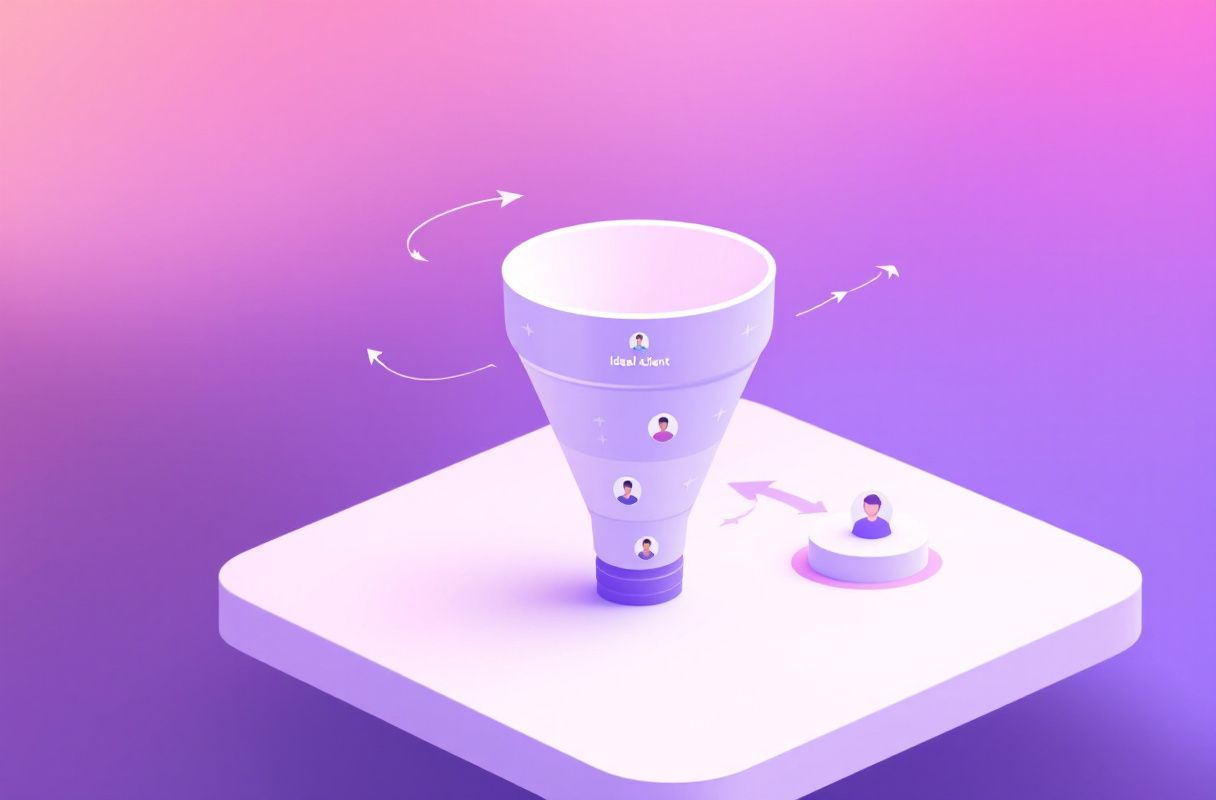
Instead of scraping thousands of strangers' emails and cold-chasing them, you make a few hundred of the right people see you as the expert. Here's the four-step approach:
- Publish a real point of view. Post on the specific problems your buyers face, in your own voice — this is what separates authority from a cold pitch.
- Engage where buyers already are. Comment thoughtfully on prospects' and peers' posts so your name recurs in the right feeds, building the familiarity a scraped list can't.
- Read the signals. Watch profile views, saves, and engagement that reveal genuine interest. Learn the mechanics in our B2B social selling guide.
- Convert warm, not cold. Reach out only to people who've already engaged — now you're a recognized voice, not an unsolicited email to a harvested address.
ConnectSafely.ai automates the safe, consistent execution of steps 1–3 so your authority compounds without risking your account. If you're weighing your stack too, compare the best LinkedIn automation tools.
What Most Guides Get Wrong
- They equate "more emails" with "more pipeline." Finding thousands of verified emails a week just means more cold outreach ignored. Pipeline comes from authority, not from list size.
- They downplay the account and compliance risk. Most Skrapp reviews list LinkedIn email extraction as a feature without flagging that scraping runs against LinkedIn's terms and that cold-emailing harvested addresses carries GDPR exposure. A campaign that gets your account restricted — or triggers a data complaint — costs far more than any subscription.
- They treat email finders as demand engines. Skrapp is a data utility. Demand generation is a separate discipline built on relationships. Build it with the 5 pillars of LinkedIn lead generation.
- They forget compounding. Every scraped list starts cold and ends the moment you stop paying for credits. An authority position and an engaged audience compound for years. One is rented; the other is owned.
How to Choose: Decision Framework by Role
- Founders: Your voice is your unfair advantage. Build authority on LinkedIn before betting your account on an email-scraping motion — compare your options in the best LinkedIn automation tools guide.
- Sales & SDR teams: Pair real engagement with outreach. Replace cold email blasts to scraped lists with social selling that turns engagement into revenue.
- Agencies: Client results come from pipeline, not scraped volume — and one banned client account or GDPR complaint is a reputation problem. Weigh the tradeoffs against a Snov.io alternative built for authority.
- Freelancers & consultants: Trust is your entire sale. Earn it with a real point of view rather than a cold email to a harvested address — start with the 5 pillars of inbound strategy.
Real Results: From Scraped Emails to Inbound Authority (Illustrative)

The following is an illustrative example.
Days 1–30: A solo B2B consultant had been running Skrapp — pulling a few hundred emails a week from Sales Navigator, verifying them, and firing cold email sequences. Match accuracy was decent, but replies were thin and two prospects flagged the outreach as spam. Worried about an account restriction after reading that Sales Navigator scraping isn't sanctioned, they paused the cold campaigns and redirected the same hours to posting twice a week on the narrow problem they solve, while engaging with 15 target accounts daily.
Days 31–60: The shift showed. Their posts began surfacing in the right feeds because real prospects engaged, not because a list was scraped. Profile views from target accounts climbed, and a few buyers started commenting. Instead of pitching cold, the consultant replied to that engagement and booked the first inbound calls — from people who already saw them as the expert.
Days 61–90: With consistency compounding, inbound DMs and discovery requests arrived weekly. The same hours that once produced ignored cold emails now produced warm conversations — at a fraction of the effort, with zero account risk, and with no dependence on a scrape-and-blast motion that could get the profile frozen or trigger a data complaint.
The takeaway isn't that Skrapp failed at finding emails. It's that the consultant stopped optimizing list volume and started building authority qualified buyers act on.
Frequently Asked Questions
How much does Skrapp cost in 2026?
Skrapp uses transparent, credit-based pricing. Widely reported 2026 tiers are a Free plan (roughly 50–100 credits/month for one user), Starter at $49/month (1,000 credits, 2 users), Seeker at $99/month (5,000 credits, 5 users), Enterprise at $199/month (20,000 credits, 8 users), and Global at $299/month (50,000 credits, 15 users). Sources disagree on exact free-plan credits and some prices reflect annual billing, so confirm live terms on Skrapp's pricing page before you buy.
Is ConnectSafely.ai a direct replacement for Skrapp?
Not feature-for-feature — it's a strategic alternative. Skrapp finds and verifies emails so you can cold-chase strangers; ConnectSafely.ai builds LinkedIn-driven inbound authority so qualified buyers reach out to you. If your goal is pipeline rather than email volume, it replaces the need for an email-scraping tool — without the account or GDPR risk.
Is Skrapp worth it?
For teams that want an affordable, easy email finder and accept the risk, it can be. Reviewers on G2 and Capterra (both ~4.4/5) praise the Chrome extension and verification, though some flag bounced or low-quality emails and note that Sales Navigator extraction isn't sanctioned by LinkedIn. The catches are that cold email converts near 1.7% and that scraping LinkedIn plus emailing harvested addresses runs against LinkedIn's terms and carries GDPR exposure — so its value depends on whether cold volume is your primary motion and whether you're comfortable with that risk.
Why is LinkedIn inbound authority better than scraped cold email?
Because trust is earned, not scraped. HubSpot data shows inbound leads close at ~14.6% versus ~1.7% for outbound. A buyer who already sees you as the expert starts the conversation predisposed to buy; a scraped contact who receives a cold email starts cold — and increasingly marks it as spam.
Can I use Skrapp and ConnectSafely.ai together?
You can, but weigh the risk. Some teams keep Skrapp for occasional email lookups while using ConnectSafely.ai to build genuine authority and engagement — the channel where B2B buying decisions actually start. If you do run cold email off scraped LinkedIn data, understand that the ToS and GDPR risk stays on your account. Authority-first is the safer, higher-converting foundation.
See ConnectSafely.ai pricing — from USD $10/month, zero ban risk. Or explore the best LinkedIn automation tools guide to compare your options.
See How It Works
Watch how people get more LinkedIn leads with ConnectSafely




Related Articles