LinkedIn Billboard Mockup Generator
The LinkedIn billboard mockup generator puts your message on a realistic billboard. Type your text, pick a scene, font, and color, and download a photorealistic image to post on LinkedIn — no design skills, no signup, no watermark.
Put your LinkedIn post on a billboard in seconds
Realistic scenes, bold fonts, one-click download. 100% free, no registration required.
1. Your message
Press Enter for manual line breaks.
2. Choose a scene
3. Font, alignment & color
Live preview
Roadside scene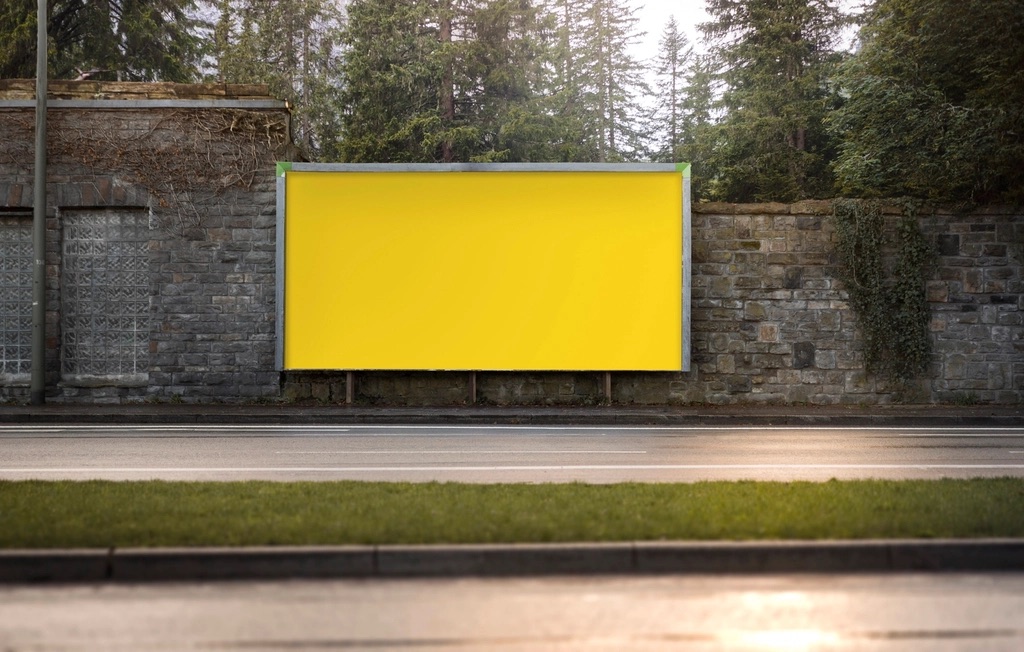
Pro Tips
- • Keep it to one short, bold statement
- • Use line breaks to control wrapping
- • Pick a sign color with high contrast to the text
- • Match the scene mood to your message
6 Scenes
roadside, desert, drive-in & more — ConnectSafely tool
5 Fonts
bold display typefaces — ConnectSafely tool
100%
free, no registration needed — ConnectSafely
Get Your LinkedIn Banner Right First
Exact banner dimensions plus the three lines of copy that turn profile views into DMs.
Put Your Post on a Billboard in 3 Steps
Type Your Message
Enter your text and use line breaks to control how it wraps on the sign.
Pick a Scene & Style
Choose a billboard scene, font, alignment, and sign color.
Download & Share
Get your billboard mockup as a PNG, ready to post on LinkedIn.
While you do this manually, your competitors automate
This tool saves you minutes. ConnectSafely saves you hours every week.
Automate LinkedIn engagement, get real people commenting on your posts, and generate inbound leads on autopilot.
1,247 businesses automated 45,000+ LinkedIn interactions last month
Tips for a Great Billboard Mockup
Limit text to 1–2 key points or a single powerful quote.
Incorporate your brand colors for recognition and consistency.
Ensure text stands out against backgrounds for easy readability.
A billboard is read in a glance — a single statement beats a paragraph.
Include a subtle logo or personal branding element.
Try various templates to see what resonates with your audience.
Frequently Asked Questions
What is a LinkedIn billboard mockup?
It's an image of your message displayed on a realistic billboard in a real-world scene — a fun, scroll-stopping way to "announce" a post, launch, or milestone on LinkedIn. Explore our other free LinkedIn tools too.
How does the generator work?
Type your text, choose a scene, font, alignment, and sign color. Your text is projected onto the billboard's face with realistic perspective, then you download it as a PNG. Everything runs in your browser.
Is this billboard mockup generator free?
Yes — completely free, no registration, and no watermark. Create and download as many billboard mockups as you like. See our pricing page for premium content features.
Can I upload my own photo or billboard?
Not yet — the tool uses a set of ready-made billboard scenes so it works instantly with no setup. Pick the scene that fits your message and customize the text, font, and color.
What text works best on a billboard?
Keep it short and punchy — one line or two. Billboards are read at a glance, so a single bold statement lands hardest. Use manual line breaks to control how it wraps.
How do I share it on LinkedIn?
Download the PNG and attach it to a LinkedIn post, or copy it straight to your clipboard. Pair it with a strong caption using our Post Formatter.
More from Content Creation
Explore Content Creation →The cost of doing nothing
Every Day Without Automation Is a Day Your Competitors Pull Ahead
3+ hrs/week
Wasted on manual LinkedIn engagement
150+ hours/yr
That could go to closing deals
5x fewer
Inbound leads without automation
ConnectSafely users report 3x more profile views and 5x more inbound conversations within the first month. Stop leaving leads on the table.
Schedule Posts
Write, schedule, and auto-boost your LinkedIn posts at the perfect time
Boost Your Posts
Get real people to like and comment on YOUR posts automatically
Auto-Comments
Comment automatically on posts with your target keywords
Target Creators
Engage with top creators in your industry automatically
1,247 businesses automated 45,000+ LinkedIn interactions last month