Domain Health & Email List Quality: Sender Reputation
Bad email list data destroys sender reputation. Learn how to audit domain health, fix deliverability, and why LinkedIn inbound eliminates the risk.


Your domain reputation is the single most important factor determining whether your emails reach inboxes or disappear into spam folders. And the fastest way to destroy it is sending to a dirty email list. According to Google's Email Sender Guidelines, domains with bounce rates above 2% face throttling and eventual blacklisting. Yet most B2B teams purchase or scrape lists with invalid rates far exceeding that threshold, damaging sender reputation with every campaign.
The deeper problem: even with a perfectly clean list and pristine domain health, cold email still converts at a fraction of the rate of inbound leads generated through LinkedIn authority. For teams who must email, domain health is non-negotiable. For those ready to skip the deliverability treadmill entirely, LinkedIn inbound removes the risk at the source.
Want to Generate Consistent Inbound Leads from LinkedIn?
Get our complete LinkedIn Lead Generation Playbook used by B2B professionals to attract decision-makers without cold outreach.
No spam. Just proven strategies for B2B lead generation.
Key Takeaways
- Domain reputation determines inbox placement more than any other factor, including subject lines and content
- Bounce rates above 2% trigger ISP penalties that can take weeks or months to reverse
- Purchased email lists commonly contain 20-40% invalid addresses, making them a direct threat to domain health
- Spam traps are undetectable by senders and a single hit can blacklist your domain overnight
- SPF, DKIM, and DMARC authentication are now mandatory for bulk senders per Google and Yahoo
- LinkedIn inbound eliminates deliverability risk entirely because prospects come to you through content and authority
- ConnectSafely at $39/month builds the inbound pipeline that makes cold email optional
What Most Guides Get Wrong
Most domain health guides treat list hygiene as a technical checkbox: verify emails, remove bounces, authenticate your domain, repeat. They frame it as a solvable maintenance task.
Here is what they miss: domain reputation is fragile, cumulative, and asymmetric. One bad campaign can undo months of careful warming. Recovery is slow, uncertain, and expensive. You are not just maintaining a system; you are defending a depreciating asset against entropy.
The other blind spot is strategic. Every hour spent auditing lists, monitoring blacklists, and warming domains is an hour not spent building authority that attracts leads without email risk. The most sophisticated deliverability infrastructure in the world still results in messages that recipients did not ask for, landing in inboxes alongside dozens of other unsolicited pitches.
The real question is not "how do I keep my domain healthy?" It is "should I keep betting on a channel that requires this much defensive infrastructure?"
What Domain Health Actually Means
Domain health is the aggregate reputation score that ISPs (Gmail, Outlook, Yahoo) assign to your sending domain. It determines whether your emails land in the primary inbox, the promotions tab, or the spam folder.
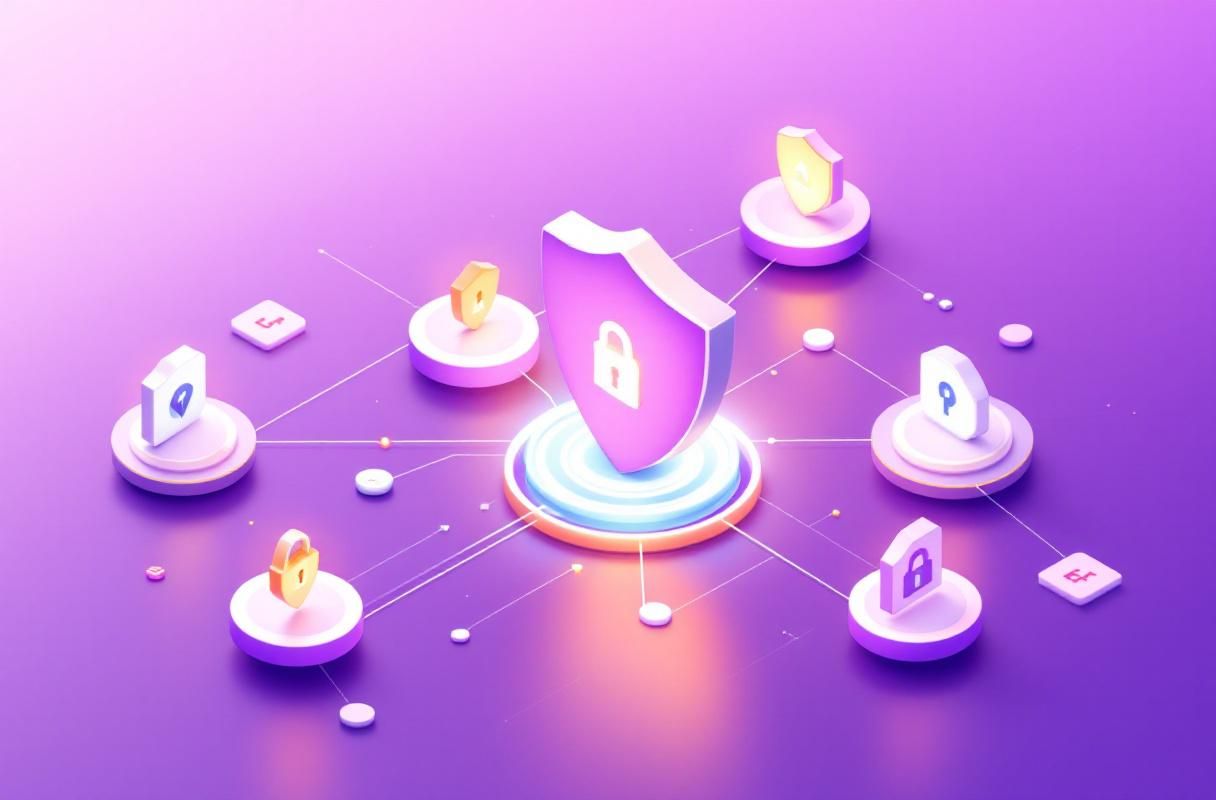
Three pillars define domain health:
Authentication status. SPF, DKIM, and DMARC records prove that emails from your domain are legitimate. As of February 2024, Google requires all bulk senders to have all three configured correctly. Yahoo implemented identical requirements simultaneously.
Sending behavior. ISPs track your volume patterns, bounce rates, complaint rates, and engagement metrics. Sudden spikes in volume or drops in engagement trigger automated throttling.
Recipient signals. When recipients mark your email as spam, delete without reading, or never engage, ISPs register those negative signals against your domain permanently.
How Bad Email List Data Destroys Sender Reputation
Dirty list data attacks your domain health through multiple vectors simultaneously.
Hard Bounces Signal Carelessness
A hard bounce means the email address does not exist. ISPs interpret high bounce rates as evidence that you are sending to unverified, purchased, or scraped lists. According to Mailchimp's email marketing benchmarks, the average hard bounce rate across industries is under 1%. Exceeding 2% consistently will degrade your sender score.
Spam Traps Are Silent Domain Killers
Spam traps are email addresses operated by ISPs and anti-spam organizations specifically to catch senders using bad lists. There are two types: pristine traps (addresses that never belonged to a real person) and recycled traps (abandoned addresses repurposed for monitoring). Hitting even one pristine spam trap can result in immediate blacklisting. There is no way to identify spam traps before sending to them, which makes unverified lists extremely dangerous.
Complaint Rates Compound Over Time
Every "mark as spam" click from a recipient is recorded against your domain. Google Postmaster Tools flags domains with complaint rates above 0.1% as problematic and above 0.3% as critical. Once your complaint rate rises, recovering it requires sustained volume of positive engagement, which is nearly impossible with cold lists.
Engagement Decay Feeds the Loop
Low open rates and zero click-throughs tell ISPs that recipients do not want your emails. This triggers more aggressive filtering, which lowers your visible engagement further, which degrades your reputation further. The loop is self-reinforcing and accelerating.
Signs Your Domain Reputation Is Damaged
If you are experiencing any of these symptoms, your domain health is likely compromised:
- Declining open rates across campaigns even with consistent content quality
- Emails landing in spam for recipients who previously received you in the primary inbox
- Google Postmaster Tools showing a "Bad" or "Low" domain reputation
- Blacklist presence on services like Spamhaus, Barracuda, or SORBS
- Increasing bounce rates despite no changes to your list sources
- Delayed delivery where emails take hours instead of seconds to arrive
Check your domain status using Google Postmaster Tools, MXToolbox for blacklist scanning, and your ESP's built-in reputation dashboard.
How to Audit and Fix Domain Health
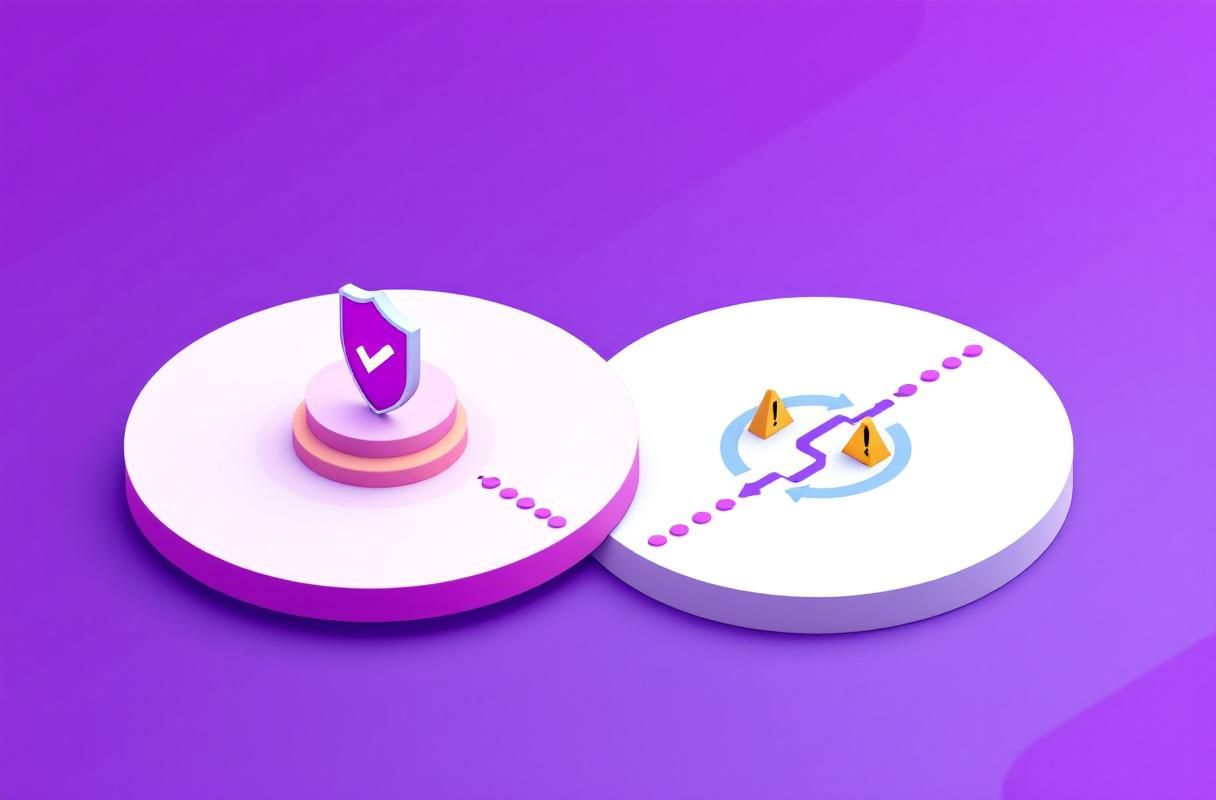
Step 1: Authenticate Everything
Confirm that SPF, DKIM, and DMARC records are correctly configured and passing. Use MXToolbox's SuperTool to verify. A "p=reject" DMARC policy offers the strongest protection but only implement it after confirming all legitimate sending sources are authenticated.
Step 2: Purge Your List Ruthlessly
Remove all addresses that have hard bounced. Remove anyone who has not opened or clicked in six months. Run your remaining list through a verification service to catch syntax errors, disposable addresses, and known spam traps. Accept that a smaller, verified list will outperform a large, dirty one in every metric.
Step 3: Monitor Continuously
Set up Google Postmaster Tools and check weekly. Track bounce rates, complaint rates, and domain reputation scores after every campaign. Treat any upward trend in complaints as an emergency.
Step 4: Warm Carefully After Damage
If your reputation is already damaged, reduce volume dramatically. Send only to your most engaged segment. Gradually increase volume over weeks as engagement metrics improve. For a full comparison of warmup approaches, see our Warmy.io alternatives guide.
Why LinkedIn Inbound Sidesteps These Problems Entirely
Every domain health problem described above exists because cold email is fundamentally outbound: you are sending messages to people who did not ask for them, using data that degrades the moment it is collected, through infrastructure that ISPs are actively working to restrict.
LinkedIn inbound inverts the entire model:
No bounces. You are not sending to email addresses at all. Your content appears in feeds, search results, and notifications on a platform where your audience already spends time.
No spam traps. LinkedIn engagement happens on LinkedIn's infrastructure. There is no domain reputation to damage because there is no email domain involved in the initial touchpoint.
No complaint rates. When someone engages with your LinkedIn content, they chose to do so. Comments, profile views, and connection requests are all positive intent signals, not unsolicited interruptions.
No warmup required. A new LinkedIn profile can start publishing content and attracting engagement immediately. There is no equivalent of the weeks-long domain warming process that email warmup tools require.
The data supports this shift. Inbound leads convert at significantly higher rates than outbound leads because the prospect has already self-qualified by engaging with your authority content. For a deeper comparison, see why LinkedIn inbound beats email deliverability hacks.
How ConnectSafely Builds Inbound Leads Without Email Risk
ConnectSafely is the #1 LinkedIn Inbound Lead Generation Platform, built on a simple principle: stop chasing leads, start attracting them.
At $39/month, ConnectSafely helps you build LinkedIn authority that turns your profile into a lead generation engine. Instead of managing email sending limits, fighting spam filters, and nursing domain health, you invest that time in content that compounds. Every post, comment, and engagement builds a reputation asset that appreciates rather than depreciates.
While cold email infrastructure requires constant maintenance to avoid degradation, LinkedIn authority compounds over time. The content you publish today continues attracting leads months later, without a single deliverability concern.
For teams currently dependent on cold email outreach, ConnectSafely does not require you to abandon email overnight. It builds a parallel inbound channel that, over time, reduces your dependence on the fragile email deliverability stack.
FAQ
How do I check if my email domain reputation is damaged? Use Google Postmaster Tools for Gmail reputation data and MXToolbox to scan for blacklist presence. Your ESP dashboard will also show bounce rates and complaint rates that indicate domain health status.
What bounce rate is too high for email sender reputation? Most ISPs start throttling domains with hard bounce rates above 2%. Google and Yahoo both flag complaint rates above 0.1% as concerning and above 0.3% as critical. Staying under 1% for bounces and under 0.05% for complaints is the safe operating range.
Can I recover domain reputation after being blacklisted? Recovery is possible but slow. You need to identify and remove the source of bad data, reduce sending volume to your most engaged contacts only, and gradually rebuild positive engagement signals. Depending on severity, recovery can take anywhere from two weeks to several months.
What is the difference between domain reputation and IP reputation for email? IP reputation is tied to the specific server sending your email. Domain reputation follows your sending domain across any IP. Since most senders now use shared IPs through ESPs, domain reputation has become the primary factor ISPs use for filtering decisions.
How does LinkedIn inbound lead generation avoid email deliverability problems? LinkedIn inbound generates leads through content authority and engagement on LinkedIn's platform. Prospects discover you through your posts, comments, and profile, then reach out to you directly. No email is sent during the lead generation phase, which means no bounces, no spam complaints, no domain reputation risk, and no warmup required. See our complete founder's guide to LinkedIn inbound for the full strategy.
Ready to stop defending your domain reputation and start building an inbound pipeline that compounds? See ConnectSafely pricing at $39/month and start attracting leads instead of chasing them.
See How It Works
Watch how people get more LinkedIn leads with ConnectSafely




Related Articles