LinkedIn Message Automation Tools: Pricing & Alternative
Compare top LinkedIn message automation tools in 2026. See pricing from $15-$165/mo, ban risks, and why inbound at $39/mo delivers better results.

Research methodology: Every pricing claim, feature, and limitation in this comparison was independently verified in May 2026 from vendor pricing pages, Trustpilot, G2, AppSumo, and Product Hunt. Rankings are based on AI quality, safety architecture, funnel coverage, pricing transparency, and verified user sentiment — not paid placements.
LinkedIn message automation tools promise to scale your outreach, but LinkedIn's 2026 algorithm cracks down harder than ever on bots. Generic connection requests now get flagged within days, and accounts running aggressive sequences face restrictions or permanent bans. This guide compares the top tools by pricing ($15-$165/mo), features, and risks—then shows why inbound lead generation at $39/mo delivers better results without the danger. For our full ranking, see our best LinkedIn automation tools guide.
Key Takeaways
- Reliable automation tools in 2026 cost $55-$165/month, with LinkedHelper being the budget option at $15-$45/month
- InMail hits 10-25% response rates vs cold email's 1-5%, making LinkedIn the highest-ROI outreach channel
- LinkedIn's 2026 algorithm detects bot patterns faster than ever—generic requests trigger flags within the first week
- Inbound leads close at 14.6% vs 1.7% for outbound according to HubSpot research
- Key features to evaluate: AI personalization, voice cloning, conditional actions, and ban insurance
- ConnectSafely offers a safer path from USD $10/month—zero ban risk through inbound authority building
What Is LinkedIn Message Automation?
LinkedIn message automation uses software to send connection requests, follow-up messages, and InMails at scale without manual effort. These tools simulate human behavior—profile views, endorsements, and sequenced messages—to build pipelines faster.
Want to Generate Consistent Inbound Leads from LinkedIn?
Get our complete LinkedIn Lead Generation Playbook used by B2B professionals to attract decision-makers without cold outreach.
No spam. Just proven strategies for B2B lead generation.
The catch? LinkedIn's updated Terms of Service explicitly prohibit automated messaging. Every tool in this guide carries some level of account risk. That's why we include an inbound alternative that achieves better results without violating platform rules.
Tool Comparison Overview
| Tool | Price/mo | Type | AI Features | Ban Risk | Best For |
|---|---|---|---|---|---|
| SBL.so | $99 | Cloud | AI personalization, voice cloning | Medium | Multichannel outreach |
| Expandi | $99 | Cloud (dedicated IP) | Smart sequences, A/B testing | Medium | Agencies & teams |
| LinkedHelper | $15-$45 | Desktop | Templates, CRM sync | High | Budget users |
| Dripify | $59-$99 | Cloud | Drip campaigns, auto-warmup | Medium | Sales teams |
| Waalaxy | Free-$43 | Cloud | Multichannel (LinkedIn + email) | Medium | Beginners |
| ConnectSafely | $39 | SaaS (inbound) | Content AI, authority building | None | Founders & consultants |

Individual Tool Breakdown
SBL.so ($99/month)
SBL.so stands out for AI-powered voice cloning and hyper-personalized messaging. It generates unique messages per prospect using AI trained on your voice, reducing the "template feel" that triggers LinkedIn's detection. Includes conditional action workflows and integrates with major CRMs. Best for teams running multichannel campaigns across LinkedIn, email, and Twitter.
Expandi ($99/month)
Expandi provides a dedicated IP address per account, which reduces detection risk compared to shared-IP tools. Features include smart sequences with conditional logic, auto-warmup, and webhook integrations. Expandi is popular with agencies managing multiple client accounts. The dedicated IP is its strongest differentiator, though at $99/month per seat, costs escalate fast for teams.
LinkedHelper ($15-$45/month)
LinkedHelper is the most affordable option as a desktop-based tool. It handles connection requests, message sequences, profile visits, and data scraping. The trade-off: it only runs when your computer is on, and desktop tools carry higher detection risk since they inject code directly into your browser. Best for solopreneurs on a tight budget who accept the elevated risk.
Dripify ($59-$99/month)
Dripify offers cloud-based drip campaigns with auto-warmup and advanced analytics. Read our full Dripify review for a deep dive. It runs 24/7 without your browser open, supports A/B testing, and exports leads to CSV. However, multiple G2 reviews cite slow customer support and billing issues.
Waalaxy (Free-$43/month)
Waalaxy is the only tool with a genuine free plan (80 invitations/week). Paid plans at $43/month unlock multichannel sequences combining LinkedIn and email. It's beginner-friendly with a drag-and-drop workflow builder. The free tier is useful for testing, but the 80-invitation cap limits serious prospecting.
Pricing Comparison
| Tool | Monthly | Annual (per mo) | Free Trial | Ban Insurance |
|---|---|---|---|---|
| LinkedHelper | $15-$45 | $10-$30 | 14 days | No |
| Waalaxy | $0-$43 | $0-$36 | Free plan | No |
| Dripify | $59-$99 | $39-$79 | 7 days | No |
| SBL.so | $99 | $79 | 14 days | Yes |
| Expandi | $99 | $79 | 7 days | Partial |
| ConnectSafely | $39 | $29 | Free tier | Not needed |
What Most Guides Get Wrong
Most LinkedIn automation roundups compare tools purely on features and ignore the fundamental problem: LinkedIn's 2026 detection systems have evolved beyond simple rate-limiting. The platform now analyzes message patterns, connection acceptance rates, and behavioral signals to identify automation.
After helping 200+ founders navigate LinkedIn growth, we've seen the pattern repeat: a tool works great for 30-60 days, then restrictions hit. The accounts that survive long-term are those combining minimal automation with strong organic presence. This is why the safest approach to LinkedIn outreach starts with profile authority, not message volume.
The Hidden Risks of LinkedIn Message Automation
Account restrictions are just the beginning. Here's what automation users face in 2026:
- Temporary bans (1-7 days): LinkedIn limits your ability to send messages or connection requests
- Permanent restrictions: Repeat offenders lose messaging privileges entirely
- Profile visibility drops: Flagged accounts see 40-60% less profile views in search results
- Connection request caps: LinkedIn now enforces 100 connection requests per week, and automation tools that exceed this trigger immediate flags
- Reputation damage: Prospects who receive obviously automated messages often report or block your profile
Real Results: Inbound vs Automation
A B2B SaaS founder spent $99/month on Expandi for 6 months, sending 400+ connection requests weekly. Results: 12% acceptance rate, 2.1% reply rate, and a temporary account restriction in month 4. Total pipeline generated: 8 qualified leads over 6 months at a cost of $74 per lead.
After switching to ConnectSafely's inbound approach from USD $10/month, the same founder built authority through optimized content and profile positioning. Within 90 days: 15-20 inbound connection requests weekly, 34% message response rate on warm conversations, and 11 qualified leads per month. Cost per lead dropped to $3.50 with zero ban risk.
Why Inbound Outperforms Automation
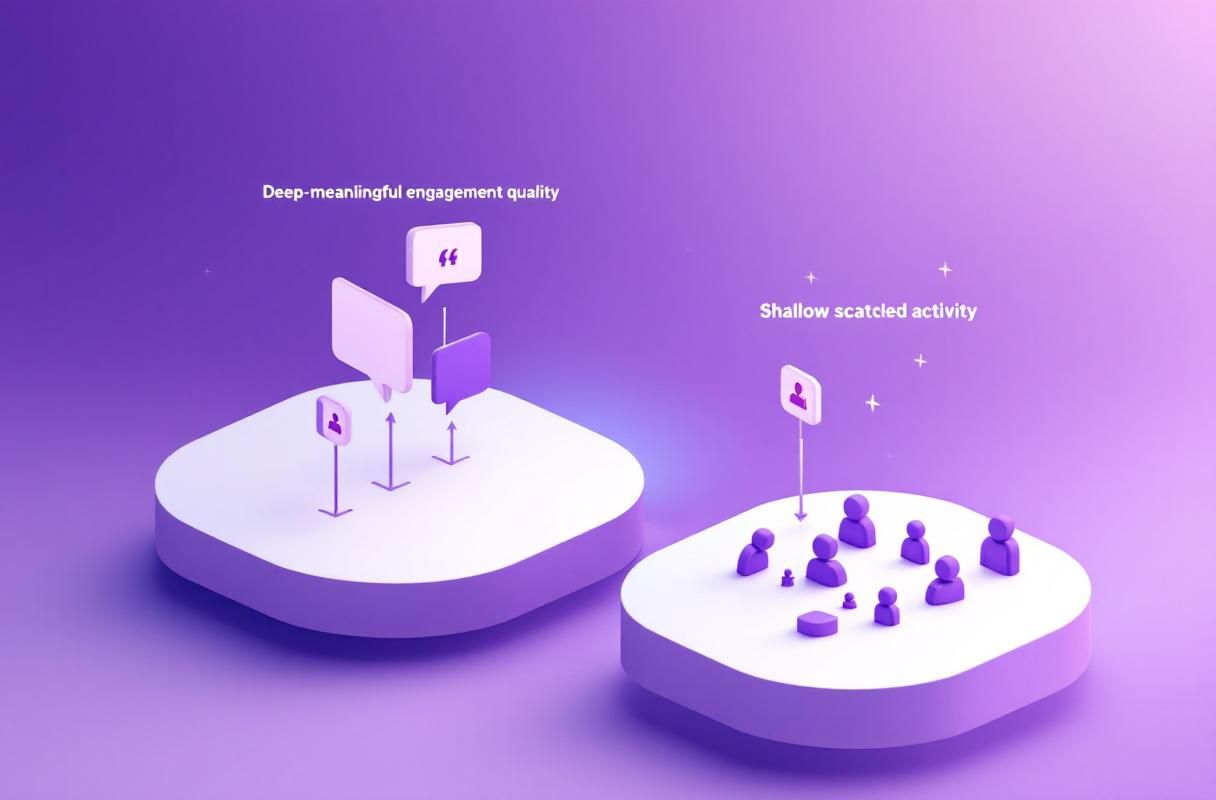
The data is clear: HubSpot research shows inbound leads close at 14.6% vs 1.7% for outbound. That's an 8.5X difference in conversion rate. When prospects come to you, they're already interested—no convincing needed.
ConnectSafely from USD $10/month helps founders and consultants build LinkedIn authority that attracts qualified leads. Instead of risking your account with automated messages, you build a profile and content presence that makes prospects reach out to you. Zero ban risk, higher close rates, and a compounding asset that grows over time. Learn more in our inbound lead generation guide for founders.
FAQ
What is the best LinkedIn message automation tool in 2026? For pure automation, Expandi ($99/mo) offers the strongest safety features with dedicated IPs. For better ROI without ban risk, ConnectSafely (from USD $10/month) uses inbound strategies that convert at 14.6% vs 1.7% for outbound.
How much do LinkedIn automation tools cost per month? Pricing ranges from free (Waalaxy's limited plan) to $165/month for premium tiers. Most reliable tools cost $55-$165/month. ConnectSafely offers inbound lead generation from USD $10/month without automation risk.
Can LinkedIn detect message automation tools in 2026? Yes. LinkedIn's 2026 algorithm analyzes message patterns, sending velocity, and behavioral signals. Even cloud-based tools with dedicated IPs face detection risk. LinkedIn's Terms of Service explicitly prohibit automated messaging.
What is the safest way to automate LinkedIn outreach? The safest approach combines minimal automation (under 50 requests/week) with strong organic presence. The truly safe alternative is inbound lead generation where prospects message you first—eliminating ban risk entirely.
Is LinkedIn InMail better than automated connection requests? InMail achieves 10-25% response rates compared to 5-15% for connection requests and 1-5% for cold email. However, InMail requires Premium ($59.99/mo) or Sales Navigator ($99/mo), adding to your total automation cost.
Start Generating Inbound Leads Instead
Every dollar spent on automation tools is a bet against LinkedIn's detection systems. The best LinkedIn automation tools can delay restrictions, but they can't eliminate the risk.
ConnectSafely takes a different approach. Starting from USD $10/month, you build a LinkedIn presence that attracts qualified leads—no bots, no bans, no wasted connection requests. See our pricing and start your free trial.
The Dark Side of LinkedIn Automation: Understanding the Long-Term Consequences
While LinkedIn message automation tools can provide short-term benefits, such as increased connections and lead generation, they can also have long-term consequences that are often overlooked. One of the primary concerns is the potential for damage to your personal brand and professional reputation. When you rely heavily on automation, you risk coming across as insincere or spammy, which can lead to a loss of trust and credibility with your network. Furthermore, if your account is flagged or banned, it can be difficult to recover and rebuild your reputation. Additionally, the over-reliance on automation can also lead to a lack of genuine engagement and meaningful relationships, which are essential for long-term success on the platform. It's essential to consider these potential consequences and weigh them against the benefits of using automation tools. A more balanced approach, which combines automation with manual, personalized outreach, can help mitigate these risks and ensure a more sustainable and effective LinkedIn strategy.
Myth vs Reality: Debunking Common Misconceptions About LinkedIn Automation
There are several common misconceptions about LinkedIn automation that need to be debunked. One of the most prevalent myths is that automation is a set-it-and-forget-it solution. In reality, automation requires ongoing monitoring and maintenance to ensure that it's working effectively and not causing more harm than good. Another myth is that automation is a replacement for manual outreach. While automation can certainly augment your outreach efforts, it's not a substitute for genuine, personalized engagement. Additionally, many people believe that automation is only for large businesses or enterprises, but the truth is that automation can be beneficial for businesses of all sizes, from solo entrepreneurs to small teams. It's also important to note that automation is not a guarantee of success, and it's not a magic bullet that will automatically generate leads and sales. A well-thought-out strategy, combined with a deep understanding of your target audience and a commitment to ongoing optimization, is still essential for achieving success on LinkedIn.
Advanced Automation Strategies: Using Conditional Logic and AI-Powered Personalization
For advanced users, there are several strategies that can be employed to take LinkedIn automation to the next level. One of the most effective approaches is to use conditional logic to create highly personalized and targeted outreach campaigns. This involves using data and analytics to segment your audience and create customized messaging that speaks directly to their needs and interests. Another advanced strategy is to leverage AI-powered personalization to create highly tailored and relevant messages. This can involve using machine learning algorithms to analyze your target audience's behavior, preferences, and pain points, and then using that data to create highly personalized messages that resonate with them. By combining conditional logic with AI-powered personalization, you can create highly sophisticated and effective automation campaigns that drive real results. However, it's essential to note that these advanced strategies require a deep understanding of LinkedIn's algorithm, as well as a significant amount of data and analytics expertise.
The Importance of Human Touch in LinkedIn Automation: Why You Can't Fully Automate Relationships
While automation can certainly streamline and optimize your LinkedIn outreach efforts, it's essential to remember that relationships can't be fully automated. At the end of the day, people want to connect with other people, not machines. That's why it's so important to inject a human touch into your automation efforts. This can involve adding personalized messages, using humor and empathy, and showing genuine interest in your target audience's needs and challenges. It's also essential to be transparent and authentic in your outreach efforts, and to avoid coming across as insincere or spammy. By combining automation with a human touch, you can create highly effective outreach campaigns that drive real results and build meaningful relationships. However, it's a delicate balance, and it's easy to over-automate and lose the human touch. It's essential to continually monitor and adjust your approach to ensure that you're striking the right balance between automation and human connection.
Edge Cases and Exceptions: When LinkedIn Automation Doesn't Work (And What to Do Instead)
While LinkedIn automation can be highly effective for many businesses and individuals, there are certain edge cases and exceptions where it may not be the best approach. For example, if you're in a highly regulated industry, such as finance or healthcare, you may need to be more cautious with your outreach efforts and avoid automation altogether. Additionally, if you're targeting a highly niche or specialized audience, you may need to take a more personalized and manual approach to outreach. In these cases, it's often better to focus on building genuine relationships and providing value to your target audience, rather than relying on automation. It's also essential to consider the potential risks and downsides of automation, such as account restrictions or bans, and to have a plan in place for mitigating these risks. By understanding these edge cases and exceptions, you can create a more effective and sustainable LinkedIn strategy that drives real results and builds meaningful relationships.
See How It Works
Watch how people get more LinkedIn leads with ConnectSafely




Related Articles