LinkedIn Network Management: Organize Connections
Master LinkedIn network management in 2026. Organize connections, manage your inbox, and build a network that generates inbound leads on autopilot.


You have 2,400 LinkedIn connections. You cannot name 200 of them. Your inbox is a graveyard of unread InMails, forgotten follow-ups, and "Let's connect!" messages from people whose profiles you never visited. You post content that should be generating leads, but the algorithm serves it to an audience you accidentally built — recruiters from 2019, college classmates, and sales reps who connected with you only to pitch their own tool.
This is the hidden cost of an unmanaged LinkedIn network: your content reaches the wrong people, your inbox buries the right conversations, and your inbound pipeline starves while your connection count climbs.
Want to Generate Consistent Inbound Leads from LinkedIn?
Get our complete LinkedIn Lead Generation Playbook used by B2B professionals to attract decision-makers without cold outreach.
No spam. Just proven strategies for B2B lead generation.
According to LinkedIn's official data, the platform uses your network composition to determine who sees your content. Every low-relevance connection dilutes your reach to decision-makers in your ICP. Network management is not a vanity exercise. It is the infrastructure that determines whether your LinkedIn presence generates revenue or just notifications.
Key Takeaways
- Your network composition directly controls your content reach — LinkedIn's algorithm prioritizes showing your posts to connections who match engagement patterns, not everyone in your list
- A curated network of 1,500 relevant connections outperforms 10,000 random ones for inbound lead generation because the algorithm rewards relevance density
- Inbox management is a revenue function, not an administrative task — missed replies and buried messages represent lost pipeline
- Strategic network pruning amplifies inbound results by increasing the percentage of your network that engages, shares, and converts
- Inbound leads convert at 14.6% vs 1.7% for outbound — and the quality of your network is the single biggest factor in whether those inbound leads find you
Why Network Management Is the Foundation of Inbound Lead Generation
Your LinkedIn network is an audience. Every connection is a potential viewer of your content, a potential engager who amplifies your reach, and a potential inbound lead who sees your expertise demonstrated in their feed daily.
Here is the mechanism: LinkedIn's feed algorithm evaluates your post's initial engagement velocity — how quickly your first-degree connections react, comment, and share. If your network is packed with irrelevant connections who scroll past your posts, the algorithm reads that as low relevance and suppresses distribution. If your network is filled with people in your ICP who genuinely engage, the algorithm amplifies your content to second and third-degree connections in the same industry.
This is why two people can post identical content and get wildly different results. The difference is not the content. It is the network. For a deeper look at how LinkedIn's inbox filtering interacts with this, see our LinkedIn Focused Inbox guide.
How to Audit Your Current LinkedIn Network
Before you organize anything, you need to understand what you are working with.
Step 1: Export Your Connection Data
LinkedIn allows you to download your connections data through Settings > Data Privacy > Get a Copy of Your Data. Select "Connections" and LinkedIn will email you a CSV within 24 hours containing name, company, position, and date connected.
Step 2: Categorize by Relevance
Open the CSV and sort every connection into these buckets:
| Category | Definition | Action |
|---|---|---|
| Active Prospects | People in your ICP who could buy | Prioritize engagement — comment on their posts, respond to messages within hours |
| Current Clients | Existing business relationships | Maintain — share their content, celebrate wins |
| Industry Influencers | People with large, relevant audiences | Strategic engagement — thoughtful comments that position your expertise |
| Strategic Connectors | People who refer business or make intros | Nurture with value — relevant insights, no asks |
| Neutral Connections | Colleagues, peers, friends | No action needed |
| Dead Weight | Wrong industry, spammers, inactive accounts | Candidates for pruning |
Step 3: Measure Your Network Health Score
- ICP Density: (Active Prospects + Current Clients) / Total Connections. Target: above 30%.
- Engagement Core: Connections who engaged with your content in the last 90 days / Total. Target: above 15%.
- Dead Weight Ratio: Dead Weight / Total. If this exceeds 25%, your content reach is likely suppressed.
Industry data suggests that most professionals have an ICP density below 15% and a dead weight ratio above 40%. Those numbers explain why their content "doesn't work."
Inbox Management Strategies for Sales Conversations
Your LinkedIn inbox is not an email inbox. It is a real-time sales channel where response speed and message placement directly determine whether a warm lead converts or goes cold.
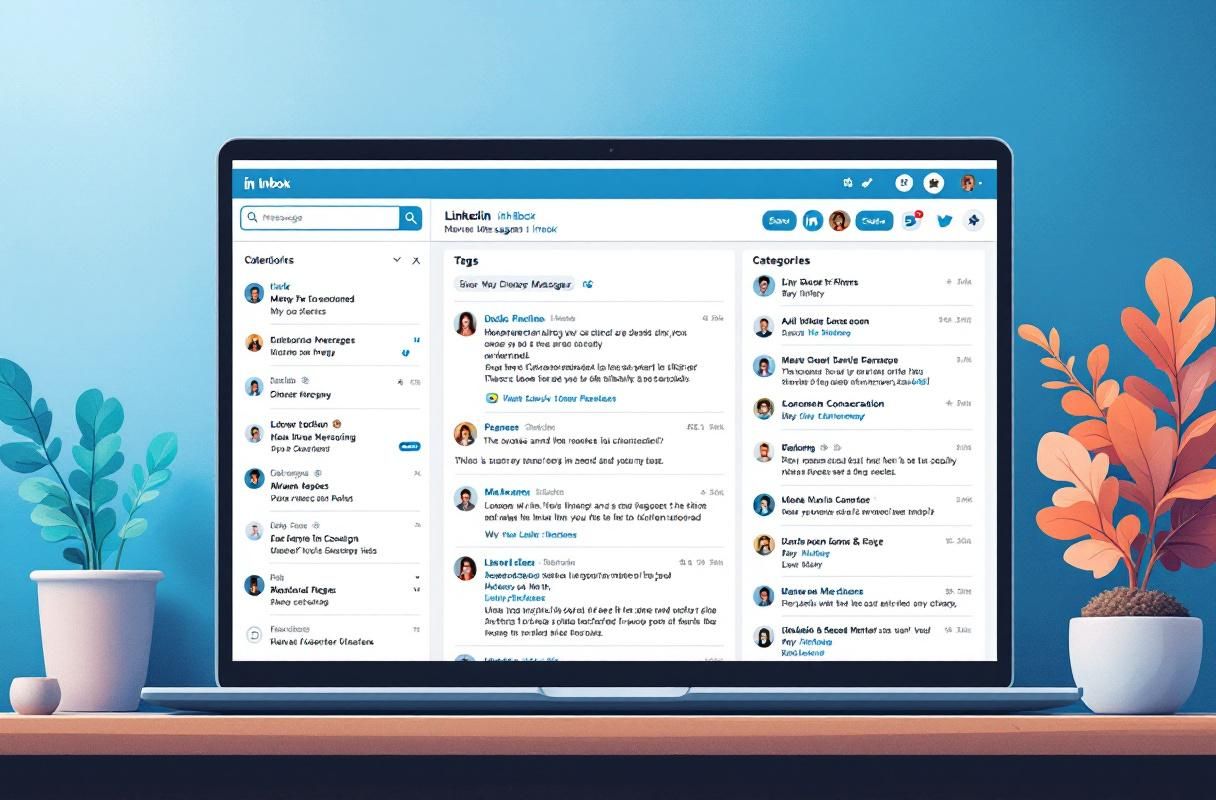
LinkedIn splits your inbox into Focused and Other tabs. Messages from people you actively engage with land in Focused (~85% open rate). Messages from low-interaction connections land in Other (~5% open rate). This means inbox management starts before a message arrives — if you have not been engaging with a connection, messages between you are likely buried.
The 15-Minute Daily Triage
- First pass (5 min): Scan Focused inbox. Reply to Tier 1 and Tier 2 connections immediately.
- Second pass (5 min): Check the Other tab. Rescue genuine conversations by replying (LinkedIn learns from your behavior). Archive spam.
- Third pass (5 min): Review connection requests. Accept ICP matches. Send a personalized welcome to high-value new connections.
Inbox Insights and Placement Health
Track these proxy metrics to gauge inbox health:
- Reply rate to your messages: Below 30% suggests messages are landing in Other.
- Time-to-first-reply: Over 72 hours means prospects are likely finding your message during a periodic Other-tab check.
- Unsolicited inbound messages: An increase signals your content is reaching the right people.
ConnectSafely tracks these engagement signals automatically and alerts you when a connection moves from cold to warm. For teams managing multiple inboxes, see our unified LinkedIn inbox guide.
The Strategic Network Pruning Approach
This is the part most guides skip: removing connections can increase your results.
When you post about B2B sales strategy and 40% of your connections are in unrelated industries, the algorithm's initial test audience includes people who do not care about your topic. Low initial engagement suppresses distribution. Removing 500 irrelevant connections can have a larger impact on content reach than gaining 500 new relevant ones.
Who to prune: Inactive accounts (no activity in 12+ months), wrong-industry connections, mass-connectors and spammers, former colleagues with no strategic value.
Who to never prune: Anyone who engaged with your content in the past 6 months, current or former clients (referral sources), anyone with a large relevant audience, people at target accounts.
LinkedIn lets you remove connections without notifying the other person. Go slowly — 20-30 per week. Monitor post engagement rate after each batch. You should see improvement within 2-3 weeks.
What Most Guides Get Wrong About LinkedIn Network Management
Trap 1: Treating it as a one-time cleanup. Network management is an ongoing system, not a weekend project. Without a recurring process, your network degrades within 90 days as connections accumulate and people change roles.
Trap 2: Optimizing for size instead of composition. The "get to 10,000 connections" advice is actively harmful for inbound. The professionals who generate consistent inbound leads typically have 1,500-4,000 focused connections where a high percentage are relevant, engaged, and in-market.
Trap 3: Ignoring the inbox-network feedback loop. The people you engage with in messages get prioritized in your feed. The people whose content you engage with are more likely to see your messages in Focused. Managing your network without managing your inbox leaves half the system broken.
The guides that get it right treat network management as a continuous feedback loop: curate, engage, monitor, adjust, repeat. For the full framework, read our founder's guide to LinkedIn inbound lead generation.
Real Results: What ConnectSafely Users See After Network Optimization
ConnectSafely users who complete a full network audit and implement the engagement priority system report measurable shifts within 30-60 days:
- Content engagement rates increase by 2-3x as posts reach a higher percentage of relevant connections
- Inbound connection requests from ICP prospects increase as LinkedIn's algorithm distributes content to the right second-degree audiences
- Inbox response rates improve as engagement history moves more conversations into the Focused tab
- Inbound lead volume reaches 10-20 qualified conversations per month for users who combine network management with consistent content and ConnectSafely's engagement monitoring
One pattern we see consistently: users who increase ICP density above 35% through pruning experience a step-change in content reach. The first post after a meaningful pruning session often outperforms the previous month's best. These results compound — better engagement improves inbox placement, which enables faster follow-up, which builds stronger relationships, which generates more inbound leads.
Manual Network Management vs. ConnectSafely: A Comparison
| Dimension | Manual Approach | ConnectSafely Automated Approach |
|---|---|---|
| Network audit | Export CSV, categorize in spreadsheet (90 min + monthly updates) | Engagement signals tracked automatically; connections categorized by interaction pattern |
| Engagement tracking | Manual notes or external CRM ($50-200/mo) | Built-in monitoring surfaces warm leads and fading connections |
| Inbox triage | 15-30 min daily, easy to miss buried messages | Prioritized view based on engagement signals and ICP match |
| Pruning guidance | Manual review of each connection | Identifies low-engagement and off-ICP connections automatically |
| Time investment | 4-6 hours per week | Under 1 hour per week |
| Cost | Free (your time) or $50-200/mo for CRM tools | From $10/month |
| Ban risk | None (manual) or moderate-high (automation tools) | Zero — platform-compliant |
| Scalability | Breaks down above 1,000 connections | Scales with your network |
Four to six hours per week on network management is 200-300 hours per year. For anyone serious about inbound lead generation at scale, the time math does not work.

How a Curated Network Amplifies Content Reach
The content amplification chain:
- You post valuable content about a topic your ICP cares about.
- Your first-degree connections — now heavily weighted toward your ICP — see it in their feeds.
- A higher percentage engage because the content is relevant to them.
- LinkedIn registers strong initial engagement and distributes to second and third-degree connections in similar industries.
- Those viewers see social proof, visit your profile, and connect or message you directly.
- That inbound message lands in your Focused inbox because the prospect initiated the conversation.
Every step depends on network composition. If step 2 fails — if your first-degree connections do not engage because they are not in your ICP — the entire chain collapses. This is why inbound leads convert at 14.6% vs 1.7% for outbound. The prospect arrives pre-qualified. Your network made that possible.
For teams combining Sales Navigator with their primary inbox, see our guide on integrating Sales Navigator with your LinkedIn inbox.
Frequently Asked Questions
How do I organize my LinkedIn connections for better lead generation in 2026?
Export your connection data from LinkedIn's Data Privacy settings. Categorize each connection into six buckets: Active Prospects, Current Clients, Industry Influencers, Strategic Connectors, Neutral Connections, and Dead Weight. Calculate your ICP Density — if below 30%, prioritize adding relevant connections and pruning irrelevant ones. Then implement a tiered engagement system where you interact with your highest-priority connections daily.
What is the best way to manage my LinkedIn inbox for sales without missing leads?
Use a daily 15-minute triage system: 5 minutes on Focused tab replies, 5 minutes rescuing genuine conversations from Other, 5 minutes reviewing connection requests. Track reply rate and time-to-first-reply as health metrics. If your reply rate drops below 30%, increase pre-message engagement with those connections.
How many LinkedIn connections should I have for optimal inbound lead generation?
Network composition matters far more than size. A focused network of 1,500-4,000 connections with ICP density above 30% outperforms 10,000+ random connections. LinkedIn tests content with first-degree connections first — if that sample is irrelevant, the algorithm suppresses distribution.
Should I remove LinkedIn connections to improve content reach?
Yes. Remove inactive accounts (no activity in 12+ months), wrong-industry connections, and mass-connectors. Never remove recent engagers, clients, people at target accounts, or those with large relevant audiences. Remove 20-30 per week and monitor engagement rate.
How does LinkedIn's algorithm use my network to decide who sees my posts?
The algorithm serves your post to a test group of first-degree connections first. If they engage at a high rate, LinkedIn distributes it more broadly to second and third-degree connections in similar industries. Your network composition determines who is in that test group — a network dense with your ICP triggers broader distribution to more people like them.
Stop Guessing, Start Managing Your Network
Your LinkedIn network is either an inbound lead generation engine or a liability. Every connection either amplifies your content reach to the right audience or dilutes it. Every inbox conversation either moves toward revenue or wastes your time.
The system in this guide — audit, categorize, prioritize, prune, repeat — works. It works better when automated, because the manual version demands 4-6 hours per week that most professionals cannot sustain.
ConnectSafely automates the engagement monitoring, connection categorization, and inbox prioritization that make this system sustainable. From $10/month. Zero ban risk. Platform-compliant inbound methodology that turns your network into the asset it was supposed to be.
Your competitors are still chasing cold leads. Build the network that makes leads chase you.
For the complete inbound framework, start with our LinkedIn Inbound Lead Generation Founder's Guide. For inbox deep dives, explore the LinkedIn inbox as a B2B sales gold mine and the unified inbox management guide.
See How It Works
Watch how people get more LinkedIn leads with ConnectSafely




Related Articles