Secure LinkedIn Team Collaboration Guide (2026)
Your sales team shares logins and prospect lists in spreadsheets. Here's how to run secure LinkedIn team collaboration for inbound lead gen in 2026 — no leaks.


Updated July 2026 — Reviewed by the ConnectSafely.ai editorial team.
Your SDR just messaged a prospect your AE has been nurturing for three weeks. Your VA is logged into a rep's personal LinkedIn from a browser in another country. Your entire pipeline lives in a shared spreadsheet that anyone can copy, download, or walk out the door with. This is how most teams "collaborate" on LinkedIn today, and it is quietly leaking both accounts and data.
Want to Generate Consistent Inbound Leads from LinkedIn?
Get our complete LinkedIn Lead Generation Playbook used by B2B professionals to attract decision-makers without cold outreach.
No spam. Just proven strategies for B2B lead generation.
Secure LinkedIn team collaboration means four things: role-based access instead of shared logins, prospect data that lives in a protected system instead of a spreadsheet, shared assets (snippets, templates, positioning) separated from private assets (each rep's personal relationships), and a consistent brand voice that builds shared authority without anyone touching another person's account. Get those four right and your team can scale inbound lead generation without trading security for reach.
It matters because inbound converts. HubSpot's research pegs inbound leads at roughly a 14.6% close rate versus about 1.7% for outbound methods like cold calling (HubSpot). A team that builds authority together captures more of that inbound — but only if the collaboration model does not create ban risk or a data breach along the way. This guide is part of our broader LinkedIn automation and safety pillar.
Key Takeaways
- Never share LinkedIn logins. One password across a team destroys your audit trail and multiplies ban and breach risk. Each person keeps their own authenticated session.
- Separate shared assets from private relationships. Snippets, templates, and positioning are team property. A rep's connections and DMs are theirs to steward, not the team's to harvest.
- Assign roles, not blanket access. SDRs, AEs, managers, and content/VAs each need a different slice of visibility. Role-based access control (RBAC) limits blast radius when something goes wrong.
- Protect prospect data in a system, not a spreadsheet. Shared sheets have no permissions, no logging, and no revocation. A CRM or dedicated tool does.
- Consistency, not uniformity. Shared voice guidelines let each rep sound human while reinforcing one company narrative — the compounding engine of inbound authority.
The Hidden Risks of How Teams Collaborate on LinkedIn Today
Most LinkedIn "team workflows" are improvised. They grew out of one rep sharing a password with an assistant, which became three reps, a VA, and a manager all touching accounts and lists nobody governs. Each shortcut adds a specific, measurable risk.
Shared passwords are the first crack. When multiple people use one login, your audit log becomes meaningless — you cannot prove who messaged whom, exported which list, or triggered a restriction. That is not a hypothetical: stolen credentials were the initial access vector in roughly 22% of breaches, and 88% of basic web application attacks involved stolen credentials, per analysis of the Verizon DBIR (DeepStrike). And the behavior is stubborn — a 2025 enterprise survey found 91% of workers understand the risks of password reuse but 66% reuse anyway (DeepStrike password statistics).
Spreadsheet CRMs are the second. A shared sheet has no field-level permissions, no revocation, and no logging. Anyone with the link can download the entire prospect database. The IBM Cost of a Data Breach 2025 report puts the global average breach at USD 4.44 million, and credential-based incidents are among the slowest to detect and contain (IBM).
Duplicate outreach is the third — and it is a revenue problem, not just an embarrassment. Two reps working the same prospect from different angles signals to the buyer that nobody is coordinating, and it can trigger LinkedIn's spam heuristics faster than either rep realizes.
| Risk | Consequence | The Fix |
|---|---|---|
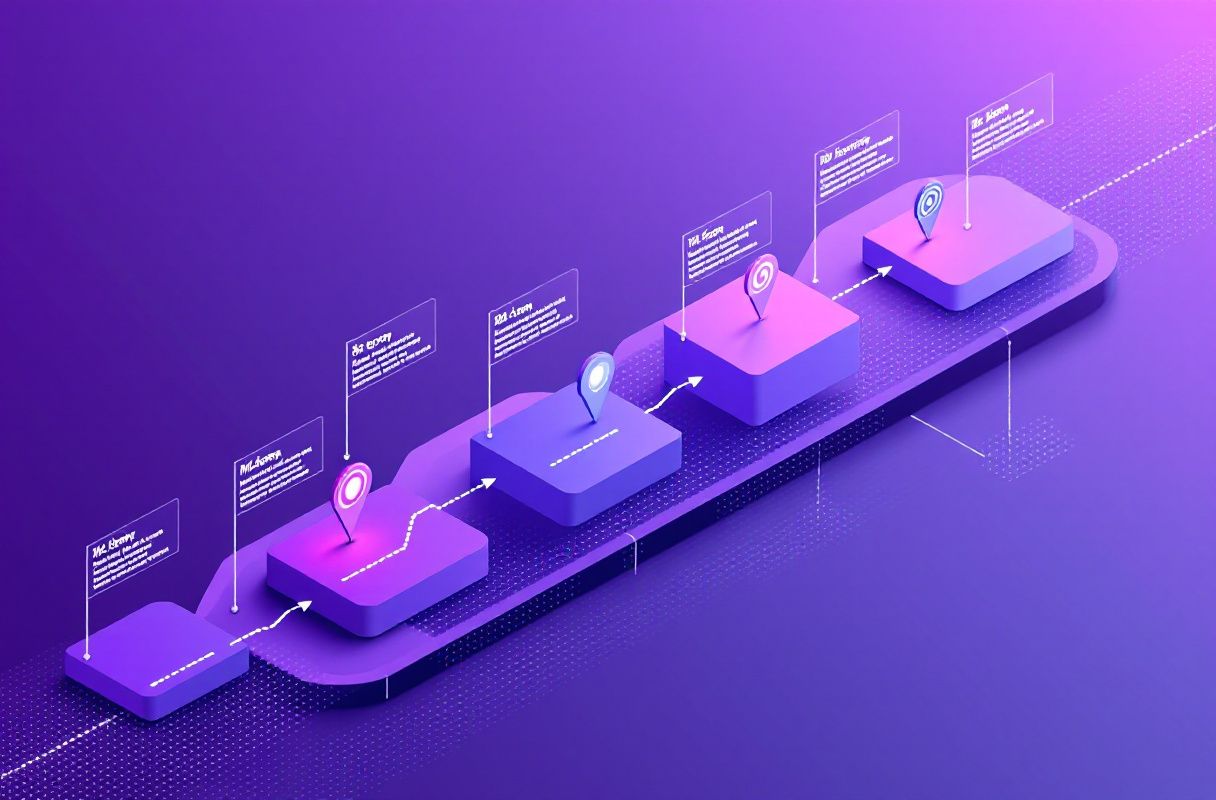
| Shared logins / passwords | No audit trail; one compromise exposes every account; higher ban risk from unfamiliar sessions | One authenticated session per person; never share credentials |
| Spreadsheet as CRM | No permissions, no logging, full-database exfiltration in one click | Move prospect data into a permissioned CRM or tool |
| Duplicate outreach to one prospect | Buyer distrust, wasted effort, spam-signal to LinkedIn | Shared ownership map; deduped prospect records |
| Prospect data leakage | Compliance exposure, lost lists when a rep leaves | Role-scoped access + revocation on offboarding |
| Inconsistent messaging | Diluted brand authority, weaker inbound pull | Shared snippets and voice guidelines |
A Secure LinkedIn Collaboration Framework
Think in layers. Each one closes a specific gap, and together they let a team collaborate at scale without a single shared password.
Layer 1 — Identity: no shared logins. Every team member operates from their own LinkedIn account and their own authenticated session. This is the non-negotiable foundation. It keeps activity attributable, keeps LinkedIn's trust signals intact (a session that never changes device or location looks human), and means offboarding one person never forces a password reset for the whole team. Our deep dive on how to delegate LinkedIn access without risk covers the mechanics.
Layer 2 — Roles and permissions. Not everyone needs to see everything. Role-based access control has become the default security model precisely because it grants access based on responsibility, keeping people scoped to only the data their job requires. It is a large and growing discipline for a reason — the RBAC market grew from USD 10.79 billion in 2024 to USD 11.85 billion in 2025 (Concentric AI).
Layer 3 — Shared assets vs. private relationships. This is the distinction most teams miss. Shared assets are team property: message snippets, comment templates, content calendars, positioning, and objection responses. Private assets belong to the individual: their personal connections, their inbox, the trust they have personally built. A secure model lets a manager standardize the shared layer without ever reaching into a rep's private conversations. If you want a head start on the shared layer, see our guide to team snippets for sales managers.
Layer 4 — Data protection. Prospect records live in a permissioned system with field-level access and revocation — not a downloadable sheet. When a rep leaves, you revoke their access; the data stays. Pair this with your LinkedIn CRM integration so the source of truth is governed, not copied.
Layer 5 — Audit trail. Every meaningful action should be attributable to a person. Who added this prospect, who sent this message, who changed this template. Without it, you cannot investigate a problem or prove compliance.
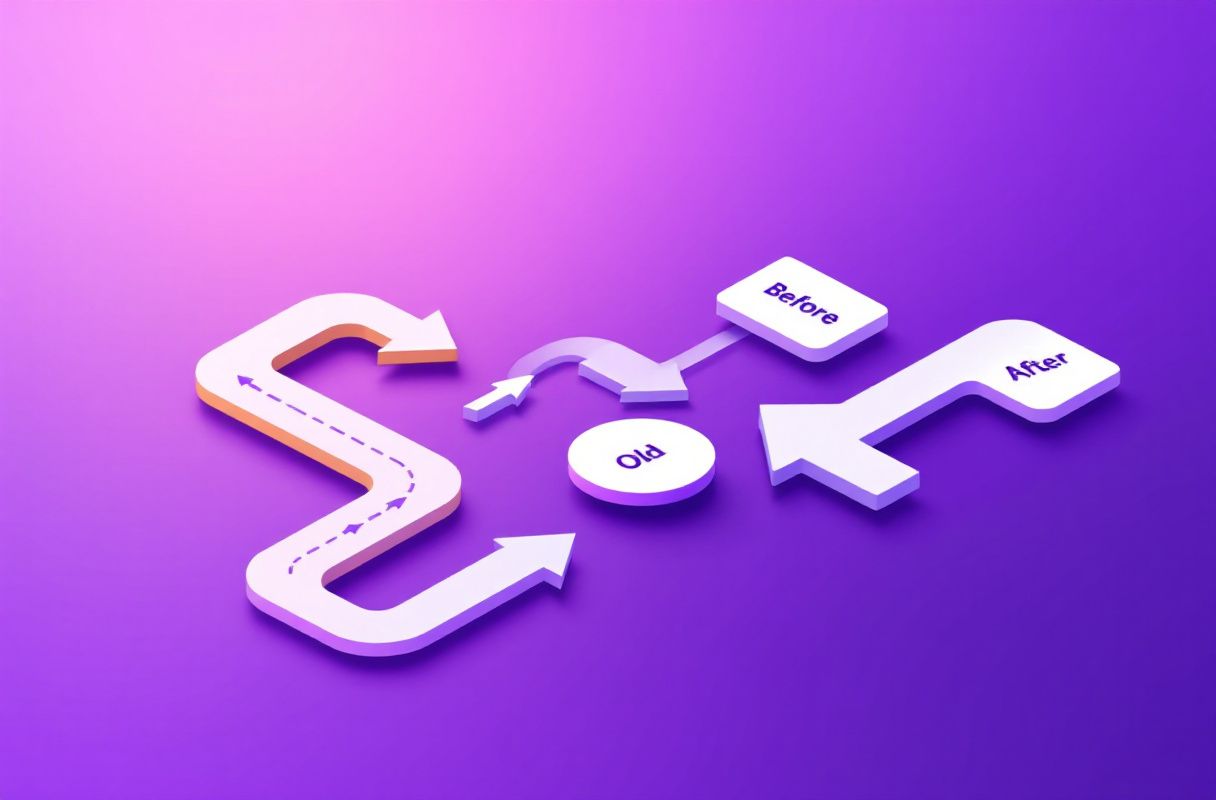
For the company presence itself, LinkedIn already models this well. Its Page admin roles — Super Admin, Content Admin, and Analyst — each grant a specific set of permissions, and LinkedIn's own guidance is to keep Super Admins limited to a small number of trusted people (LinkedIn Help). Borrow the same philosophy for personal-account collaboration: least privilege, few super-users, everyone else scoped.
Roles & Permissions: Who Should Do What
A clear role map is what turns "everyone has access to everything" into a secure, scalable workflow. Here is a practical division for a sales team or agency running inbound lead gen.
| Role | Primary job | Should access | Should NOT access |
|---|---|---|---|
| SDR | Prospect, engage, qualify inbound replies | Their own account + session, shared snippets, their assigned prospect segment | Other reps' inboxes, full prospect database export, admin settings |
| AE | Own relationships, run deal conversations | Their own account, their pipeline records, shared templates | SDRs' private DMs, billing/admin, other AEs' deals |
| Manager | Coach, standardize, report | Team analytics, shared asset library (edit), role assignment | Individual reps' private message content, personal passwords |
| Content / VA | Draft posts, maintain snippets, schedule | Shared content calendar, snippet library, Page Content Admin role | Reps' personal login credentials, direct-message sending on personal accounts |
The pattern: managers see aggregate performance and control shared assets, but never a rep's private conversations. VAs support the content layer without ever holding a personal password. SDRs and AEs each own a slice of the pipeline, not the whole thing. When you standardize what "good" looks like across the team, your sales team analytics become comparable and coaching gets easier.
What Most Guides Get Wrong
Here is the trap almost every "LinkedIn team tool" walks a team into: to enable collaboration, they ask reps to hand over their session cookies or credentials so a central dashboard can act on their behalf. It feels convenient — one place to see and send everything — but it inverts the entire security model.
The moment a third-party system holds your session, three things happen. First, your account is now logged in from that system's infrastructure, often a datacenter IP in a different region than the rep. LinkedIn's trust signals are built to flag exactly this pattern, and outreach-safety guidance consistently warns that unfamiliar sessions and volume spikes are early triggers for restriction (Sendio). Second, you have re-created the shared-credential problem at scale — a breach of that vendor is a breach of every account it holds. Third, you lose the clean audit trail, because actions now originate from shared infrastructure rather than an identifiable person.
Convenience that requires shared cookies or sessions is not secure collaboration. It is centralized risk wearing a collaboration label. The safer model keeps each person on their own native, authenticated session and shares the assets and coordination — not the access. That distinction is the whole game, and it is why we treat managing multiple accounts safely as an identity problem first, not a dashboard feature.
Real Results
When the ConnectSafely team helped a small B2B agency restructure how its reps worked, the "before" state was familiar: one senior rep's login shared with two juniors and a VA, prospects tracked in a Google Sheet emailed around weekly, and a running low-grade fear that LinkedIn would restrict the account nobody could prove they hadn't misused.
The change was not a new tool bolted onto the old habits. It was a model shift. Each person got back their own authenticated account. The shared spreadsheet was replaced with role-scoped records so juniors saw only their segment. The senior rep's message snippets — the ones that actually booked calls — became a shared library the whole team could adapt in their own voice.
The qualitative difference showed up fast. Duplicate outreach stopped because ownership was finally visible. Coaching got concrete because the manager could see performance without reading anyone's private DMs. And the background anxiety about a shared login faded, because there was no longer a shared login to worry about. No precise conversion number is worth fabricating here — the honest takeaway is that removing the shared-credential and shared-spreadsheet friction let the team spend its energy on relationships instead of firefighting.
How ConnectSafely Enables Safe Team Collaboration
ConnectSafely was built around the exact framework above — collaboration on assets, never on access.
- Native engagement, per user. Every team member engages from their own account and their own real session. Nothing routes through shared cookies or a central login, so there is no unfamiliar-session pattern for LinkedIn to flag.
- No shared logins, ever. The platform never asks reps to hand over passwords or session data. Identity stays with the individual; the team shares snippets, templates, and coordination instead.
- Shared voice, private relationships. Managers standardize the shared asset layer and see team-level performance without ever reaching into a rep's private inbox.
- Zero ban risk by design. Because activity stays native and human-paced on each person's own account, you avoid the volume-spike and datacenter-session triggers that get accounts restricted.
- Simple, predictable cost. ConnectSafely is $10/month per user — see the full breakdown on our pricing page.
The result is shared authority: a team that shows up consistently, reinforces one company narrative, and pulls inbound leads — without any single point of credential failure.
Frequently Asked Questions
How do sales teams share LinkedIn work without sharing passwords?
They share assets and coordination, not access. Each rep keeps their own authenticated LinkedIn session. What gets shared is the surrounding layer: message snippets, comment templates, content calendars, positioning, and a deduped prospect map so two people never work the same lead. Managers standardize that shared layer and view team-level analytics, but never log into anyone's account. This keeps every action attributable and eliminates the shared-credential breach risk entirely.
What's the difference between shared and private assets on a LinkedIn team?
Shared assets are team property: snippets, templates, objection responses, positioning, and the content calendar — reusable material anyone can adapt in their own voice. Private assets belong to the individual: their personal connections, their direct-message conversations, and the trust they have personally built. Secure collaboration standardizes the shared layer while leaving the private layer untouched, which is what lets a team sound consistent without anyone harvesting another rep's relationships.
Are LinkedIn team collaboration tools that use shared logins safe?
No. Any tool that asks reps to hand over passwords or session cookies re-creates the shared-credential problem and adds new risk. Your account starts operating from the vendor's infrastructure — often a datacenter IP in a different region — which is exactly the unfamiliar-session pattern LinkedIn's trust systems flag. It also collapses your audit trail. Prefer tools where each person stays on their own native, authenticated session.
How should you assign LinkedIn roles across a sales team?
Use least privilege. SDRs get their own account, shared snippets, and their assigned prospect segment. AEs get their pipeline and shared templates. Managers get team analytics and edit rights on shared assets — but not individual reps' private messages. Content/VAs get the shared content library and, for the company presence, a scoped LinkedIn Page role like Content Admin, without ever holding a personal password. LinkedIn's own Page roles (Super Admin, Content Admin, Analyst) are a good model to borrow.
How do you protect prospect data when a team member leaves?
Keep prospect data in a permissioned system, not a shared spreadsheet. When someone leaves, you revoke their access and the records stay with the company. A downloadable sheet offers no revocation — a departing rep can copy the entire database in one click. Field-level access, an audit trail of who touched what, and scoped visibility per role are what make offboarding a non-event instead of a data-loss incident.
Build Shared Authority, Not Shared Risk
Secure LinkedIn team collaboration is not about locking your team down — it is about letting them scale inbound lead generation without trading away security. Keep identity individual, share the assets and not the access, scope every role to what it needs, and protect prospect data in a governed system. That is how a team compounds authority instead of compounding risk.
Ready to run secure, native LinkedIn collaboration across your whole team for $10/month per user? See ConnectSafely pricing.
See How It Works
Watch how people get more LinkedIn leads with ConnectSafely




Related Articles