Why Shorter LinkedIn Messages Win (2026 Data Guide)
LinkedIn messages under 400 characters get 22% more replies, per LinkedIn's own data. Here's the ideal message length — and why shorter wins in 2026.

Published November 6, 2026 — Built on LinkedIn's own InMail response-rate data and cross-checked against 2016 and 2021 LinkedIn analyses. Reviewed by the ConnectSafely.ai editorial team.
You wrote four polished paragraphs, read them twice, and hit send. Silence. So you assume the message wasn't persuasive enough — and the next one gets longer. That instinct is backwards.
Want to Generate Consistent Inbound Leads from LinkedIn?
Get our complete LinkedIn Lead Generation Playbook used by B2B professionals to attract decision-makers without cold outreach.
No spam. Just proven strategies for B2B lead generation.
On LinkedIn, length works against you. The data is not subtle: the shorter your message, the more likely someone replies. Yet most outreach keeps getting wordier because senders confuse "more words" with "more convincing."
This guide shows you the ideal LinkedIn message length, the hard numbers behind it, and the one reason short messages still fail — so you can stop writing paragraphs nobody reads.
Key Takeaways
- LinkedIn InMails under 400 characters get a ~22% higher response rate than average, while the longest messages run ~11% below average, per LinkedIn's own analysis.
- About 90% of InMails are over 400 characters — so a short message literally stands out in a crowded inbox.
- Shorter is a multiplier, not a magic trick. A 3-sentence message to a stranger still underperforms a 3-sentence message to someone who already knows your name.
- The real lever is being known before you send — which is why inbound attention beats length optimization every time.
- Aim for under 400 characters for a first message, lead with one clear reason for reaching out, and end with a single low-friction question.
What Is the Ideal LinkedIn Message Length?
The ideal first LinkedIn message is under 400 characters — roughly 50 to 75 words, or about the length of this paragraph. That is short enough to read in a single glance on a phone, which is where most LinkedIn messages are opened.
For context, that's three or four tight sentences. Not a cover letter. Not your company's origin story. One reason you're writing, one sentence of relevance, one question.
Here's how length maps to the fields you actually use:
| Message type | Hard character limit | Recommended length |
|---|---|---|
| Connection request note | 200–300 characters | Under 200 characters |
| First direct message / InMail | ~1,900–2,000 characters | Under 400 characters |
| Follow-up message | ~1,900–2,000 characters | 1–2 sentences |
Note: LinkedIn's connection-note cap has been reported as both 200 and 300 characters depending on account type and the month you check — the platform has quietly adjusted it. Always trust the live character counter in the composer over any blog (including this one). For a full field-by-field reference, see our LinkedIn message character limit guide.
The Data: Shorter Messages Get More Replies
This isn't a stylistic preference. It's one of the few things LinkedIn has measured and published itself.
In its analysis of millions of InMails, LinkedIn reported that messages under 400 characters performed about 22% better than the global average response rate. Response rates then declined steadily as messages got longer — and the longest InMails performed the worst of all, roughly 11% below average.

A separate, earlier 2016 LinkedIn study reached the same conclusion from a different angle: the shorter the InMail, the higher the response rate — and the shorter the subject line, the better it performed too.
The takeaway across both datasets: every extra sentence is a small tax on your reply rate.
An honest caveat about this data
We don't cite numbers without disclosing their limits. LinkedIn noted that only about 10% of InMails were under 400 characters, so short messages are rare — part of their edge may simply be novelty in an inbox full of walls of text. LinkedIn also described the figures as averages across millions and millions of messages, not a guarantee. A short message isn't automatically a good message. It's a better container for a good message.
Why Length Hurts You on LinkedIn
Three mechanics explain why brevity wins:
1. Mobile-first reading. A large share of LinkedIn messages are read on a phone, often between other tasks. A long message gets collapsed, skimmed, or saved "for later" — and later never comes.
2. Cognitive load signals low value. A long cold message reads as work. The recipient hasn't agreed to do work for you. A short, specific message reads as respect for their time — and respect earns replies.
3. Long messages leak desperation. The more you explain, justify, and pitch up front, the more it signals you need something. Short and confident signals you have something.
What Most Guides Get Wrong About Short Messages
Here's the uncomfortable part the "just be concise!" advice skips: shortness is a multiplier on trust you've already earned — not a substitute for it.
Picture two identical three-sentence messages. One lands from a complete stranger. The other lands from someone whose post the recipient commented on last week. Same length. Wildly different reply rates. Brevity didn't close that gap — familiarity did.
This is why message-length optimization has a ceiling. You can trim every cold message to a perfect 300 characters and still sit near the platform-wide LinkedIn message reply rate because the recipient has no idea who you are. Length is the last 10% of the problem. Being a stranger is the first 90%.
The One-Screen Rule: If your message can't be read in one glance without scrolling and the recipient already recognizes your name, you're optimizing the wrong variable.
The Inbound Shift: Be Known Before You Send
At ConnectSafely, our entire positioning rests on this gap. Chasing strangers with ever-shorter, ever-more-clever messages is still outbound — you're just doing outbound more politely. The durable fix is to flip it: make people recognize you before you ever hit send.
That's the difference between outbound and inbound on LinkedIn:
- Outbound: Perfect the message, send it cold, hope the length wins. You carry the ban risk of volume automation and fight for every reply.
- Inbound: Show up consistently in your prospect's feed with genuinely useful content and authentic engagement, so that by the time you message them, you're not a stranger — you're "the person who keeps posting the smart takes."
The payoff is structural, not cosmetic. HubSpot's research has long shown inbound leads convert dramatically better than cold outbound, because trust is already in place before the conversation starts. A short message from a familiar name doesn't need to be clever. It barely needs to be good. It just needs to exist.
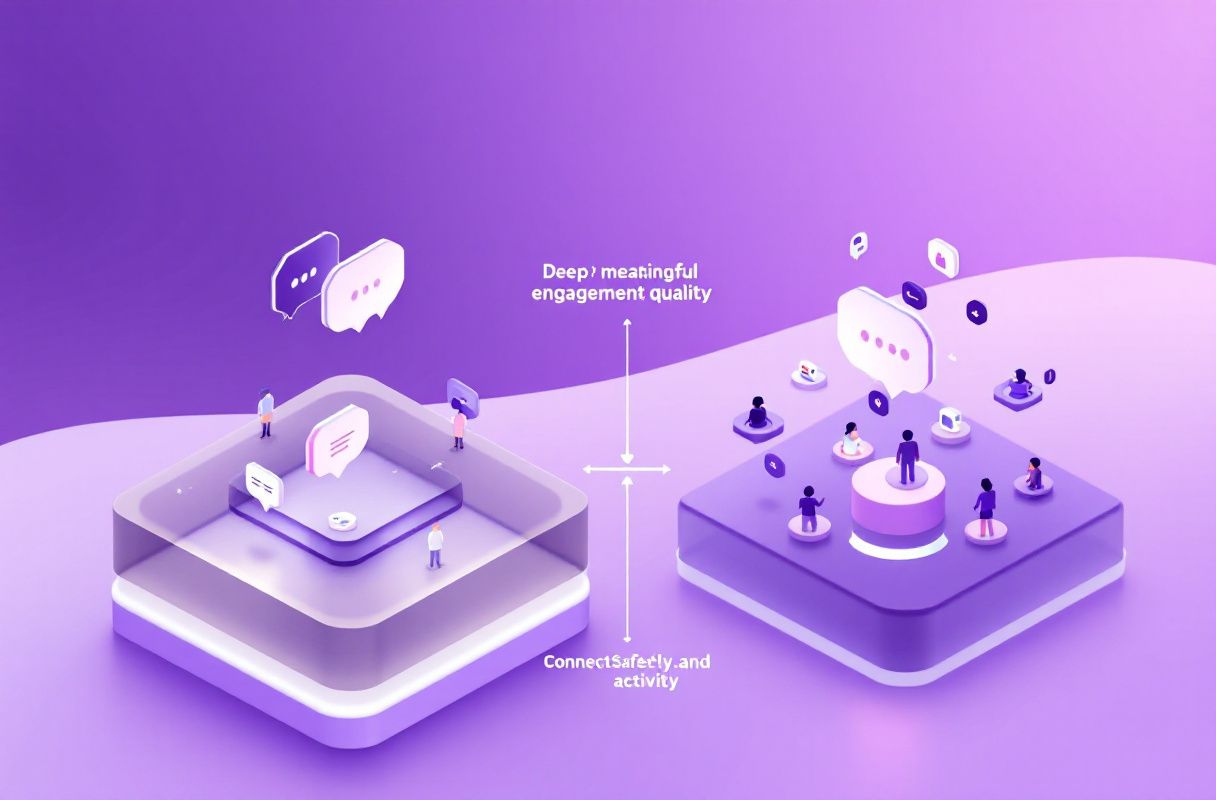
That's the approach ConnectSafely is built for: LinkedIn inbound lead generation that attracts qualified prospects through authentic, platform-compliant engagement — with zero ban risk — instead of blasting cold DMs and praying the word count was right.
How to Write a Short LinkedIn Message That Gets Replies
Use this three-part structure. It almost always lands under 400 characters.
- The hook (1 sentence): The single, specific reason you're reaching out. Reference something real — their post, a shared group, a mutual connection.
- The relevance (1 sentence): Why you, and why now — in one line, no résumé.
- The ask (1 sentence): One low-friction question that's easy to answer with a yes or a quick reply. Never stack two asks.
Before (too long, ~620 characters):
Hi Sarah, I hope this message finds you well! I came across your profile and was really impressed by your extensive background in B2B SaaS marketing and the incredible work you've been doing at your current company. I've been working in the lead generation space for several years now and I truly believe there could be a lot of synergy between what we do and your goals. I'd love to hop on a quick 30-minute call sometime this week or next to walk you through our platform and explore how we might be able to help you hit your pipeline targets this quarter...
After (~290 characters):
Hi Sarah — your post on killing the SDR cold-call script was spot on. I help B2B marketers replace cold outreach with inbound that actually converts. Curious: what's working best for your pipeline right now?
The "after" version is shorter, warmer, and ends with a question the recipient can answer in one line. For more on tailoring the content itself, see our personalized LinkedIn message guide, and on timing, our guide to the best time to send LinkedIn messages.
Common Misconceptions
"Longer messages show I did my research." Research shows in the specificity of one sentence, not the length of five. One accurate detail beats three paragraphs of generic flattery.
"I need to explain my whole offer up front." You don't. The goal of message one is a reply, not a sale. Save the detail for after they engage.
"Short messages feel rude or lazy." A short, specific, personalized message is the opposite of lazy — editing down is harder than padding out. Length feels like effort; precision is effort.
Frequently Asked Questions
How long should a LinkedIn message be?
Keep a first message under 400 characters — roughly three to four short sentences. LinkedIn's own data shows messages under 400 characters get about 22% more replies than average, with response rates falling as length grows.
What is the character limit for a LinkedIn message?
A direct message or InMail body is capped at roughly 1,900–2,000 characters, and the connection-request note at 200–300 characters depending on account type. The limit is not the target — aim well under it. Check our character limit guide for every field.
Do shorter LinkedIn messages really get more replies?
Yes, on average. LinkedIn has published this finding twice (2016 and 2021). But length is a multiplier, not a cure — a short message to a stranger still underperforms a short message to someone who already recognizes you.
Why aren't my short LinkedIn messages getting replies?
Almost always because the recipient doesn't know you. Trimming word count can't fix being a stranger. Build familiarity first by showing up in their feed with useful content and genuine engagement, then message — see how to increase LinkedIn reply rates.
Should connection request notes be short too?
Yes — keep them under 200 characters and lead with one specific, genuine reason to connect. A short, relevant note consistently outperforms a long, generic pitch.
The Bottom Line
Shorter LinkedIn messages win because they respect attention, read cleanly on mobile, and signal confidence instead of need. LinkedIn's own data backs it: under 400 characters is the sweet spot.
But the biggest reply-rate lever isn't in your word count — it's in whether the recipient already knows your name. Optimize the message, yes. Then do the thing that actually moves the number: stop being a stranger. That's the shift from chasing leads to attracting them — and it's exactly what ConnectSafely is built to do.
See How It Works
Watch how people get more LinkedIn leads with ConnectSafely
Related Articles