Email Blacklist Prevention & Removal Guide 2026
Landed on an email blacklist? Learn how to check, remove, and prevent blacklisting — plus why LinkedIn inbound eliminates blacklist risk entirely.

You wake up to a Slack message from your SDR: "None of my emails are getting delivered." You check your ESP dashboard. Open rates have collapsed. Bounce rates are spiking. You run your domain through MXToolbox and there it is — your sending domain is listed on Spamhaus SBL. Your entire outbound pipeline just went dark, and every hour it stays that way costs you meetings, pipeline, and revenue.
Getting blacklisted is one of the most disruptive things that can happen to a sales team relying on cold email. The removal process is slow, uncertain, and requires you to prove you have fixed the behavior that got you listed.
Want to Generate Consistent Inbound Leads from LinkedIn?
Get our complete LinkedIn Lead Generation Playbook used by B2B professionals to attract decision-makers without cold outreach.
No spam. Just proven strategies for B2B lead generation.
But here is what most blacklist removal guides will never tell you: the most reliable way to avoid email blacklists is to stop depending on unsolicited email as your primary lead generation channel. When prospects come to you through LinkedIn inbound authority, there is no sending domain, no spam complaints, and no blacklist risk.
Key Takeaways
- Email blacklists block your domain or IP at the server level, preventing messages from reaching any inbox on networks that use that blacklist
- Spamhaus alone protects over 3 billion mailboxes (Spamhaus), making it the single most impactful blacklist to avoid
- A missing unsubscribe link is now a blacklisting trigger — Google and Yahoo require one-click unsubscribe for bulk senders as of 2024
- Blacklist removal takes 24 hours to 4+ weeks depending on the blacklist and severity of the offense
- Prevention costs a fraction of remediation — authentication, list hygiene, and volume controls are all free to implement
- LinkedIn inbound eliminates blacklist risk entirely because you never send unsolicited email — prospects find you through content authority
- ConnectSafely from $10/month builds the inbound pipeline that makes blacklist anxiety a non-issue
What Most Guides Get Wrong About Email Blacklists
Most blacklist guides frame the problem as purely technical: check your listings, submit a removal request, fix your DNS records, done. They treat blacklisting as a one-time incident rather than a systemic failure.
Here is what they miss:
Blacklisting is a symptom, not the disease. If your domain got blacklisted, something structural in your email operation is broken — purchased lists, missing authentication, no complaint feedback loops, or volume that exceeds what your domain reputation can support. Removing the listing without fixing the root cause guarantees you will be relisted within weeks.
The real cost is not the listing itself. It is the weeks of degraded deliverability during and after removal, the lost pipeline from campaigns that never landed, and the domain reputation damage that persists long after the listing is cleared. Industry data suggests that small to mid-size companies spend 20-40 hours on a single blacklist remediation cycle when you include root cause analysis, delisting, re-warming, and monitoring.
Unsubscribe links are not optional anymore. Many cold email teams still skip them, reasoning that a "cold" email is not a "bulk" email. Google and Yahoo disagree. Their 2024 sender requirements mandate one-click unsubscribe headers for senders exceeding 5,000 messages per day, and spam complaint thresholds apply to all senders regardless of volume. Missing unsubscribe functionality is now one of the fastest paths to a blacklist.
What Email Blacklists Are and Why They Exist
An email blacklist (also called a blocklist or denylist) is a real-time database of IP addresses and domains identified as sources of spam. Mail servers query these databases before accepting incoming messages. If your sending IP or domain appears on a blacklist, your email is rejected or routed to spam before it ever reaches the inbox.
Blacklists exist because unsolicited email remains the dominant vector for phishing, malware, and inbox pollution. They are maintained by independent organizations, ISPs, and security companies, each with their own listing and delisting criteria.
You can be blacklisted for:
- High bounce rates from sending to invalid or outdated addresses
- Spam trap hits from purchased or scraped lists containing monitoring addresses
- Excessive spam complaints from recipients marking your messages as junk
- Missing or misconfigured authentication (SPF, DKIM, DMARC)
- No unsubscribe mechanism in bulk or commercial email
- Sudden volume spikes from an unseasoned domain or IP
- Compromised infrastructure where a hacked account sends spam through your domain
The Major Blacklists You Need to Know
Not all blacklists carry equal weight. These are the ones that will shut down your outbound operation:
Spamhaus (SBL, XBL, PBL, DBL)
Spamhaus operates several lists that collectively protect billions of mailboxes worldwide. The SBL (Spamhaus Block List) targets known spam sources. The DBL (Domain Block List) targets domains rather than IPs. Getting listed on Spamhaus is the most damaging blacklist event for a B2B sender — major providers like Gmail, Microsoft 365, and Yahoo all reference Spamhaus data.
Delisting process: Self-service removal through Spamhaus Blocklist Removal Center. Requires demonstrating that the underlying issue has been resolved. Automated relisting occurs if behavior resumes.
Barracuda Reputation Block List (BRBL)
Barracuda maintains a blocklist used heavily by enterprise email gateways. Many companies using Barracuda appliances or cloud email security automatically reject messages from listed IPs.
Delisting process: Submit a removal request through Barracuda Central. Typically processed within 12-24 hours if the IP shows no further spam activity.
SORBS (Spam and Open Relay Blocking System)
SORBS lists IPs involved in spam, open relays, and dynamic IP ranges. It is used by smaller mail servers and some enterprise configurations.
Delisting process: Varies by list type. Some SORBS listings require a waiting period of up to 48 hours after the spam activity stops before removal can be requested.
SpamCop
SpamCop operates a real-time blocklist based on user-submitted spam reports. Listings are typically temporary (24-48 hours) and expire automatically if no new reports are received.
Delisting process: Automatic expiration. No manual removal process — you wait for reports to stop by fixing the source problem.
Other Notable Blacklists
- URIBL and SURBL — list domains found in spam message bodies, not sending IPs
- Invaluement — lists IPs and domains generating unsolicited bulk email
How to Check If You Are Blacklisted
Do not wait for delivery failures to discover a listing. Proactive checking should be part of your weekly operations.
Free tools for blacklist checking:
- MXToolbox Blacklist Check — scans your IP and domain against 100+ blacklists simultaneously. The single most useful free tool for blacklist monitoring.
- Spamhaus Lookup — check your status on the most impactful blacklist directly.
- Google Postmaster Tools — shows domain reputation, spam rates, and authentication status for Gmail specifically.
- Barracuda Central Lookup — check your IP against Barracuda's BRBL.
- Your ESP Dashboard — most email service providers (Mailgun, SendGrid, Postmark) surface blacklist alerts and deliverability metrics natively.
How often to check: Weekly at minimum. After any campaign with bounce rates above 2%, check immediately.
Step-by-Step Blacklist Removal Process
When you confirm a listing, follow this sequence. Rushing delisting requests without fixing root causes will result in relisting.
Step 1: Identify Every Active Listing
Run your sending IPs and domains through MXToolbox to get a complete picture. You may be listed on multiple blacklists simultaneously — each requires its own removal process.
Step 2: Stop All Outbound Email Immediately
Continuing to send while listed deepens the damage and can trigger additional listings. Pause all cold outreach campaigns. Transactional email from a separate IP/domain can continue if that infrastructure is clean.
Step 3: Diagnose the Root Cause
Before requesting removal, you must identify and fix what triggered the listing:
- Check bounce rates — were you sending to a purchased or scraped list with high invalid rates?
- Audit authentication — are SPF, DKIM, and DMARC correctly configured and passing?
- Review complaint data — does your ESP show elevated spam complaint rates?
- Inspect for compromise — has an unauthorized sender been using your infrastructure?
- Verify unsubscribe functionality — is a working one-click unsubscribe present in every message?
Step 4: Fix the Underlying Issues
Clean your list aggressively — remove all hard bounces, spam complainers, and addresses with no engagement in 90+ days. Fix authentication gaps. Add a compliant unsubscribe mechanism to every template. For a complete guide, see our domain health repair article.
Step 5: Submit Delisting Requests
Each blacklist has its own process. For the major lists:
- Spamhaus: check.spamhaus.org — follow the self-service removal flow
- Barracuda: barracudacentral.org/rbl/removal-request
- SORBS: Wait for the required cool-down period, then submit through their site
- SpamCop: No action needed — listings expire automatically within 24-48 hours
Include a brief, factual explanation of the root cause and the steps you have taken to prevent recurrence. Blacklist operators process thousands of requests and value conciseness.
Step 6: Re-warm Your Domain Gradually
After delisting, do not resume normal sending volume. Follow a structured email warm-up recovery plan: start at 20% of your normal volume, send only to your most engaged contacts, and increase by 10-15% every few days while monitoring deliverability metrics closely.
Prevention Best Practices: How to Stay Off Blacklists
Prevention is dramatically cheaper than remediation. These are the non-negotiable practices:
Authenticate everything. Configure SPF, DKIM, and DMARC for every sending domain. Use a DMARC policy of at least "p=quarantine" and work toward "p=reject." See our SPF vs DKIM authentication guide for implementation details.
Never send without an unsubscribe link. Every commercial or bulk email must include a working one-click unsubscribe header. This is a requirement from Google and Yahoo and a direct blacklisting vector if missing. For cold email, include a visible unsubscribe link in the body as well.
Verify every list before sending. Run all email addresses through a verification service (ZeroBounce, NeverBounce, or similar) before your first send. Remove any address that returns "risky," "disposable," or "catch-all."
Monitor complaint rates obsessively. Register for Google Postmaster Tools and set up feedback loops through your ESP. Keep complaint rates below 0.1%. If they spike, stop sending to the offending segment immediately.
Control volume growth. Never increase daily sending volume by more than 20% per week. Sudden spikes from unestablished domains are a primary blacklist trigger.
Separate sending infrastructure. Use different domains and IPs for transactional email, marketing email, and cold outreach. A blacklisting event on your outreach domain should never affect transactional delivery.
Clean your list continuously. Remove hard bounces after every campaign. Sunset addresses with no engagement for 90 days. Re-verify quarterly at minimum.
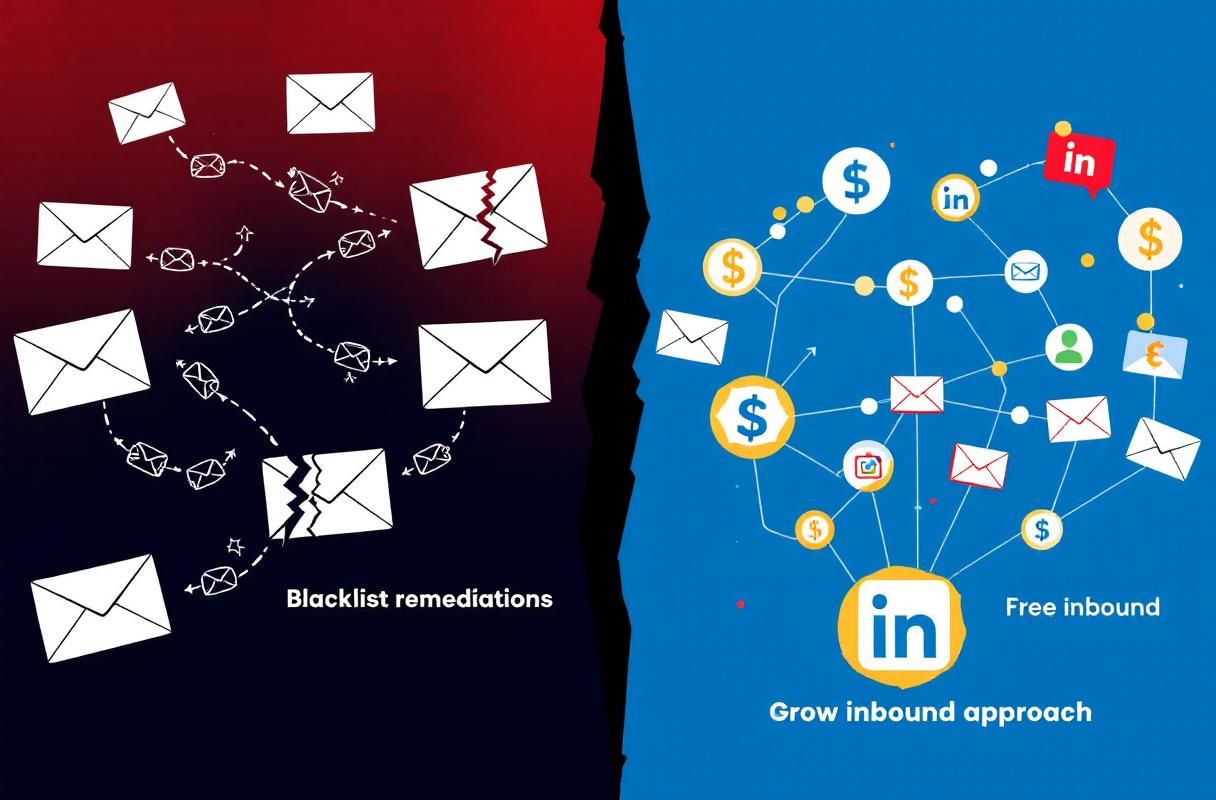
The Real Cost: Blacklist Remediation vs. LinkedIn Inbound
Here is what teams actually spend dealing with blacklists versus building an inbound pipeline that never faces this risk:
| Factor | Email Blacklist Remediation | LinkedIn Inbound (ConnectSafely) |
|---|---|---|
| Time to resolve | 1-4+ weeks per incident | No incident to resolve |
| Staff hours per incident | 20-40 hours (diagnosis, fixing, delisting, re-warming) | 0 hours on deliverability |
| Pipeline impact | All outbound paused during remediation | Inbound pipeline runs continuously |
| Recurring risk | High — any list quality issue or volume spike can trigger relisting | Zero — no sending domain involved |
| Monthly tooling cost | $50-200/month (warmup tools, verification services, monitoring) | From $10/month for ConnectSafely |
| Conversion rate | Industry data suggests 1-2% for cold outbound | Inbound leads convert at 14.6% (HubSpot) |
| Domain reputation risk | Constant — requires ongoing maintenance | None — LinkedIn profile is the asset |
| Unsubscribe compliance | Required and must be monitored | Not applicable |
The math is straightforward. Teams spend hundreds of dollars monthly and dozens of hours per incident defending a channel that converts at a fraction of the rate of inbound. ConnectSafely from $10/month builds a LinkedIn authority engine where prospects come to you with intent already established.
Real Results: Why ConnectSafely Users Stop Worrying About Blacklists
ConnectSafely users who transition from cold email to LinkedIn inbound consistently report three shifts:
Deliverability anxiety disappears. When your lead generation runs on LinkedIn content and engagement, there are no spam filters, no blacklists, and no sender reputation scores to manage. The entire category of deliverability problems becomes irrelevant.
Lead quality increases. Inbound leads from LinkedIn have already engaged with your content and self-qualified before reaching out. Inbound leads convert at 14.6% compared to 1.7% for outbound (HubSpot). That is not a marginal improvement — it is an order of magnitude difference in pipeline efficiency.
Time reallocated to revenue. Hours previously spent on list cleaning, blacklist monitoring, and warm-up recovery get redirected to content creation and relationship building — activities that compound over time rather than depreciate.
ConnectSafely does not require you to abandon email entirely. Many users maintain a clean transactional email operation alongside their LinkedIn inbound strategy. The difference is that email stops being the primary lead generation channel and the associated blacklist risk drops to near zero.
For teams currently dealing with a blacklisting event, fix it using the steps above. Then evaluate whether the channel is worth the ongoing risk when LinkedIn inbound generates higher-converting leads with zero deliverability overhead.
FAQ
How do I check if my email domain is on a blacklist and which blacklists matter most for B2B cold email? Use MXToolbox Blacklist Check to scan your domain and sending IPs against 100+ blacklists simultaneously. For B2B, the blacklists that matter most are Spamhaus (SBL and DBL), Barracuda BRBL, and SpamCop — these are referenced by Gmail, Microsoft 365, and most enterprise gateways. Check weekly and after any campaign with bounce rates above 2%.
What is the fastest way to get removed from Spamhaus, Barracuda, and other major email blacklists in 2026? There is no shortcut. Spamhaus offers self-service removal at check.spamhaus.org, Barracuda processes requests within 12-24 hours through Barracuda Central, and SpamCop listings expire automatically within 24-48 hours. The critical step is fixing the root cause first — submitting a delisting request without addressing the underlying problem results in relisting within days.
Do cold emails legally require an unsubscribe link, and can missing one get me blacklisted? Yes to both. Google and Yahoo require one-click unsubscribe headers for senders exceeding 5,000 messages per day. CAN-SPAM has required an unsubscribe mechanism in commercial email since 2003. Missing unsubscribe links increase spam complaints because recipients have no option other than the "spam" button, which directly feeds blacklist algorithms.
How long does it take to recover domain reputation and email deliverability after being removed from a blacklist? Removal itself can happen in 24 hours to 2 weeks depending on the list. Full deliverability recovery takes 4-6 weeks because ISPs track sending reputation independently of blacklist status. Follow a structured warm-up recovery plan: reduced volume, sending only to engaged contacts, and gradual scale-up while monitoring Google Postmaster Tools daily.
What is the best alternative to cold email that eliminates blacklist risk entirely? LinkedIn inbound lead generation removes blacklist risk by design because you never send unsolicited email. You publish authority content that attracts prospects already interested in what you offer. Inbound leads convert at 14.6% compared to 1.7% for outbound (HubSpot). ConnectSafely from $10/month helps B2B teams build a LinkedIn inbound pipeline with zero deliverability risk and zero ban risk.
Done fighting blacklists? Your outbound pipeline should not depend on whether Spamhaus thinks you are a good sender. See ConnectSafely pricing from $10/month and start generating inbound leads that never touch a spam filter.
See How It Works
Watch how people get more LinkedIn leads with ConnectSafely




Related Articles