Export LinkedIn Group Members: Emails & Contact Info (2026)
Learn how to export LinkedIn group members with emails and contact info. Safe methods, tools comparison, and compliance guide for B2B lead generation.

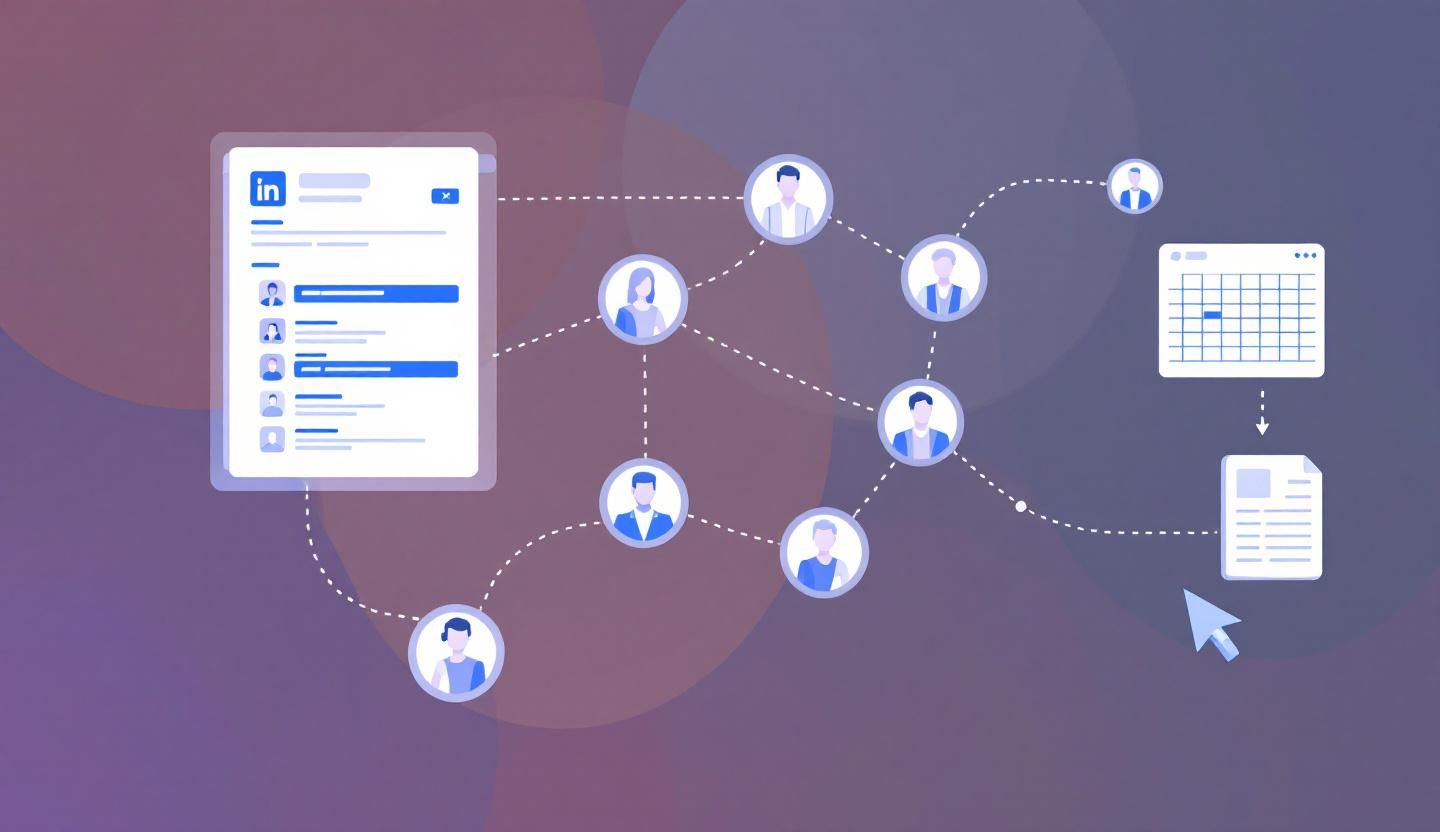
LinkedIn groups are goldmines for B2B leads. A single industry group can contain thousands of decision-makers who self-selected into your niche. The problem: LinkedIn provides no native export button for group member lists, emails, or contact information.
So sales teams and marketers look for workarounds. Some are legitimate. Some will get your account permanently restricted. This guide covers every method for exporting LinkedIn group member data in 2026, the real risks involved, and a fundamentally better approach most teams overlook.
Want to Generate Consistent Inbound Leads from LinkedIn?
Get our complete LinkedIn Lead Generation Playbook used by B2B professionals to attract decision-makers without cold outreach.
No spam. Just proven strategies for B2B lead generation.
Key Takeaways
- LinkedIn has no built-in export for group member data---you cannot download a CSV of members, emails, or phone numbers from any group
- Scraping group members violates LinkedIn's User Agreement Section 8.2 and can result in temporary restrictions or permanent account bans
- Third-party tools like PhantomBuster and Evaboot can extract group member data, but every one carries compliance and account safety risks
- Inbound group engagement generates higher-quality leads than scraping---members who interact with your content are warmer prospects who actually want to hear from you
Why LinkedIn Groups Are Valuable for Lead Generation
LinkedIn groups concentrate professionals around shared interests, job functions, or industries. That concentration is what makes them valuable for B2B teams.
A group titled "SaaS Founders & CEOs" is essentially a pre-qualified list of your ideal buyers. Unlike a LinkedIn search, group members have actively opted into a community, signaling genuine interest in the topic.
Here is what makes groups uniquely useful:
- Self-segmented audiences. Members choose to join based on professional interest, creating natural buyer personas.
- Lower competition. Most sales teams ignore groups entirely, focusing on Sales Navigator searches and cold InMail instead.
- Conversation context. Shared group membership gives you a warm reason to connect ("I saw your comment in X group").
- Engagement signals. Members who post and comment are actively engaged professionals---not stale profiles.
For a deeper tactical breakdown, see our LinkedIn Groups Strategy Playbook.
LinkedIn's Policies on Group Data Extraction
Before exploring any extraction method, you need to understand what LinkedIn actually prohibits.
What LinkedIn's User Agreement Says
LinkedIn's User Agreement Section 8.2 explicitly states:
You agree that you will not... develop, support or use software, devices, scripts, robots, or any other means or processes (including crawlers, browser plugins, add-ons or extensions, or any other technology) to scrape the Services or otherwise copy profiles and other data from the Services.
This language covers every automated extraction tool, Chrome extension, and cloud scraper. There is no carve-out for group data.
The hiQ Labs v. LinkedIn Case
The hiQ Labs v. LinkedIn Supreme Court case (2021) is frequently cited as proof that scraping LinkedIn is legal. This is a misreading of the ruling.
The court ruled that accessing publicly available data may not violate the Computer Fraud and Abuse Act (CFAA). It did not rule that scraping is legal under all circumstances. LinkedIn profiles behind login walls, group member lists visible only to members, and data requiring authentication are not "publicly available" under this precedent.
LinkedIn continues to enforce its Terms of Service aggressively, regardless of the hiQ ruling. Accounts caught scraping face restrictions or permanent bans.
The Bottom Line
You can view group members manually. You can connect with them individually. You cannot use automated tools to bulk-extract their data without violating LinkedIn's terms.
Method 1: Manual Approach (Browse, Search, Connect)
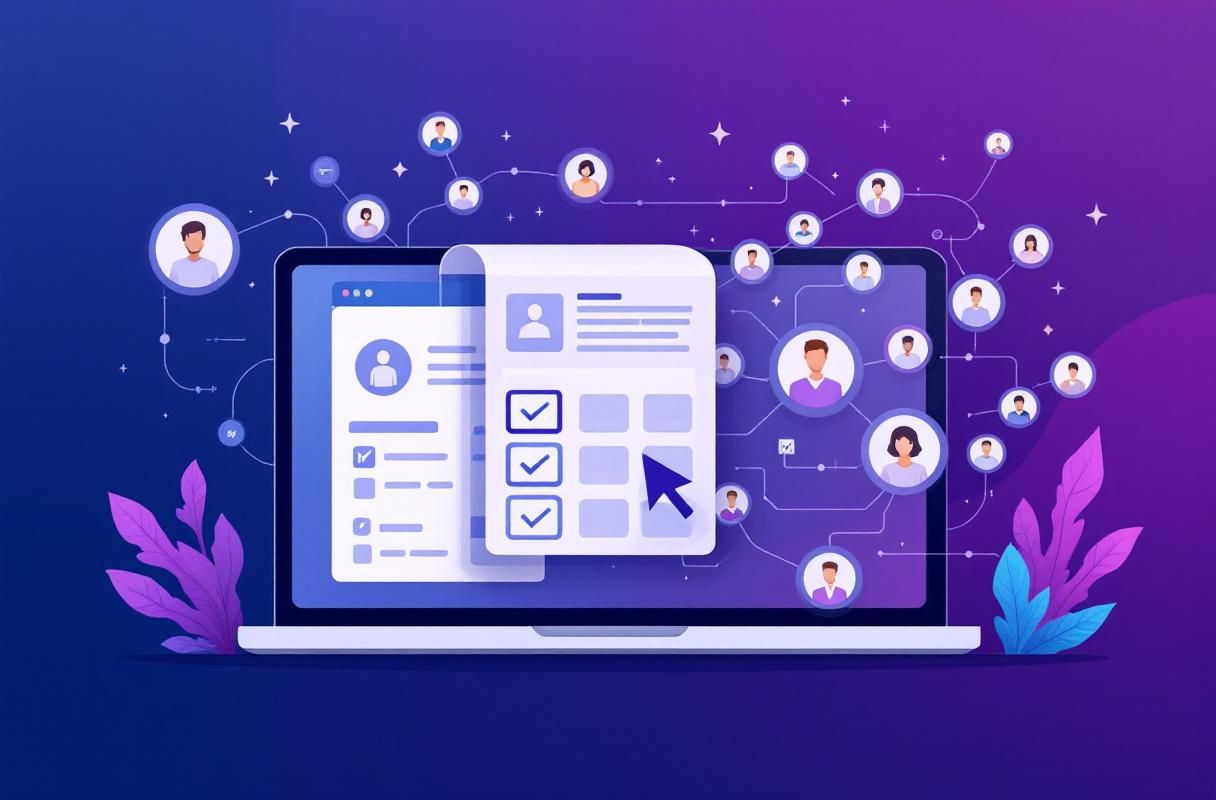
The safest method is entirely manual. It is also the slowest.
Steps
- Open the group and click the "Members" tab to browse the member list.
- Use the search bar within the group to filter members by keyword (job title, company, location).
- Review individual profiles and note relevant prospects in a spreadsheet.
- Send connection requests with a personalized note referencing the shared group.
- Access Contact Info once connected---1st-degree connections who share their email will display it under "Contact info."
Pros and Cons
| Aspect | Detail |
|---|---|
| Safety | Fully compliant with LinkedIn's terms |
| Cost | Free |
| Speed | Very slow---expect 20-30 profiles reviewed per hour |
| Data quality | High---you are manually qualifying each lead |
| Scalability | Poor---impractical for groups with thousands of members |
This method works best for small, highly targeted groups where each connection carries significant value.
Method 2: Using LinkedIn Sales Navigator with Groups
Sales Navigator provides more powerful search and filtering that can be combined with group membership.
Steps
- Open Sales Navigator and go to the Lead Filters search.
- Apply the "Groups" filter to target members of a specific LinkedIn group.
- Layer additional filters such as job title, seniority level, company size, and geography.
- Save leads to a Lead List for ongoing tracking.
- Export lead lists using Sales Navigator's built-in export (limited to names, titles, and companies---no emails).
What You Get
Sales Navigator exports include name, company, title, and LinkedIn profile URL. They do not include email addresses or phone numbers. To get contact information, you would need to combine the export with a third-party enrichment tool.
Cost
Sales Navigator plans start at approximately $99/month (Sales Navigator Core). The Advanced plan ($149/month) adds more features including CRM integration.
Limitations
LinkedIn restricts Sales Navigator exports and has usage limits on searches. Heavy automated use of Sales Navigator also triggers account flags. This method works well as a research tool but is not designed for mass data extraction.
Method 3: Third-Party Tools
Several tools specifically target LinkedIn group member extraction. All of them operate in a gray area---or outright violate---LinkedIn's terms.
Tool Comparison
| Tool | Type | Starting Price | Group Export | Email Finding | Risk Level |
|---|---|---|---|---|---|
| PhantomBuster | Cloud automation | $56/mo | Yes (Group Members Phantom) | Yes (via enrichment) | High |
| Evaboot | Chrome extension | $29/mo | Yes (via Sales Navigator) | Yes (verified emails) | High |
| Skrapp.io | Chrome extension | $49/mo | Limited | Yes (92% claimed accuracy) | High |
| Wiza | Cloud platform | $83/mo | Yes (via Sales Navigator) | Yes (verified emails) | High |
| Dripify | Cloud automation | $39/mo | Indirect | Yes | High |
For a deeper comparison of scraping tools, see our Top LinkedIn Scraper Tools guide.
How PhantomBuster Works for Group Export
PhantomBuster is the most commonly used tool for group member extraction. Here is the typical workflow:
- Sign up for PhantomBuster and connect your LinkedIn session cookie.
- Select the "LinkedIn Group Members" Phantom.
- Paste the group URL.
- Configure extraction settings (number of members, data fields).
- Run the Phantom and download the CSV output.
What you get: Name, headline, profile URL, and sometimes location. Email addresses require a separate enrichment step using PhantomBuster's email finder or a tool like Hunter.io.
What can go wrong: LinkedIn detects PhantomBuster activity through unusual browsing patterns, rapid profile visits, and session cookie anomalies. Accounts used with PhantomBuster face temporary restrictions, and repeat offenders get permanently banned.
How Evaboot Works
Evaboot operates as a Sales Navigator overlay:
- Install the Evaboot Chrome extension.
- Run a Sales Navigator search filtered by group membership.
- Click the Evaboot export button.
- Receive a cleaned CSV with verified emails.
Evaboot includes built-in data cleaning that removes false positives from Sales Navigator searches. However, it still relies on automated data extraction from LinkedIn, which violates the platform's terms.
Risk Assessment
Every tool in this category carries the same fundamental risks:
- Account restriction or ban. LinkedIn actively detects and restricts accounts using extraction tools.
- Data decay. Scraped contact data goes stale quickly---job changes, email updates, and role shifts erode accuracy within weeks.
- Legal exposure. Processing personal data without consent violates GDPR in the EU and similar regulations globally.
- Poor response rates. Cold outreach to scraped contacts typically produces low engagement because there is no prior relationship.
Method 4: LinkedIn API (Official Approach)
LinkedIn offers official APIs, but they are heavily restricted for individual users and small businesses.
What the API Provides
- Marketing API: Access to ad campaign data, company pages, and limited profile data. Requires approved developer application.
- Compliance API: Available only to licensed partners for specific data portability use cases.
- Community Management API: Provides some group management capabilities for group admins.
Limitations
The LinkedIn API does not provide bulk access to group member lists, emails, or phone numbers. API access requires a developer application, approval from LinkedIn, and compliance with strict usage terms.
Most B2B teams will not qualify for the level of API access needed to extract group member data. The API is designed for platform integrations, not lead generation scraping.
Who This Works For
Large SaaS companies building LinkedIn integrations, CRM platforms with official LinkedIn partnerships, and enterprise organizations with dedicated developer resources. Not practical for individual sales reps or small marketing teams.
GDPR and Compliance Considerations
If you extract contact data from LinkedIn group members, you inherit serious compliance obligations.
GDPR (EU/EEA)
Under the General Data Protection Regulation, processing personal data (names, emails, job titles) requires a lawful basis. The two most relevant bases for B2B outreach are:
- Consent. The data subject has given explicit consent to be contacted. Scraping does not constitute consent.
- Legitimate interest. You have a legitimate business reason to process the data, balanced against the individual's rights. This is harder to justify when the data was scraped without the person's knowledge.
Fines for GDPR violations can reach 4% of annual global revenue or EUR 20 million, whichever is higher.
CAN-SPAM (United States)
The CAN-SPAM Act requires that commercial emails include an opt-out mechanism and that senders honor unsubscribe requests. While CAN-SPAM does not require prior consent for B2B email, sending to scraped addresses still carries reputation and deliverability risks.
Practical Advice
If you do use third-party tools to gather group member data, at minimum:
- Document your lawful basis for processing each contact's data.
- Include a clear opt-out in every outreach message.
- Honor unsubscribe requests immediately.
- Delete data for anyone who opts out or does not respond within a reasonable period.
- Never sell or share scraped contact data with third parties.
For a detailed guide on email extraction compliance, see our Extract Emails from LinkedIn guide.
What Most Guides Get Wrong About Group Data Export
Most "how to export LinkedIn group members" articles treat scraping as risk-free. They list tools, provide step-by-step instructions, and never mention consequences. Here is what they leave out.
Account Bans Are Real and Increasing
LinkedIn's detection systems have improved significantly. In 2025 and 2026, LinkedIn rolled out more aggressive rate limiting, session monitoring, and behavioral analysis. Accounts that exhibit scraping patterns---rapid sequential profile views, unusual session activity, cookie-based automation---face restrictions faster than ever.
A restricted LinkedIn account is not a minor inconvenience. For sales professionals and business owners, losing LinkedIn access means losing your primary professional network, your content history, and your inbound lead pipeline.
Scraped Leads Are Low Quality
Contact data extracted from a group member list tells you nothing about buying intent. You know someone joined a group---possibly years ago. You do not know if they are actively looking for solutions, have budget authority, or would be receptive to outreach.
Compare this to a prospect who comments on your LinkedIn post, engages with your content, or sends you a connection request after reading your insights in a group discussion. The difference in lead quality is substantial.
The Math Does Not Favor Scraping
Consider the full cost: tool subscription ($30-100/month), email verification service ($20-50/month), risk of account ban (value of your LinkedIn network and content), GDPR compliance overhead, and the time spent on cold outreach with low response rates.
For most B2B professionals, the return on investment for scraping is negative when you account for all costs and risks.
Why Inbound Beats Scraping (With Data)
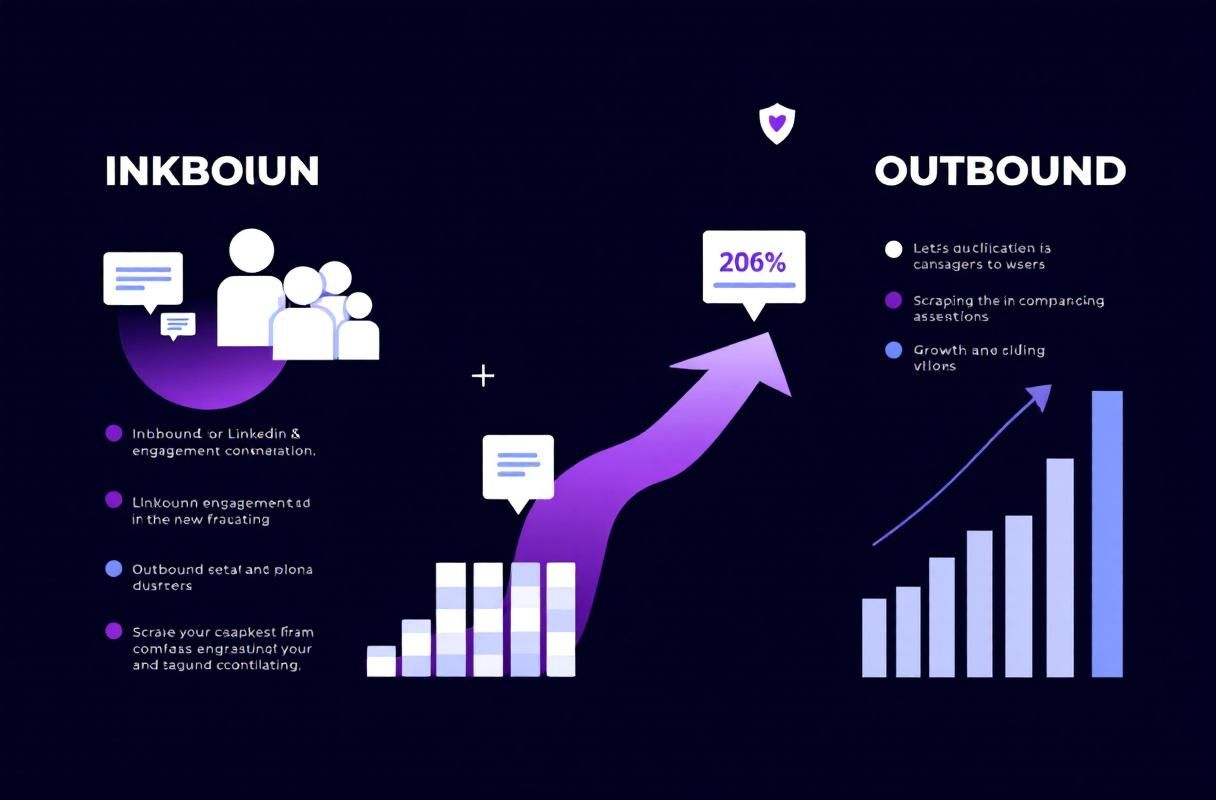
The strongest argument against scraping group members is not ethical---it is practical. Inbound leads generated through content and engagement consistently outperform cold outreach to scraped contacts.
The Conversion Gap
Cold outreach to scraped contacts typically sees reply rates in the low single digits. Prospects who engage with your content first---by commenting on a post, viewing your profile, or responding to a group discussion---convert at dramatically higher rates because they already know who you are and what you offer.
The Compounding Effect
Scraping produces a static list that decays over time. Inbound content produces a growing pipeline. A thoughtful post in a LinkedIn group can generate profile views, connection requests, and DMs for weeks after publication. Over months, consistent group engagement builds an audience that comes to you.
What This Looks Like in Practice
Instead of scraping 5,000 group members and cold emailing them:
- Join 3-5 groups where your ideal clients are active.
- Post valuable insights 2-3 times per week inside those groups.
- Comment thoughtfully on other members' posts to build visibility.
- Accept inbound connection requests from members who engage with your content.
- Start conversations in DMs with people who comment on or react to your posts.
This approach takes more time upfront but produces warmer leads, zero compliance risk, and a growing professional reputation inside your target market.
For a complete framework, see our LinkedIn Groups Strategy Playbook.
How ConnectSafely.ai Turns Group Engagement into Inbound Leads
ConnectSafely.ai is built around the principle that the best leads come to you. Instead of scraping group member lists and cold-emailing strangers, ConnectSafely helps you build authority inside LinkedIn groups so that members engage with you directly.
How It Works
- Content strategy tools help you create posts that resonate with group audiences and spark discussion.
- Engagement tracking identifies which group members are interacting with your content---these are your warmest leads.
- Profile optimization ensures that when group members click through to your profile, they see a clear value proposition that encourages them to connect.
- Workflow automation handles the repetitive parts of group engagement (scheduling posts, tracking conversations) without violating LinkedIn's terms.
The Result
Instead of a spreadsheet of scraped emails with no context, you build a pipeline of prospects who have already demonstrated interest in what you do. They know your name, they have seen your expertise, and they are more likely to respond when you reach out.
No scraping. No compliance risk. No account bans. Just consistent, strategic group engagement that turns passive members into active leads.
Learn how ConnectSafely.ai can replace your scraping workflow →
FAQ
"How do I export a list of LinkedIn group members with their email addresses?"
LinkedIn does not offer a native export for group member data. The only way to get emails is through 1st-degree connections (who share their email in Contact Info), third-party enrichment tools like PhantomBuster or Evaboot, or by building direct relationships so members share contact information voluntarily. All automated extraction methods violate LinkedIn's Terms of Service.
"Is it legal to scrape LinkedIn group members for B2B lead generation?"
The legality depends on jurisdiction and method. Scraping violates LinkedIn's User Agreement, which can result in account bans and civil liability. The hiQ Labs v. LinkedIn ruling addressed publicly available data under the CFAA but did not broadly legalize scraping. In the EU, processing scraped personal data without consent violates GDPR. The safest legal position is to avoid automated scraping entirely.
"What is the best tool to extract LinkedIn group members in 2026?"
PhantomBuster is the most widely used tool for LinkedIn group member extraction, offering a dedicated "Group Members" Phantom. Evaboot is popular for Sales Navigator-based extraction with built-in email verification. Both tools carry high account risk. For a full breakdown, see our Top LinkedIn Scraper Tools comparison.
"Can LinkedIn ban my account for exporting group member data?"
Yes. LinkedIn actively detects automated data extraction and enforces restrictions ranging from temporary feature limits to permanent account bans. The risk increases with volume---extracting a few dozen profiles may go unnoticed, but extracting hundreds or thousands of group members will almost certainly trigger detection. Losing your LinkedIn account means losing your connections, content history, and professional network.
"What are safer alternatives to scraping LinkedIn group members for leads?"
The most effective alternative is inbound group engagement: posting valuable content inside groups, commenting on discussions, and building authority so that members reach out to you. This produces warmer leads with zero compliance risk. Tools like ConnectSafely.ai support this approach by helping you create engaging content, track which members interact with your posts, and convert group engagement into inbound pipeline.
Looking for more on LinkedIn lead generation? Explore our guide to extracting emails from LinkedIn or learn how to build a complete groups strategy.
The Unintended Consequences of Over-Optimizing LinkedIn Group Engagement
When it comes to leveraging LinkedIn groups for lead generation, many marketers and sales teams focus on optimizing their engagement strategies to maximize visibility and outreach. However, there's a hidden reality that's often overlooked: over-optimizing can lead to unintended consequences that ultimately harm your efforts. For instance, if you're too aggressive with your posting and commenting, you may come across as spammy or self-promotional, which can lead to a backlash from group members. Moreover, if you're using automation tools to engage with group members, you may inadvertently trigger LinkedIn's algorithms to flag your account as suspicious, leading to temporary or even permanent restrictions. It's essential to strike a balance between engagement and authenticity, ensuring that your interactions with group members are genuine, informative, and respectful. This means taking a more nuanced approach to engagement, one that prioritizes building relationships and providing value over mere self-promotion. By doing so, you can avoid the pitfalls of over-optimization and create a more sustainable, effective lead generation strategy.
Myth vs Reality: The Truth About LinkedIn Group Data Extraction
There's a common misconception that extracting LinkedIn group member data is a straightforward, low-risk process. However, this myth is far from reality. In truth, extracting group member data can be a complex, high-risk endeavor that requires careful consideration of LinkedIn's terms of service, data protection laws, and ethical guidelines. Many marketers and sales teams assume that using third-party tools to extract group member data is a safe and effective way to generate leads, but this approach can lead to serious consequences, including account restrictions, data breaches, and reputational damage. Moreover, the quality of the extracted data is often poor, with outdated or inaccurate information that's of little use for lead generation. The reality is that there's no shortcut to building meaningful relationships with potential customers; it requires a genuine, human-centered approach that prioritizes engagement, trust, and value. By recognizing the myths and realities surrounding LinkedIn group data extraction, you can avoid common pitfalls and focus on more effective, sustainable lead generation strategies.
Advanced LinkedIn Group Segmentation Strategies for Hyper-Targeted Lead Generation
For advanced marketers and sales teams, LinkedIn group segmentation offers a powerful way to hyper-target lead generation efforts. By leveraging LinkedIn's group filtering capabilities, you can create highly targeted segments based on factors such as job title, industry, company size, and location. However, to truly unlock the potential of group segmentation, you need to dig deeper, using techniques such as keyword analysis, sentiment analysis, and social network analysis to identify high-value segments and tailor your engagement strategies accordingly. For instance, you can use keyword research tools to identify relevant keywords and phrases that are frequently discussed within a particular group, and then create targeted content and outreach campaigns that resonate with those keywords. Similarly, you can use sentiment analysis to identify group members who are expressing positive or negative sentiments towards specific topics or brands, and then tailor your engagement strategies to address those sentiments. By applying these advanced segmentation strategies, you can create highly targeted, highly effective lead generation campaigns that drive real results.
The Hidden Risks of Using Third-Party LinkedIn Group Data Extraction Tools
While third-party tools may seem like a convenient solution for extracting LinkedIn group member data, they often carry hidden risks that can put your account, reputation, and business at risk. For instance, many of these tools use scraping techniques that violate LinkedIn's terms of service, which can lead to account restrictions or even permanent bans. Moreover, these tools often store extracted data on their own servers, which can create data protection and security risks, particularly if the tool is hacked or experiences a data breach. Furthermore, some tools may use deceptive tactics, such as fake profiles or automated engagement, to extract data, which can damage your reputation and relationships with potential customers. It's essential to carefully evaluate the risks and benefits of using third-party tools and consider alternatives, such as manual engagement or partnering with reputable data providers, to ensure that your lead generation efforts are both effective and sustainable.
Navigating the Gray Areas of LinkedIn's Group Data Extraction Policies
LinkedIn's policies on group data extraction are often unclear or open to interpretation, leaving marketers and sales teams to navigate a gray area that's fraught with risk. For instance, while LinkedIn prohibits scraping and automated data extraction, it's unclear whether manual data extraction, such as copying and pasting group member information, is permitted. Similarly, while LinkedIn encourages engagement and community-building within groups, it's unclear whether certain types of engagement, such as sending personalized messages to group members, are considered spammy or self-promotional. To navigate these gray areas, it's essential to take a cautious, conservative approach, prioritizing transparency, authenticity, and respect for group members and LinkedIn's policies. This means carefully reviewing LinkedIn's terms of service, seeking guidance from LinkedIn support or reputable industry experts, and ensuring that your lead generation efforts are aligned with LinkedIn's community guidelines and values. By doing so, you can minimize the risks of account restrictions, reputational damage, and other negative consequences, and create a more sustainable, effective lead generation strategy.
See How It Works
Watch how people get more LinkedIn leads with ConnectSafely




Related Articles