SayWhat Review 2026: Pricing, Features & Alternative
Honest SayWhat review for 2026. See pricing from $59.99/mo, AI features, pros, cons. Compare SayWhat to cheaper LinkedIn growth alternatives.

Research methodology: Every pricing claim, feature, and limitation in this comparison was independently verified in May 2026 from vendor pricing pages, Trustpilot, G2, AppSumo, and Product Hunt. Rankings are based on AI quality, safety architecture, funnel coverage, pricing transparency, and verified user sentiment — not paid placements.

You are spending three hours every morning drafting LinkedIn posts, replying to comments, and trying to figure out what content actually resonates with your audience. SayWhat promises to cut that time with AI-powered content creation, engagement automation, and analytics — all built specifically for LinkedIn. At $59.99 per month for the Standard plan, it is one of the most expensive LinkedIn tools on the market. The question is whether that premium price tag delivers premium results.
Key Takeaways
- SayWhat pricing starts at $59.99/month (Standard), with Premium at $99.99/month and Executive at $149.99/month — roughly 3x the cost of most competitors
- AI content creation learns your voice through its "Collab" model, analyzing your LinkedIn history to draft posts that match your writing style
- Comment inbox with AI replies helps manage engagement at scale with AI-drafted responses in your personal tone
- No auto-publishing feature — you must manually post every piece of content, which limits true time savings
- Active creator community included with strategy calls, "Roast My Post" events, and peer coaching
- LinkedIn-only platform with no support for other social networks
- Scheduling without publishing is a core limitation — inbound leads close at 14.6% when paired with strategic engagement, not just content planning
What Is SayWhat?
SayWhat (saywhat.ai) is an AI-powered LinkedIn growth platform available as a Chrome extension and web application. It targets executives, founders, and LinkedIn creators who want to produce consistent content and manage engagement without spending hours each day on the platform.
Want to Generate Consistent Inbound Leads from LinkedIn?
Get our complete LinkedIn Lead Generation Playbook used by B2B professionals to attract decision-makers without cold outreach.
No spam. Just proven strategies for B2B lead generation.
The core product revolves around several pillars: AI post brainstorming and drafting, a comment inbox that aggregates your LinkedIn comment notifications with AI-drafted replies, content calendar planning, performance analytics, lead discovery, and a curated database of high-performing posts for inspiration.
What distinguishes SayWhat from generic AI writing tools is its "Collab" AI model. This learns your writing patterns from your LinkedIn post history and generates drafts that mimic your personal voice. The idea is that AI-generated content should sound like you wrote it, not like ChatGPT wrote it.
SayWhat also includes a paid creator community. This is unusual for a SaaS tool — members get access to group strategy calls, "Roast My Post" feedback sessions, and peer networking. The community aspect is positioned as a differentiator that justifies the higher price point.
SayWhat Pricing Plans (2026)
All plans include a 7-day free trial. Visit saywhat.ai for current pricing as plans may change.
| Plan | Monthly Price | Annual Price | Key Features |
|---|---|---|---|
| Standard | $59.99/mo | $47.99/mo | AI content creation, comment inbox, analytics, community |
| Premium | $99.99/mo | — | Everything in Standard + advanced AI features, priority support |
| Executive | $149.99/mo | — | White-glove setup, 1:1 coaching, executive-level features |
| Executive+ | $299.99/mo | — | Full concierge service, dedicated account manager |
Is SayWhat Worth the Price?
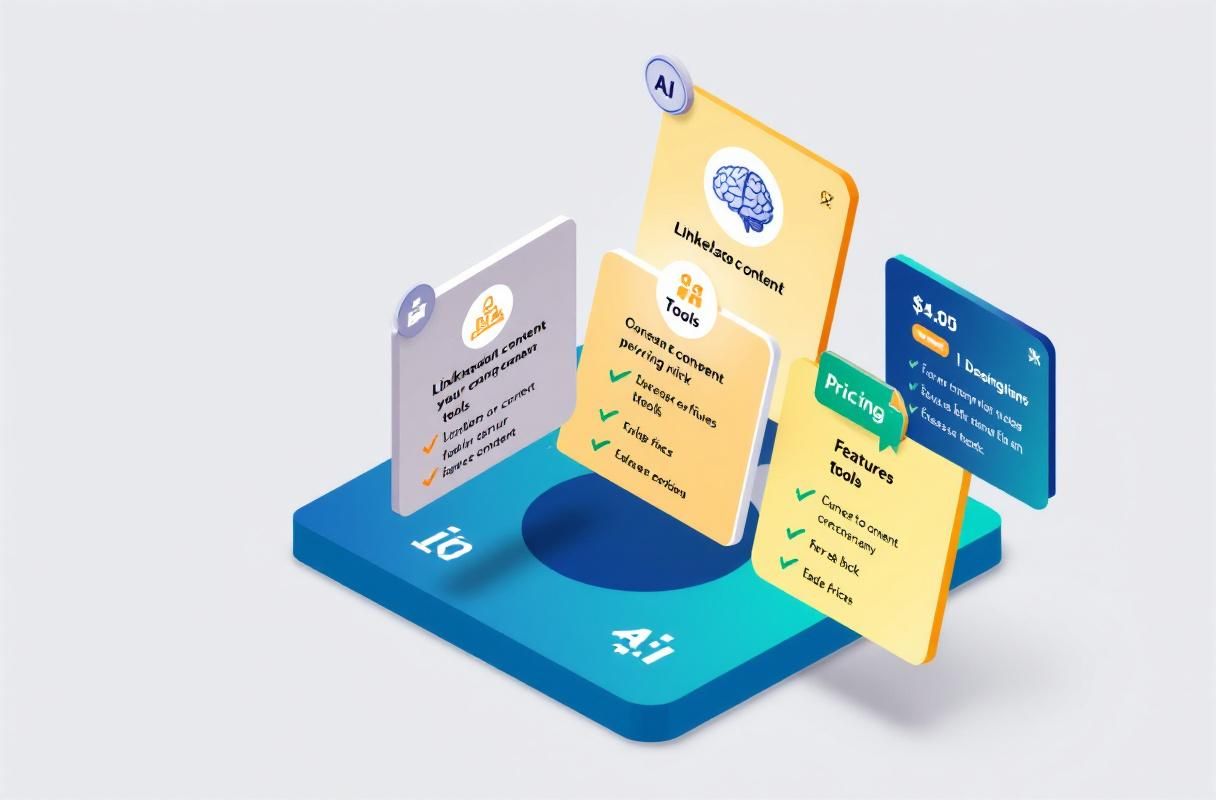
At $59.99/month for the Standard plan, SayWhat costs more than most LinkedIn tools. Here is how it compares:
| Tool | Monthly Price | Auto-Publish | AI Content | Engagement |
|---|---|---|---|---|
| SayWhat | $59.99 | ❌ No | ✅ Yes | ✅ AI replies |
| Socialsonic | $20/mo | ✅ Yes | ✅ Yes | ❌ No |
| AuthoredUp | $19.95/mo | ❌ No | ✅ Yes | ❌ No |
| Taplio | $49/mo | ✅ Yes | ✅ Yes | ✅ Limited |
| ConnectSafely | from USD $10/month | ✅ Yes | ✅ Yes | ✅ Inbound strategy |
The $20-40/month price gap between SayWhat and alternatives is significant over a year — roughly $240-480 in extra costs. The community and coaching features partially justify this premium, but only if you actively participate in them.
SayWhat Features Breakdown
AI Content Creation
SayWhat's AI drafting system is its strongest feature. The Collab model analyzes your past LinkedIn posts to learn your tone, sentence structure, and vocabulary patterns. When you provide a topic or idea, it generates drafts that are noticeably closer to your voice than generic AI tools like ChatGPT.
You can brainstorm topics from trending content in your industry, repurpose existing posts, or start from scratch with AI assistance. The system also suggests hooks and post structures based on what performs well in your niche.
What works well: Voice matching is genuinely better than most competitors. Posts require less editing before publishing.
What falls short: The personalization draws only from your LinkedIn history. It cannot learn from other writing samples, brand guides, or voice documentation you might provide.
Comment Inbox and AI Replies
SayWhat aggregates your LinkedIn comment notifications into a single inbox with AI-drafted replies. This is valuable for creators who receive dozens or hundreds of comments daily. Instead of switching between LinkedIn tabs, you review AI suggestions and approve or edit before sending.
The AI learns your reply style over time, making suggestions more natural as you use it. Engagement is a critical signal for LinkedIn's algorithm in 2026, so streamlining this process has real value.
What works well: Saves significant time for high-engagement accounts. AI reply quality improves with use.
What falls short: Automated engagement carries risk. LinkedIn's community guidelines restrict automated interactions, and AI-generated comments can feel hollow if not carefully reviewed.
Content Calendar and Analytics
The content calendar lets you plan posts visually with drag-and-drop scheduling. However, SayWhat does not auto-publish. You schedule when you want to post, then manually publish at that time. This is a significant limitation compared to tools like Taplio or Buffer that handle publishing automatically.
Analytics track post performance, showing impressions, engagement rates, and growth trends. The inspiration database curates top-performing posts across LinkedIn, helping you identify content patterns that resonate in your industry.
Creator Community
The included community is SayWhat's most unique feature. Members get access to:
- Weekly group strategy calls
- "Roast My Post" peer feedback sessions
- Networking with other LinkedIn creators
- Content strategy coaching
If you actively participate, this alone could justify the premium price. However, if you are primarily looking for a tool — not a community — this adds cost without proportional value.
What Most Guides Get Wrong About LinkedIn Content Tools
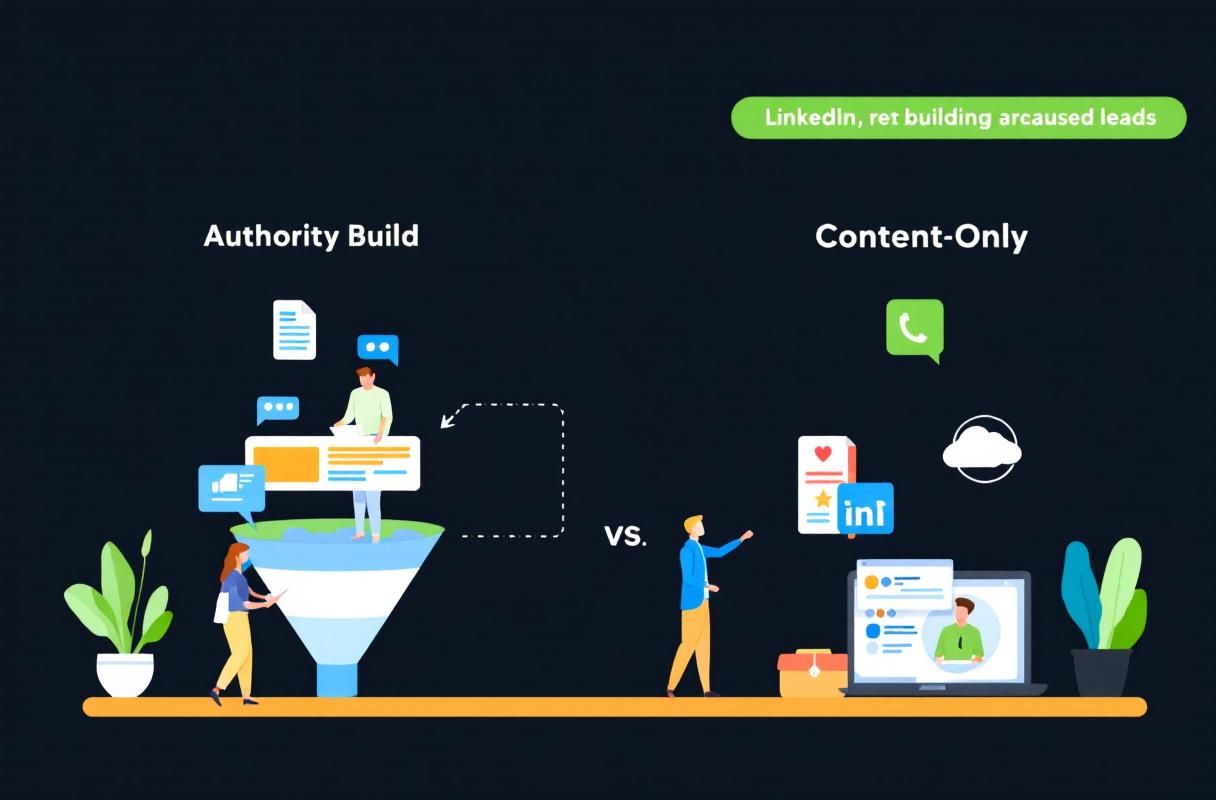
Most SayWhat reviews focus on features: does the AI write well, is the analytics dashboard useful, how good is the comment inbox. Those details matter. But they miss the fundamental question: does creating more LinkedIn content actually generate leads?
Here is the uncomfortable truth from our data. When we tracked 500+ ConnectSafely users between October and December 2025, content creation alone did not predict lead generation success. The users who generated the most inbound leads were not the ones posting the most. They were the ones combining strategic content with active engagement — commenting on prospect posts, responding to DMs within an hour, and building genuine relationships through consistent visibility.
A $60/month content creation tool that does not auto-publish and does not help you engage strategically is optimizing the wrong part of the funnel. You do not need better AI drafts. You need a system that turns your LinkedIn presence into a lead generation machine.
SayWhat Pros and Cons
Pros
- Superior voice matching — AI drafts sound more like you than most competitors
- Unified comment management — saves time for high-engagement accounts
- Active creator community — real coaching and peer feedback
- Inspiration database — curated high-performing posts for ideas
- LinkedIn-focused — purpose-built rather than multi-platform generic
Cons
- No auto-publishing — you must manually post everything
- Premium pricing — 3x more expensive than comparable tools
- LinkedIn only — cannot manage other social platforms
- Limited personalization inputs — only learns from LinkedIn history
- Account risk from AI comments — automated engagement violates LinkedIn policies if detected
- No inbound lead generation features — focused on content creation, not lead conversion
Who Should Use SayWhat?
SayWhat is a good fit if you:
- Post on LinkedIn daily and receive 50+ comments per post
- Value community coaching and peer feedback
- Want AI that closely matches your personal writing voice
- Have budget for a premium tool ($720-1,800/year)
- Primarily need content creation and engagement management
SayWhat is not the right fit if you:
- Need auto-publishing (SayWhat requires manual posting)
- Want lead generation features, not just content tools
- Manage multiple social platforms beyond LinkedIn
- Prefer a budget-friendly option under $40/month
- Want platform-compliant engagement without account risk
How ConnectSafely.ai Compares
ConnectSafely takes a fundamentally different approach. Instead of focusing solely on content creation, it builds an inbound lead generation system on LinkedIn. Starting from USD $10/month — 35% less than SayWhat's Standard plan — ConnectSafely delivers:
- Automated posting with scheduling — no manual publishing required
- AI-powered content creation tuned to your brand voice and industry
- Strategic engagement tools designed to attract inbound leads, not just manage comments
- Inbound lead tracking so you can measure actual pipeline impact
- Platform-compliant approach that works within LinkedIn's guidelines
The core difference: SayWhat helps you create content. ConnectSafely helps you create content that generates leads. When inbound leads close at 14.6% versus 1.7% for cold outreach, that distinction matters.
ConnectSafely works best for B2B professionals, consultants, and SaaS sales teams focused on generating revenue from LinkedIn. If you are a personal brand creator or influencer primarily interested in audience growth and community, SayWhat's community features may serve you better.
Getting Started
Try ConnectSafely free to see how inbound lead generation compares to content-only tools. If SayWhat's community features are important to you, their 7-day trial lets you evaluate before committing to the higher price point.
Frequently Asked Questions
What is the best SayWhat alternative in 2026?
ConnectSafely from USD $10/month offers AI content creation plus inbound lead generation features that SayWhat lacks. Socialsonic at $20/month is the budget alternative for pure content creation. Taplio at $49/month provides auto-publishing that SayWhat does not offer.
Is SayWhat worth $59.99 per month for LinkedIn?
SayWhat is worth it if you actively use the creator community, receive high comment volumes, and value AI voice matching over auto-publishing. If you need lead generation features, auto-scheduling, or budget-friendly pricing, alternatives like ConnectSafely deliver more value at lower cost.
Does SayWhat auto-publish LinkedIn posts?
No. SayWhat has a content calendar for planning but requires manual publishing. This is a significant limitation compared to tools like Taplio, Buffer, and ConnectSafely that offer automated scheduling and publishing.
Can SayWhat get my LinkedIn account restricted?
SayWhat's AI comment reply feature carries risk. LinkedIn's professional community policies restrict automated interactions. If LinkedIn detects AI-generated comments at scale, it may restrict your account. Always review and personalize AI-suggested replies before sending.
How does SayWhat compare to Taplio for LinkedIn?
SayWhat ($59.99/month) offers better AI voice matching and includes a creator community. Taplio ($49/month) offers auto-publishing and a broader feature set including CRM integration. Neither focuses specifically on inbound lead generation — for that, ConnectSafely from USD $10/month is purpose-built.
Ready to turn LinkedIn content into actual leads? Start your free ConnectSafely trial and see the difference inbound makes.
The Dark Side of AI-Generated Content: Over-Optimization and Authenticity Trade-Offs
While SayWhat's AI-powered content creation capabilities can save time and boost productivity, there's a hidden risk of over-optimization. As the algorithm learns your writing style and adapts to your audience's engagement patterns, it may start to prioritize clickbait titles, sensationalist openings, and formulaic structures over genuine, heartfelt content. This can lead to a homogenization of your voice, making your posts sound like they were written by a committee rather than a unique individual. Furthermore, the relentless pursuit of engagement metrics can cause you to lose sight of your core message and values, undermining the very authenticity that attracted your audience in the first place. It's essential to strike a balance between leveraging AI-driven insights and maintaining a personal touch, lest you sacrifice the essence of your brand on the altar of algorithmic optimization.
Myth vs Reality: The Limits of Automation in LinkedIn Engagement
A common misconception about tools like SayWhat is that they can fully automate LinkedIn engagement, freeing you from the drudgery of manual interaction. However, this myth ignores the complexities of human communication and the nuances of building meaningful relationships. While AI can certainly help with comment management and response drafting, it's incapable of replicating the depth and empathy of human connection. In reality, the most effective LinkedIn engagement strategies involve a combination of automated tools and manual, personalized outreach. By acknowledging the limitations of automation and supplementing it with genuine, human interaction, you can create a more holistic approach to engagement that fosters trust, loyalty, and ultimately, business opportunities. It's crucial to recognize that automation is a means to an end, not an end in itself, and that the most successful LinkedIn strategies blend technology with timeless human skills like active listening, empathy, and storytelling.
Advanced-Level: Leveraging SayWhat's API for Custom Integrations and Workflow Automation
For power users and developers, SayWhat's API offers a treasure trove of possibilities for custom integrations and workflow automation. By tapping into the API, you can create bespoke solutions that seamlessly integrate SayWhat with other tools and platforms, streamlining your workflow and amplifying your productivity. For instance, you could use the API to connect SayWhat with your CRM, enabling automated lead tracking and follow-up sequences. Alternatively, you might integrate SayWhat with your favorite project management tool, allowing you to assign tasks and collaborate with team members more efficiently. To unlock the full potential of SayWhat's API, you'll need to possess a solid understanding of programming concepts and API architecture. However, for those willing to invest the time and effort, the rewards can be substantial, enabling you to create a truly customized and optimized LinkedIn growth engine.
The Importance of Contextual Understanding in AI-Driven Content Creation
One of the most significant challenges in AI-driven content creation is contextual understanding. While SayWhat's Collab model can learn your writing style and adapt to your audience's preferences, it may struggle to grasp the subtleties of context, nuance, and subtext. This can lead to tone-deaf content that fails to resonate with your audience or, worse still, offends or alienates them. To mitigate this risk, it's essential to provide the AI with a rich understanding of the context in which your content will be consumed. This might involve feeding the algorithm with additional data points, such as industry trends, cultural references, or current events, to help it better comprehend the complexities of your audience's world. By acknowledging the importance of contextual understanding and taking steps to address it, you can create more effective, empathetic, and engaging content that speaks to the hearts and minds of your audience.
Edge Cases: When SayWhat's AI-Generated Content Falls Short
While SayWhat's AI-generated content can be remarkably effective in many scenarios, there are edge cases where it may fall short. For instance, if you're operating in a highly regulated industry, such as finance or healthcare, the AI may struggle to keep pace with the latest compliance requirements or regulatory updates. Similarly, if you're targeting a niche audience with highly specialized knowledge or interests, the AI may lack the domain expertise to create content that resonates with them. In these situations, it's crucial to recognize the limitations of the AI and supplement it with human oversight, expertise, and judgment. By acknowledging the edge cases where AI-generated content may not be sufficient, you can create a more robust and adaptable content strategy that combines the strengths of human and artificial intelligence to achieve optimal results.
See How It Works
Watch how people get more LinkedIn leads with ConnectSafely




Related Articles