Workspaces in ConnectSafely let you organize your LinkedIn automation efforts and collaborate with your team under a single subscription.
What is a Workspace?
A workspace is a shared environment where team members can access LinkedIn accounts, use automation features, and collaborate on outreach campaigns. Think of it as your team's home base for all LinkedIn automation activities.
Key Benefits of Workspaces
- Team Collaboration: Invite team members to access shared LinkedIn accounts and features
- Shared Subscription: All workspace members use the owner's subscription plan
- Centralized Management: Manage all LinkedIn accounts and settings from one place
- Role-Based Access: Control what each team member can see and do
Your Personal Workspace
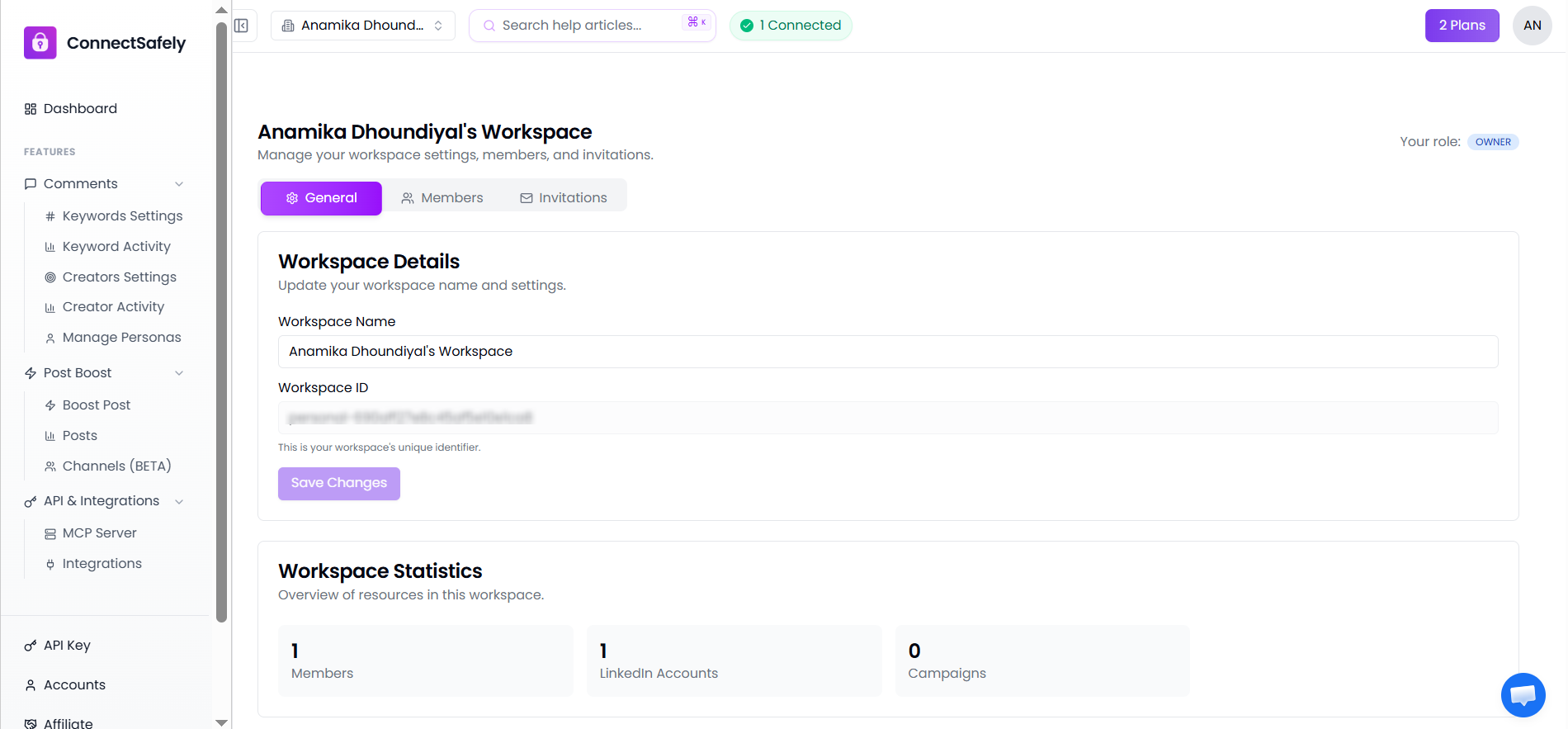
When you sign up for ConnectSafely, a personal workspace is automatically created for you. This workspace is where your LinkedIn accounts and settings live by default.
You can use your personal workspace for individual work, or invite team members to collaborate with you.
How Sharing Works
When you invite someone to your workspace:
- They can see and use the LinkedIn accounts connected to your workspace
- They benefit from your subscription plan's features and limits
- Their access level depends on the role you assign them (Owner, Admin, or Member)
Good to Know
Workspace members don't need their own subscription. They use the workspace owner's plan, making it cost-effective for teams.
Switching Between Workspaces
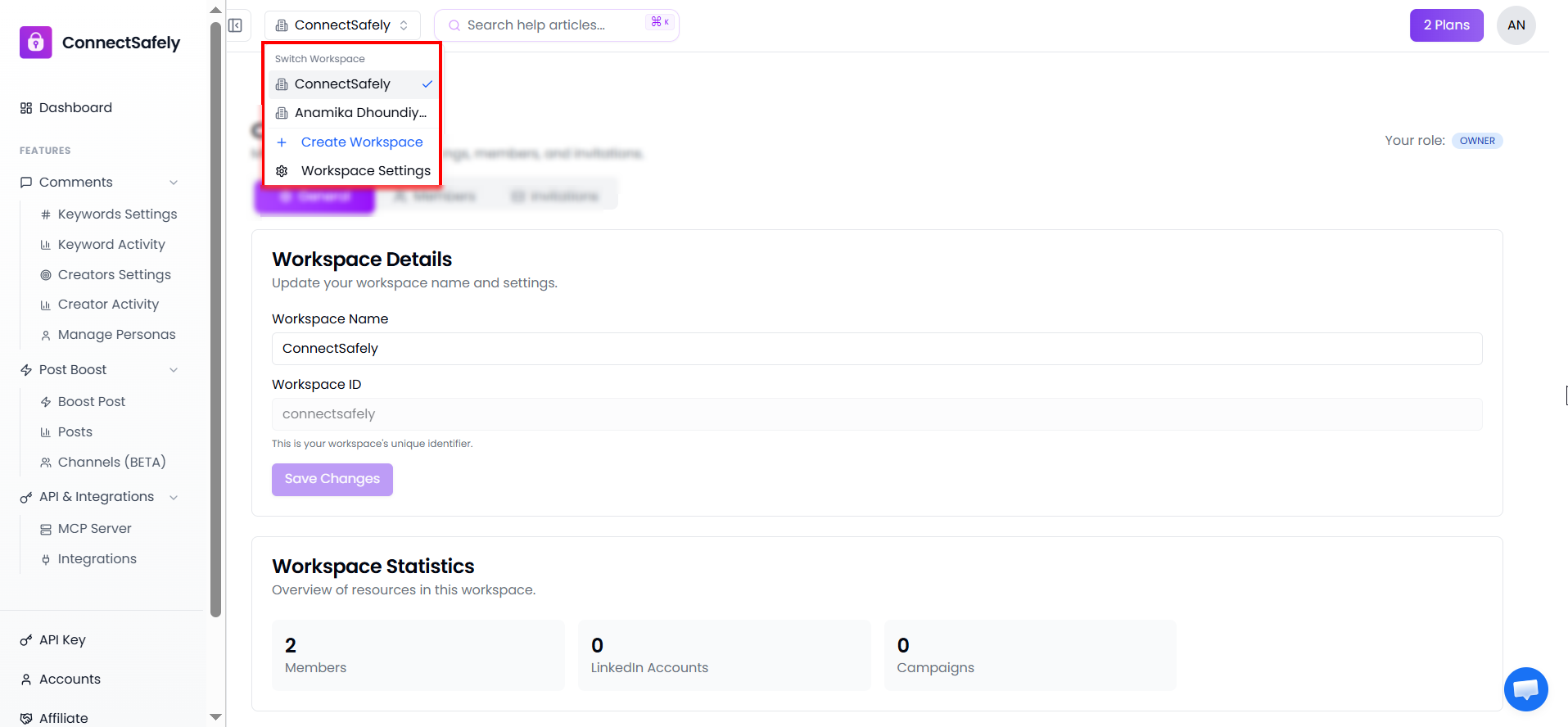
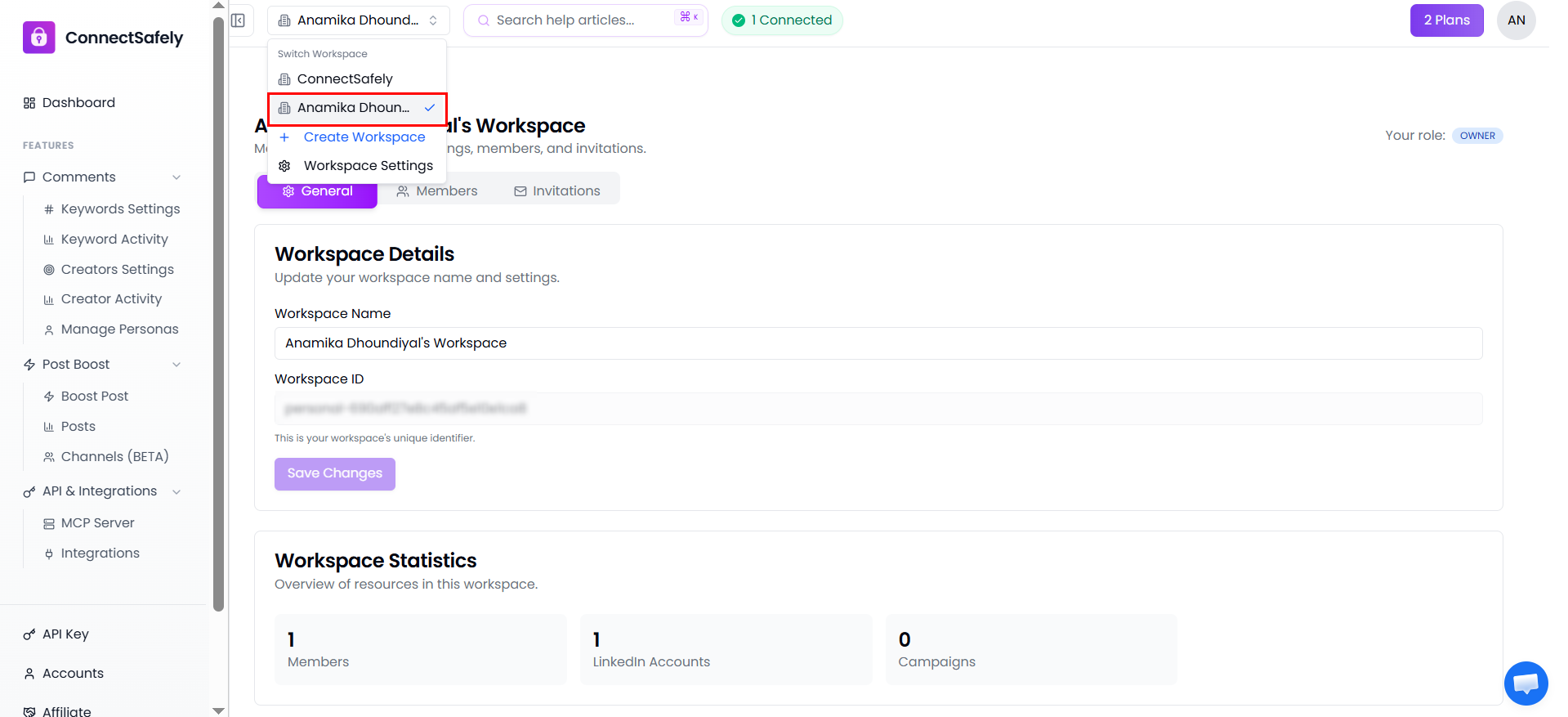
If you belong to multiple workspaces (your own and others you've been invited to), you can easily switch between them using the workspace switcher in the header.