
Follow up on profile views on LinkedIn, using one prompt
Last updated 2026-10-16 · Tested on a real LinkedIn account
Short answer
Follow up on the people who viewed your profile, while the reason is still true. You ask in plain English. Your AI assistant runs the LinkedIn CLI for you, so you never type a command yourself.
What do I actually type?
This one sentence. That is the whole thing.
“Pull my LinkedIn profile visitors from the last two days. Filter to my ICP — companies over 100 employees, buyer or hiring titles. For each survivor, find one specific reason to write that has nothing to do with the view. Drop them in `visitors-to-write.md` and do not send anything.”
How does it work, step by step?
Paste these one at a time. Each one is written in normal English — no command names, no flags.
We gave these exact prompts to a real AI assistant and wrote down every command it ran. It chose 2 commands: get-account-quota, get-profile-visitors. Nobody told it which ones to use.
“What's my quota — how many profile views and messages do I have left today?”
First, always. It reports what is actually left on your specific account today, which beats any number in any article, including this one. It matters because it decides what the next prompt should attempt: a sweep that finds twelve worth writing to on a day with forty messages already sent needs to know that before it drafts twelve.
your assistant picks this“Pull the visitor list from the last two days. Filter to companies over 100 employees, buyer or hiring titles. Tell me how many I am dropping.”
The filter runs on the cheap surface — the visitor page already carries a name and a headline. Not a single profile read has been spent. The drop count matters more than it sounds. "Fifty-eight of sixty-four" is your real yield, and having that number in front of you stops you inventing significance for the six that remain.
your assistant picks this“For the survivors, group by company. Flag any company with more than one visitor, and anyone appearing twice.”
This is the whole use case in one line. The raw page is ordered by recency, which is exactly the ordering that hides both patterns worth having. Sorting by company turns a flat page into a ranked one, and the top of that ranking is the buying committee doing homework.
your assistant picks thisWhat it printed when we ran it
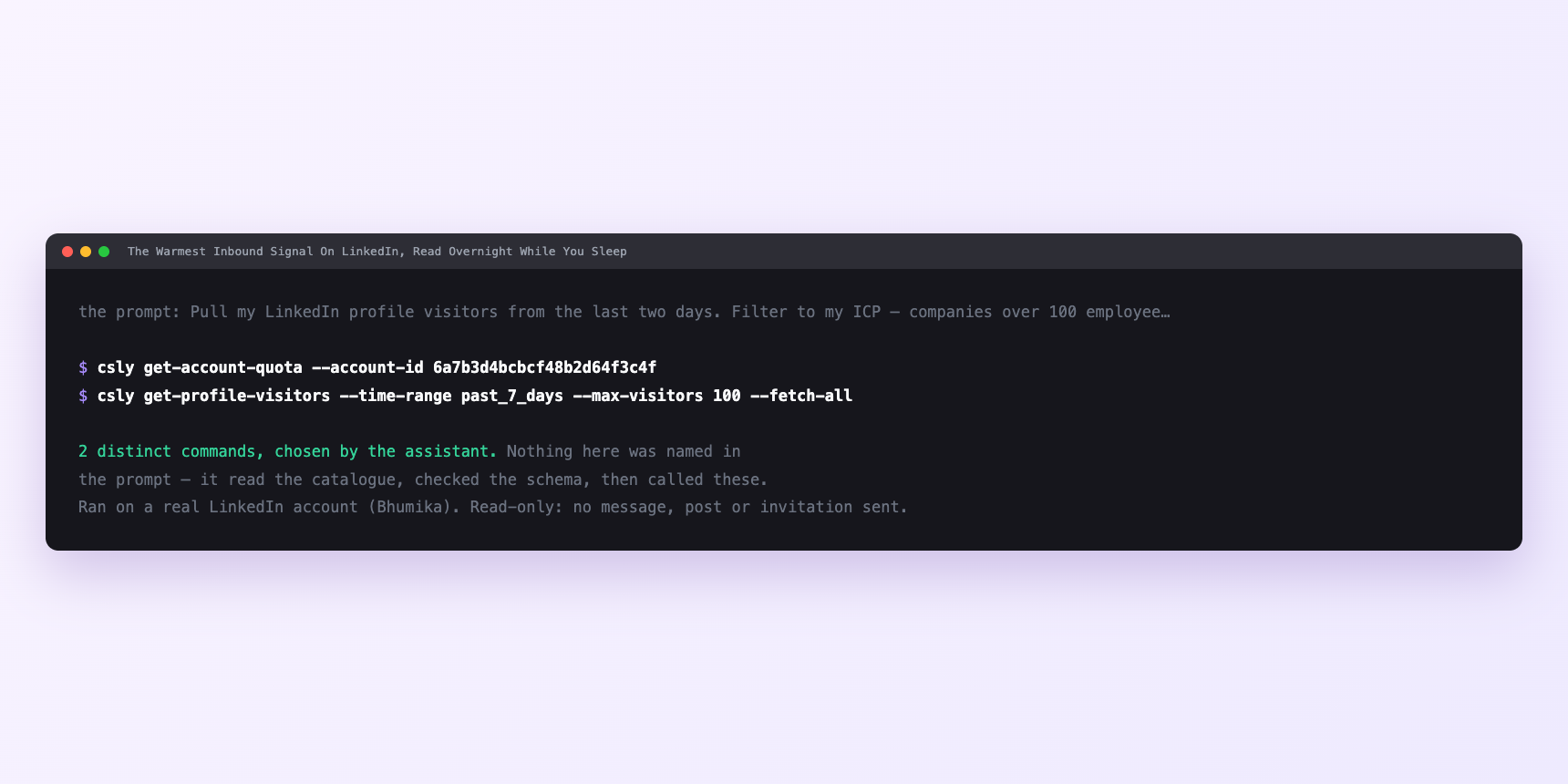
Not a mock-up. This is the actual run: the assistant was given the prompts above and nothing else, and these are the 2 distinct commands it chose from the catalogue. It ran read-only on a real LinkedIn account — nothing was sent, posted or invited.
Can I make it run on its own?
Yes. Add one more sentence and it keeps happening without you. This is the part a chat window cannot do — a saved job runs on the days you are busy.
“For each survivor, pull their recent activity, and give me one specific reason to write that has nothing to do with the view. Draft the message, show me before sending anything.”
How many LinkedIn actions does this use?
LinkedIn limits how much any account can do in a day. These are the real numbers, and your assistant checks what is left before it starts.
- Messages: 150 a day, reset midnight UTC. The budget the sends spend, and not the binding constraint here. Reading the inbox is unlimited; sending is not.
- Profile views: 120 a day, reset midnight UTC. Twenty reads a night is a sixth of the day's budget. Room to spare.
- Connection requests: 90 a week, reset Monday. The only weekly limit. If the six survivors are second-degree and need invitations, six against ninety leaves the rest of the budget for everything else.
- Relationship checks: 150 a day. Six checks a night is a rounding error.
- The binding constraint is relevance, and relevance is not metered. So the number to hold onto comes from the filter, not the quota. Six messages off a list of sixty is a nine-in-ten rejection rate, and that rate is the product. A morning where the filter passes twenty names is not a good morning — it is a broken filter.
Watch it instead
4 minutes
Common questions
- What if the draft congratulates them on a job they have left?
- The summary profile view can return the previous role as the most recent one. Ask for the full role history. it costs no extra profile view, and on a visitor follow-up getting this wrong is the whole message.
- What if half the list is anonymous?
- Their setting or your plan. Expected. Work the named half.
- What if every visitor comes back with a compelling reason?
- Your falsification step is missing. the assistant always finds a story. Ask for the source fact behind each and watch half evaporate.
- What if nobody replies?
- Check whether the reason in your last five drafts would survive deleting the view. Usually it would not.
- How many LinkedIn actions does follow up on profile views use up?
- Messages: 150 a day, reset midnight UTC. The budget the sends spend, and not the binding constraint here. Reading the inbox is unlimited; sending is not.
How do I set this up?
Once, and it takes about four minutes. After this you only write sentences.
$ npm install -g @connectsafely/cli$ export CONNECTSAFELY_API_KEY=...$ csly list-linkedin-accounts$ export CONNECTSAFELY_ACCOUNT_ID=...$ csly skill installThe package is @connectsafely/cli on npm. You need Node 20 or newer.
Then start your chat with this line, so your assistant uses the CLI instead of trying to open LinkedIn itself and hitting a login page:
“Use the ConnectSafely CLI (csly) for anything that touches LinkedIn. Run csly commands to see what exists, and csly schema before calling one. Don't guess a command name.”
Other things you can do
Try this on your own LinkedIn account
From $10 a month, on the LinkedIn account you already use, with zero ban risk.
What the CLI actually is— 86 commands, same plan, no extra cost.