
Tidy up pending invites on LinkedIn, using one prompt
Last updated 2026-10-16 · Tested on a real LinkedIn account
Short answer
Clear out pending invitations before they eat your weekly connection limit. You ask in plain English. Your AI assistant runs the LinkedIn CLI for you, so you never type a command yourself.
What do I actually type?
This one sentence. That is the whole thing.
“Pull my pending sent invitations. For each row, tag it by age bucket — 0-7, 8-30, 31-90, 90+. Cross-reference against `icp.txt`. Save the withdrawal candidates and the re-invite candidates to `hygiene/YYYY-MM-DD.md`.”
How does it work, step by step?
Paste these one at a time. Each one is written in normal English — no command names, no flags.
We gave these exact prompts to a real AI assistant and wrote down every command it ran. It chose 1 command: get-sent-invitations. Nobody told it which ones to use.
“Pull my pending sent invitations. For each row, tag it by age bucket — 0-7, 8-30, 31-90, 90+. Cross-reference against `icp.txt`. Save the withdrawal candidates and the re-invite candidates to `hygiene/YYYY-MM-DD.md`.”
Nothing sends and nothing withdraws. The nightly run is entirely a read job, so it costs no write budget. The output is a file, which is the thing you can open on your phone the next morning.
your assistant picks this“Read yesterday's hygiene file. Show me the withdrawal drip candidates for today. I want to see the original note next to each name before I approve anything.”
The exception list — anyone you still want, from any bucket — is what makes this a sort rather than a purge. Name the keeps in a sentence before the drip fires, not from a mental review afterwards.
your assistant picks this“Withdraw the next five from the approved list. Vary the gaps and stop for an hour if you hit the write ceiling.”
And once a week, for the ICP re-invite list:
your assistant picks thisWhat it printed when we ran it
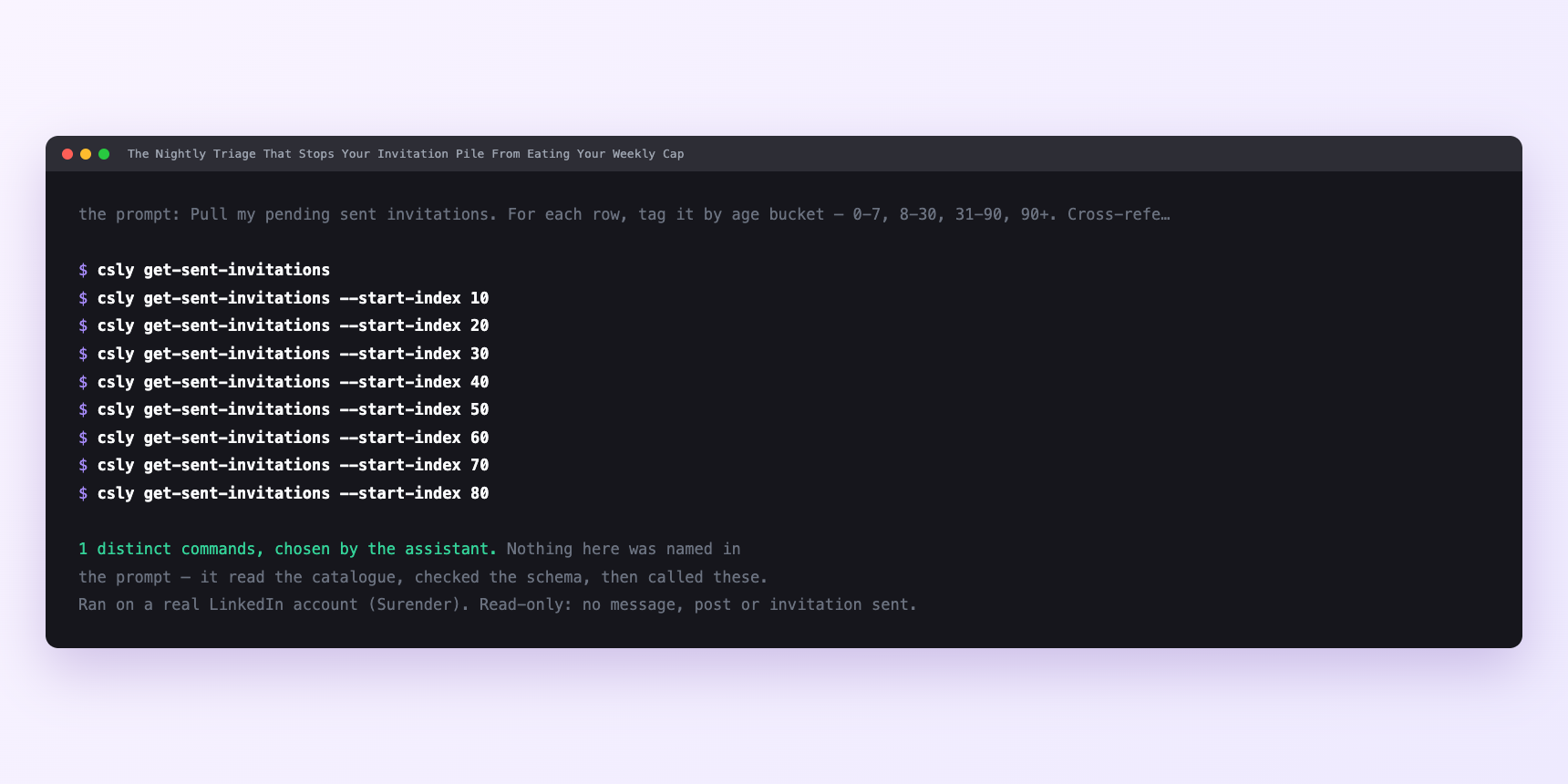
Not a mock-up. This is the actual run: the assistant was given the prompts above and nothing else, and these are the 1 distinct commands it chose from the catalogue. It ran read-only on a real LinkedIn account — nothing was sent, posted or invited.
Can I make it run on its own?
Yes. Add one more sentence and it keeps happening without you. This is the part a chat window cannot do — a saved job runs on the days you are busy.
“Six people are up for re-invite this week — their three-week lockouts are over. For each, read what they have posted since I first invited them and draft a fresh note referencing something specific.”
How many LinkedIn actions does this use?
LinkedIn limits how much any account can do in a day. These are the real numbers, and your assistant checks what is left before it starts.
- Say the nightly run comes back with 340 pending — 20 in bucket one, 60 in bucket two, 100 in bucket three, 160 in bucket four.
- Buckets one and two get no action; that is 80 rows the nightly run touched and did nothing to, which is exactly the right amount of intervention.
- Bucket three and bucket four together give 260 withdrawal candidates. At the recommended five to eight a tick and four ticks a day, that is roughly 24 a day, which clears the backlog in about eleven days — a fortnight, front-loaded. Then the ongoing rate drops sharply, because most invites you send in the current cycle either accept or ignore long before they reach bucket three.
- The re-invite side has its own arithmetic. If a fifth of your withdrawn ICP-fit invites are worth a second attempt, that is roughly 50 re-invites across the fortnight — spread at a handful a week to stay well inside the 90-a-week cap, and never larger than the incoming ICP list you would rather be inviting for the first time. The connection limits guide is the honest version of that ceiling.
Watch it instead
4 minutes
Common questions
- What if the withdrawal drip stopped partway?
- Ask what it actually withdrew rather than what it planned to. The list is the state; re-pull and carry on.
- What if a row you kept withdrawn is not on the re-invite list at day twenty-two?
- Check the ICP file. A row that survived only because you named it in an exception is not automatically eligible for a re-invite; the ICP filter has to put it there.
- What if a withdrawal appears to succeed and the row stays?
- Re-pull before assuming failure. Stale list state is more common than a failed write.
- What if everything fails at once?
- Check the account status before assuming the tool broke. A session that needs reconnecting fails quietly mid-batch.
- How many LinkedIn actions does tidy up pending invites use up?
- Say the nightly run comes back with 340 pending — 20 in bucket one, 60 in bucket two, 100 in bucket three, 160 in bucket four.
How do I set this up?
Once, and it takes about four minutes. After this you only write sentences.
$ npm install -g @connectsafely/cli$ export CONNECTSAFELY_API_KEY=...$ csly list-linkedin-accounts$ export CONNECTSAFELY_ACCOUNT_ID=...$ csly skill installThe package is @connectsafely/cli on npm. You need Node 20 or newer.
Then start your chat with this line, so your assistant uses the CLI instead of trying to open LinkedIn itself and hitting a login page:
“Use the ConnectSafely CLI (csly) for anything that touches LinkedIn. Run csly commands to see what exists, and csly schema before calling one. Don't guess a command name.”
Other things you can do
Try this on your own LinkedIn account
From $10 a month, on the LinkedIn account you already use, with zero ban risk.
What the CLI actually is— 86 commands, same plan, no extra cost.