
Post without opening LinkedIn on LinkedIn, using one prompt
Last updated 2026-10-16 · Tested on a real LinkedIn account
Short answer
Write and publish a LinkedIn post without opening LinkedIn. You ask in plain English. Your AI assistant runs the LinkedIn CLI for you, so you never type a command yourself.
What do I actually type?
This one sentence. That is the whole thing.
“Draft this week's post from the ideas in `notes/inbox.md`. Run it past my lint rules. Show me two that survived. I pick one, and the pick publishes with the link in the first comment.”
How does it work, step by step?
Paste these one at a time. Each one is written in normal English — no command names, no flags.
We gave these exact prompts to a real AI assistant and wrote down every command it ran. It chose 1 command: scrape-post. Nobody told it which ones to use.
“Read `notes/inbox.md` and pick three ideas worth a post this week. For each, draft two versions. Run the lint. Show me only what survived.”
Two versions rather than one, and the reason is about you rather than the model. Judgement is comparative. Handed a single draft you decide whether it is good in the abstract, which is slow. Handed two you know in four seconds which you want and usually why. Because the lint runs on every version the model produces, what you compare has already been filtered — two of six, or two of eight. Sometimes none survive, in which case the assistant reports what it kept trying to write and what kept failing, which is often more useful than a draft would have been.
your assistant picks this“Publish the version I picked. Put the link in the first comment rather than the body.”
That is create-post followed by comment-on-post, and the second call is the part worth having automatic. Links in the body suppress reach, so the link belongs underneath — both placements and their trade-offs are covered here. By hand you have to remember the second action while the first is already live and the first hour is running, which is exactly the interval in which you are least likely to remember it.
your assistant picks this“After it lands, write the URL, the post text, and the lint report into `analytics/posts.tsv`.”
get-latest-posts confirms the post exists and returns its URL. The row lands in the file next to the draft and the reasons it survived, and a monthly grep answers "what worked" without asking the model to remember anything.
your assistant picks this“Do this on my writing days before I am awake, and leave the survivors in `drafts/pending/`.”
Now the drafting runs without you. What you do is pick and read once. Nothing you actually enjoyed about writing is delegated; everything you did not is.
your assistant picks thisWhat it printed when we ran it
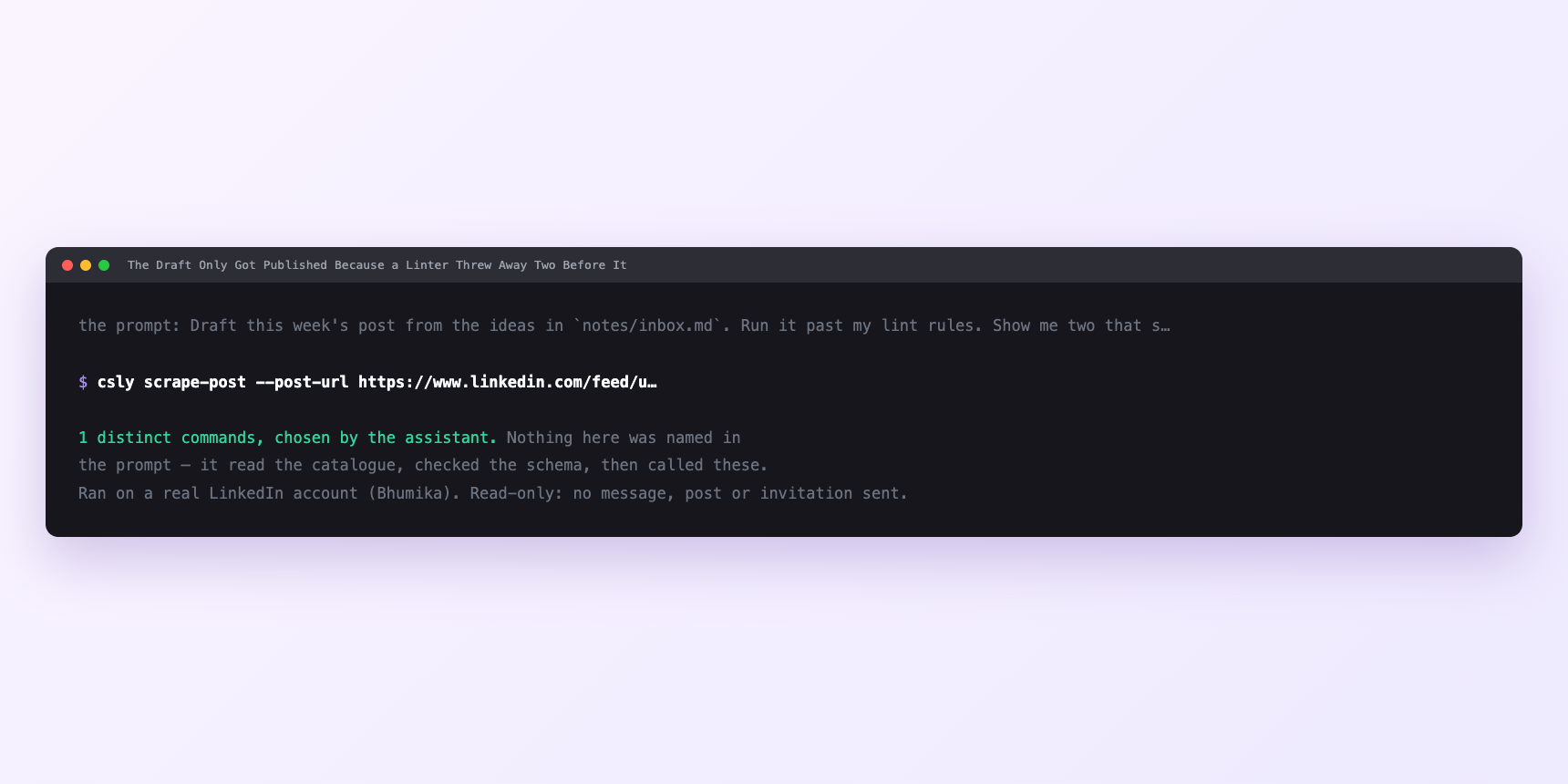
Not a mock-up. This is the actual run: the assistant was given the prompts above and nothing else, and these are the 1 distinct commands it chose from the catalogue. It ran read-only on a real LinkedIn account — nothing was sent, posted or invited.
How many LinkedIn actions does this use?
LinkedIn limits how much any account can do in a day. These are the real numbers, and your assistant checks what is left before it starts.
- You are using two writes per post: the publish and the first comment. Comments cap at 100 a day per account. The tightest velocity class you touch is writes at 15 a minute. Both caps are enormous relative to what a serious writing habit consumes.
- Five posts a week is ten writes a week. The daily cap could accommodate that in one afternoon if you asked it to. The velocity cap fires at fifteen writes in the same minute and you are producing one post at a time. Neither number binds.
- The guidance that matters is the algorithm's, not the platform's rate limits. Publishing more than twice a day is read by the ranker as spam regardless of what the post says, and four or five a week per account is the shape a serious writer produces — the posting-frequency data is boring and consistent on that. Push past it and reach falls per post faster than post volume rises. Ask for get-account-quota before an unusually heavy day and it reports what is actually left on that account, which beats any number in any article.
Watch it instead
4 minutes
Common questions
- What if nothing survived the lint?
- The assistant reports what it tried and what kept failing. Often the failure is honest. the idea has no natural first sentence that avoids a rhetorical question. Cut the idea and move on.
- What if the post published but the comment did not?
- You have a live post and no link. Fix it by hand immediately. the first comment matters most in the first hour and this is the one failure worth interrupting yourself for.
- What if a draft the lint approved reads as AI anyway?
- Add the phrase to the rules and rerun. The rule file is text; the whole point of the rules being local is that you own them.
- What if it acted as the wrong LinkedIn account?
- Almost always a stale saved setting beating the one you thought was in effect. Ask which account it is using. it can report where that answer came from. and any publish can be rehearsed with nothing leaving the machine.
- How many LinkedIn actions does post without opening linkedin use up?
- You are using two writes per post: the publish and the first comment. Comments cap at 100 a day per account. The tightest velocity class you touch is writes at 15 a minute. Both caps are enormous relative to what a serious writing habit consumes.
How do I set this up?
Once, and it takes about four minutes. After this you only write sentences.
$ npm install -g @connectsafely/cli$ export CONNECTSAFELY_API_KEY=...$ csly list-linkedin-accounts$ export CONNECTSAFELY_ACCOUNT_ID=...$ csly skill installThe package is @connectsafely/cli on npm. You need Node 20 or newer.
Then start your chat with this line, so your assistant uses the CLI instead of trying to open LinkedIn itself and hitting a login page:
“Use the ConnectSafely CLI (csly) for anything that touches LinkedIn. Run csly commands to see what exists, and csly schema before calling one. Don't guess a command name.”
Other things you can do
Try this on your own LinkedIn account
From $10 a month, on the LinkedIn account you already use, with zero ban risk.
What the CLI actually is— 86 commands, same plan, no extra cost.