
Rewrite your best post on LinkedIn, using one prompt
Last updated 2026-10-16 · Tested on a real LinkedIn account
Short answer
Find your best-performing post and rewrite it, rather than reposting it. You ask in plain English. Your AI assistant runs the LinkedIn CLI for you, so you never type a command yourself.
What do I actually type?
This one sentence. That is the whole thing.
“Give me my most recent twenty posts ranked by engagement, with the full text of each, and write the result to `top-performers-<date>.json`. Tell me the date range you actually got — the feed does not go back a year.”
How does it work, step by step?
Paste these one at a time. Each one is written in normal English — no command names, no flags.
We gave these exact prompts to a real AI assistant and wrote down every command it ran. It chose 4 commands: list-linkedin-accounts, get-account-status, get-latest-posts, get-followers-analytics. Nobody told it which ones to use.
“Give me my most recent twenty posts ranked by engagement, with the full text of each, and write the result to `top-performers-<date>.json`. Tell me the date range you actually got — the feed does not go back a year.”
Post search is generous — a thousand calls a day, per search type. The interesting clause is the last one. The file is what next month's run compares its ten against, and what the rewrite instruction reads from without fetching the list again.
your assistant picks this“For the top three, tell me how many followers I had when each was published, versus today.”
The delta decides whether there is a post here at all. The tightest velocity class here is account reads at ten a minute, which the analytics calls fall under — three calls take about twenty seconds to pace. The rule the skill files apply: below thirty per cent new audience, drop the candidate. That stops you rewriting into a static audience.
your assistant picks thisWhat it printed when we ran it
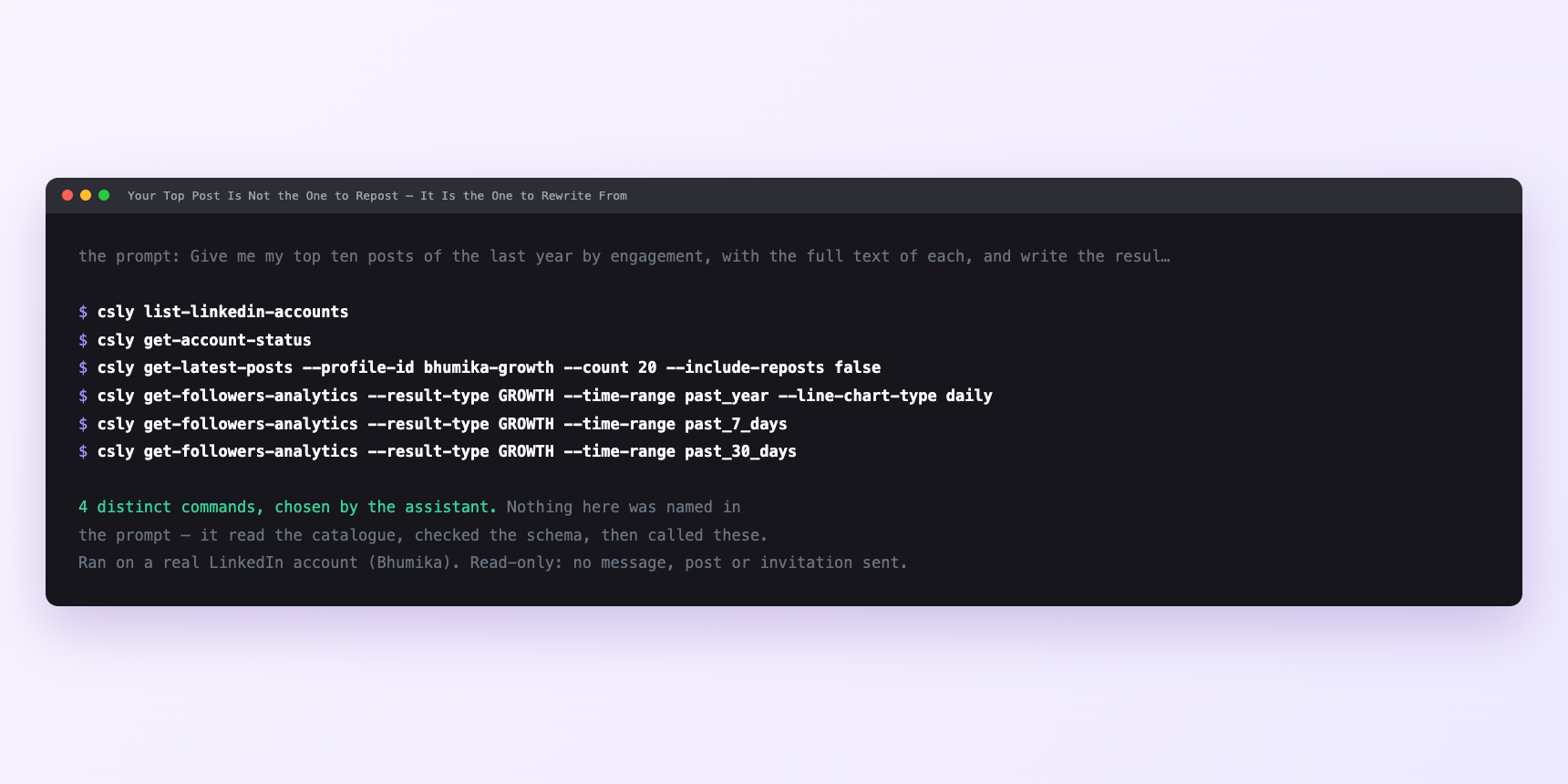
Not a mock-up. This is the actual run: the assistant was given the prompts above and nothing else, and these are the 4 distinct commands it chose from the catalogue. It ran read-only on a real LinkedIn account — nothing was sent, posted or invited.
Can I make it run on its own?
Yes. Add one more sentence and it keeps happening without you. This is the part a chat window cannot do — a saved job runs on the days you are busy.
“Take the surviving candidates and, for each, draft two variants — one that transfers only the insight, one that transfers the insight plus the number. Do not write the finished post; write the seed.”
How many LinkedIn actions does this use?
LinkedIn limits how much any account can do in a day. These are the real numbers, and your assistant checks what is left before it starts.
- The rare job where the rate limits are not the constraint.
- The whole run reads your own posts and your own analytics and publishes once. Nothing spends the 120-a-day profile view budget, nothing touches the 90-a-week connection cap. Post search is 1,000 a day per search type, a hundred times more headroom than a monthly job needs.
- What binds is the archive. Posting four or five times a week for a year is roughly two hundred posts, which is the top of the healthy publishing cadence LinkedIn's algorithm rewards. The genuine top performers are the top few per cent, so eight. Strike the time-bound and newsy ones and you are down to six. Strike anything published in the last six months, because six months is about the minimum gap, and you have maybe four. A monthly cadence gives you twelve slots and you have four candidates. Which is the correct answer, not a shortfall — one good rewrite a quarter beats twelve mediocre ones.
- LinkedIn's own commercial use limit caps commercial-intent people searches per calendar month — roughly a hundred on a free tier, effectively unlimited with Sales Navigator. This job does not touch it, but the writeup on the search cap is where to start if the sourcing side of your work runs into it.
Watch it instead
4 minutes
Common questions
- What if the list does not reach back a full year?
- Post history is paginated. Ask what was retrieved and the date of the oldest post. never assume the ten you got are the ten best.
- What if the follower deltas do not match the dashboard?
- Impressions, views and unique viewers are three metrics across two screens. Pick one and stay on it.
- What if the rewrite reads like the original with the words moved?
- You did not give it the update paragraph. Write that sentence yourself.
- What if the saved job fails silently?
- A LinkedIn session that needs reconnecting fails without fanfare. Ask the assistant to check the account status before assuming the job is stuck.
- How many LinkedIn actions does rewrite your best post use up?
- The rare job where the rate limits are not the constraint.
How do I set this up?
Once, and it takes about four minutes. After this you only write sentences.
$ npm install -g @connectsafely/cli$ export CONNECTSAFELY_API_KEY=...$ csly list-linkedin-accounts$ export CONNECTSAFELY_ACCOUNT_ID=...$ csly skill installThe package is @connectsafely/cli on npm. You need Node 20 or newer.
Then start your chat with this line, so your assistant uses the CLI instead of trying to open LinkedIn itself and hitting a login page:
“Use the ConnectSafely CLI (csly) for anything that touches LinkedIn. Run csly commands to see what exists, and csly schema before calling one. Don't guess a command name.”
Other things you can do
Try this on your own LinkedIn account
From $10 a month, on the LinkedIn account you already use, with zero ban risk.
What the CLI actually is— 86 commands, same plan, no extra cost.