
See what a company is buying on LinkedIn, using one prompt
Last updated 2026-10-16 · Tested on a real LinkedIn account
Short answer
Read a company's job posts to work out what they use and what they are about to buy. You ask in plain English. Your AI assistant runs the LinkedIn CLI for you, so you never type a command yourself.
What do I actually type?
This one sentence. That is the whole thing.
“Across the 50 accounts in `q4-targets.txt`, search jobs for data engineering or analytics roles posted in the last 30 days. For anything new to that company since the previous scan, pull the full description and list every tool named. Flag titles that have posted more than once in ninety days. File the output in `hiring/YYYY-MM-DD.md`.”
How does it work, step by step?
Paste these one at a time. Each one is written in normal English — no command names, no flags.
We gave these exact prompts to a real AI assistant and wrote down every command it ran. It chose 3 commands: get-profile, search-companies, search-jobs. Nobody told it which ones to use.
“Across the 50 accounts in `q4-targets.txt`, search jobs for data engineering or analytics roles posted in the last 30 days. For anything new to that company since the previous scan, pull the full description and list every tool named. Flag titles that have posted more than once in ninety days. File the output in `hiring/YYYY-MM-DD.md`.”
Then the second sentence, which is the whole point:
your assistant picks thisWhat it printed when we ran it
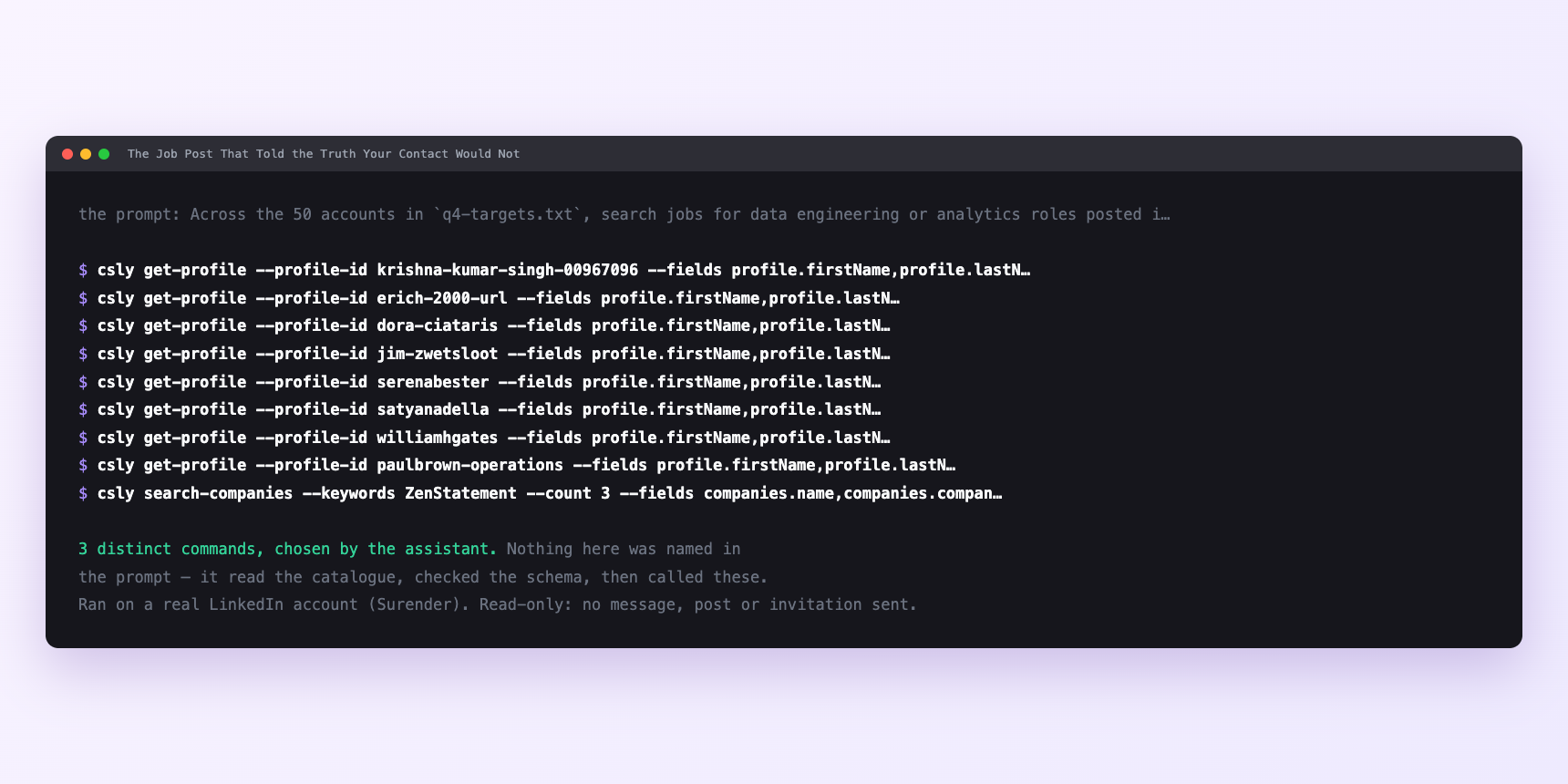
Not a mock-up. This is the actual run: the assistant was given the prompts above and nothing else, and these are the 3 distinct commands it chose from the catalogue. It ran read-only on a real LinkedIn account — nothing was sent, posted or invited.
Can I make it run on its own?
Yes. Add one more sentence and it keeps happening without you. This is the part a chat window cannot do — a saved job runs on the days you are busy.
“Run this on the first Monday of each month at 07:00 and file the diff against the previous run.”
How many LinkedIn actions does this use?
LinkedIn limits how much any account can do in a day. These are the real numbers, and your assistant checks what is left before it starts.
- Fifty job searches, one per company, against a budget of a thousand search calls a day per search type. Billed per page fetched, so a large employer costs a couple more. Five per cent of the day's allowance either way.
- Fifteen or twenty of the fifty come back hiring in the function you care about. That ratio is the point: the labour was never the reading, it was the thirty times you opened a jobs tab and found nothing.
- Forty-odd full descriptions. Content reads capped at thirty a minute, paced two to five seconds apart server-side. Four or five minutes and no attention.
- Zero profile views. The unusual property, and the reason this composes well with everything else. Profile views cap at a hundred and twenty a day and are the tightest budget most workflows touch. This scan does not spend one, which is what lets a shortlist enrichment run against the same morning without touching the search budget at all — a specialist read of the incoming hire's predecessor at another company, cross-referenced against the buying signals already visible on their current profile.
Watch it instead
4 minutes
Common questions
- What if a 400 on the search?
- You are using a retired filter. LinkedIn rebuilt job search and several of the old ones are gone; the error names the replacement, which is what makes this failure cheap.
- What if fewer results than the count you asked for?
- LinkedIn backfills thin filtered pools with rows that do not match and still answers 200. That is backfill behaviour, not an empty pipeline. Page on rather than concluding the company has stopped hiring.
- What if a company with no postings at all?
- Plenty of firms hire through their own site or an agency and never touch LinkedIn. Absence of evidence is not evidence, and scoring it as a negative signal will quietly demote good accounts.
- What if the scan ran but no diff appeared?
- Almost always the previous month's file is missing or in the wrong place. The scan writes what it saw; the comparison needs a prior file to sit against, which is why the first month of running this is a baseline rather than a signal.
- How many LinkedIn actions does see what a company is buying use up?
- Fifty job searches, one per company, against a budget of a thousand search calls a day per search type. Billed per page fetched, so a large employer costs a couple more. Five per cent of the day's allowance either way.
How do I set this up?
Once, and it takes about four minutes. After this you only write sentences.
$ npm install -g @connectsafely/cli$ export CONNECTSAFELY_API_KEY=...$ csly list-linkedin-accounts$ export CONNECTSAFELY_ACCOUNT_ID=...$ csly skill installThe package is @connectsafely/cli on npm. You need Node 20 or newer.
Then start your chat with this line, so your assistant uses the CLI instead of trying to open LinkedIn itself and hitting a login page:
“Use the ConnectSafely CLI (csly) for anything that touches LinkedIn. Run csly commands to see what exists, and csly schema before calling one. Don't guess a command name.”
Other things you can do
Try this on your own LinkedIn account
From $10 a month, on the LinkedIn account you already use, with zero ban risk.
What the CLI actually is— 86 commands, same plan, no extra cost.