
Find who can introduce you on LinkedIn, using one prompt
Last updated 2026-10-16 · Tested on a real LinkedIn account
Short answer
Work out which of your connections can introduce you to someone you want to reach. You ask in plain English. Your AI assistant runs the LinkedIn CLI for you, so you never type a command yourself.
What do I actually type?
This one sentence. That is the whole thing.
“Rank the warm paths into every account in `q3-targets.txt`. For each 2nd-degree target, show me the top two mutuals by tie strength and draft a paragraph the mutual could forward without editing. Cache what you find; don't re-check anyone whose mutual list is unchanged. Don't send anything.”
How does it work, step by step?
Paste these one at a time. Each one is written in normal English — no command names, no flags.
We gave these exact prompts to a real AI assistant and wrote down every command it ran. It chose 1 command: check-relationship. Nobody told it which ones to use.
“Rank the warm paths into every account in `q3-targets.txt`. For each 2nd-degree target, show me the top two mutuals by tie strength and draft a paragraph the mutual could forward without editing. Cache what you find; don't re-check anyone whose mutual list is unchanged. Don't send anything.”
Twelve rows come back out of forty, ranked. Two of them are worth asking this week. I read the paragraphs on my phone, approve one, and it goes into the ask queue.
your assistant picks thisWhat it printed when we ran it
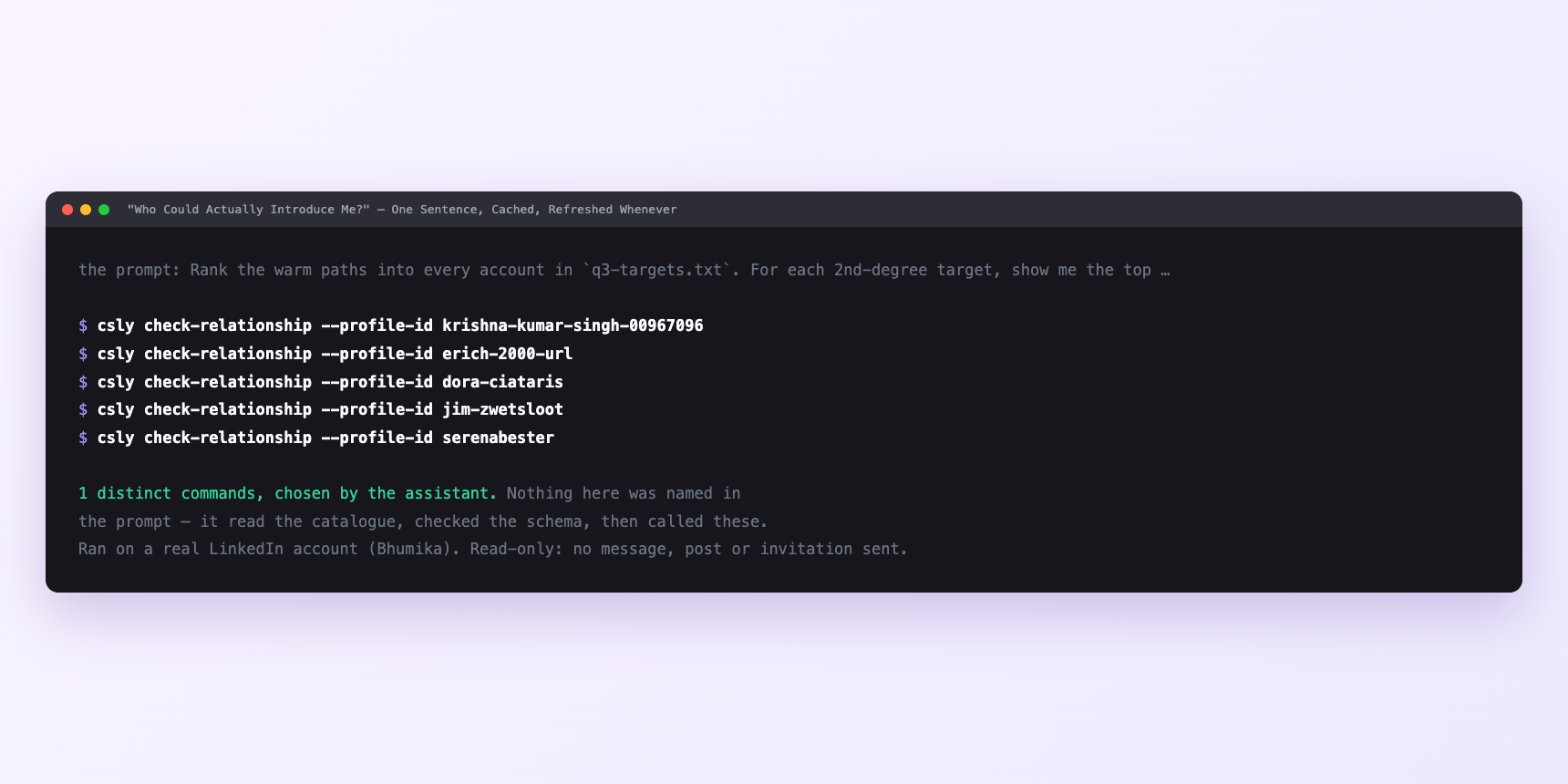
Not a mock-up. This is the actual run: the assistant was given the prompts above and nothing else, and these are the 1 distinct commands it chose from the catalogue. It ran read-only on a real LinkedIn account — nothing was sent, posted or invited.
Can I make it run on its own?
Yes. Add one more sentence and it keeps happening without you. This is the part a chat window cannot do — a saved job runs on the days you are busy.
“Do this every Monday at 7am and leave the ranking in `intros/` for me.”
How many LinkedIn actions does this use?
LinkedIn limits how much any account can do in a day. These are the real numbers, and your assistant checks what is left before it starts.
- Relationship checks: 150 a day, reset midnight UTC. This is the budget the whole workflow runs on, and it has a history. The endpoint was uncapped until an account running roughly two hundred a day was disabled. Separately, one account peaked at two hundred and fifty calls a minute against it and lost the account. Of every budget in the system, this is the one with the clearest record of causing trouble — which is exactly why sizing a run at about a third of the cap and caching between runs is the whole engineering discipline.
- Messages sent: 150 a day. You will never approach this. The real ceiling on intro requests is social — three to five a week is about as often as you can ask your own network for favours before you become a person who asks for favours. No tool enforces that one.
- Reading conversations is uncapped. Deliberately. Inbox traffic is around 41% of all API activity and the weakest predictor of an account having problems. The tie-strength scoring runs against the inbox, so the expensive half of the workflow is the degree check and the half that produces the actual answer is free.
Watch it instead
4 minutes
Common questions
- What if the degree differs from what the profile shows?
- Trust the check. Profile pages cache, and a recently accepted connection reads as 2nd for a while.
- What if a 2nd-degree target came back with no mutuals?
- Some accounts restrict who can see their connection list. The path exists and you cannot see it, so ask the person you suspect.
- What if the run stopped partway?
- Something else ate the relationship-check budget. Ask what it actually completed rather than what it planned, and finish tomorrow.
- What if it acted as the wrong account?
- Almost always a stale saved account id. Ask which account it is using, and rehearse any draft before anything leaves.
- How many LinkedIn actions does find who can introduce you use up?
- Relationship checks: 150 a day, reset midnight UTC. This is the budget the whole workflow runs on, and it has a history. The endpoint was uncapped until an account running roughly two hundred a day was disabled. Separately, one account peaked at two hundred and fifty calls a minute against it and lost the account. Of every budget in the system, this is the one with the clearest record of causing trouble — which is exactly why sizing a run at about a third of the cap and caching between runs is the whole engineering discipline.
How do I set this up?
Once, and it takes about four minutes. After this you only write sentences.
$ npm install -g @connectsafely/cli$ export CONNECTSAFELY_API_KEY=...$ csly list-linkedin-accounts$ export CONNECTSAFELY_ACCOUNT_ID=...$ csly skill installThe package is @connectsafely/cli on npm. You need Node 20 or newer.
Then start your chat with this line, so your assistant uses the CLI instead of trying to open LinkedIn itself and hitting a login page:
“Use the ConnectSafely CLI (csly) for anything that touches LinkedIn. Run csly commands to see what exists, and csly schema before calling one. Don't guess a command name.”
Other things you can do
Try this on your own LinkedIn account
From $10 a month, on the LinkedIn account you already use, with zero ban risk.
What the CLI actually is— 86 commands, same plan, no extra cost.